Uninstall Onsite Proxy
This topic describes how to uninstall Onsite Proxy.
Prerequisites
You have installed Onsite Proxy.
Procedure
- Access the command line on the Onsite Proxy host.
- Run
sudo -ito switch to the root user.Note: If a password is required, enter your current user's password and pressEnter. - Run
onsite-proxy-uninstall.The Onsite Proxy Uninstallation window pops up.
- In the Onsite Proxy Uninstallation window, select
<Yes> and press
Enter.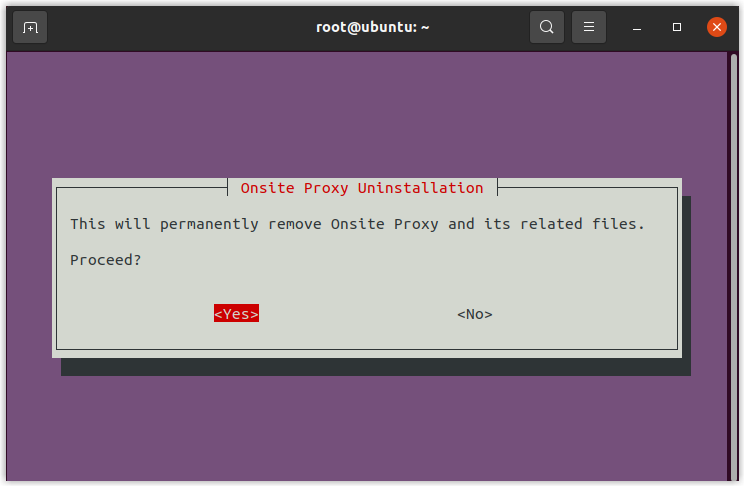
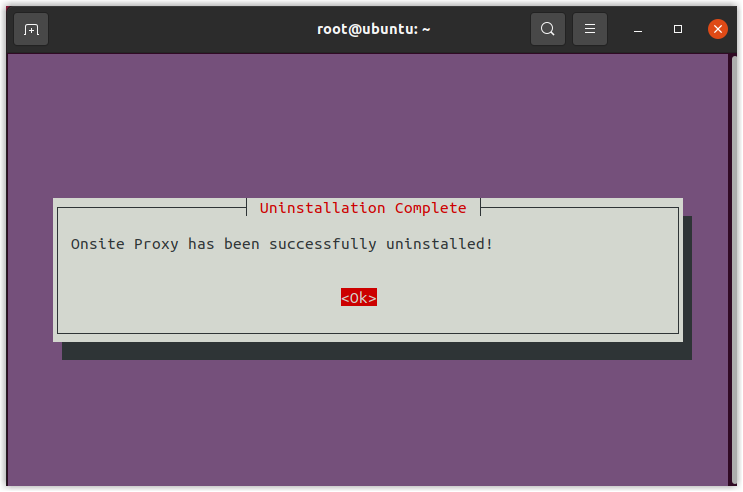
- In the Uninstallation Complete prompt window, press
Enter.