Unreturned Missed Call Report
Unreturned Missed Call Report provides a comprehensive overview of all the missed inbound calls, including callback status and details, which helps track missed call activities and follow-up actions. This topic describes how to access the report and explains the key metrics in detail.
Access Unreturned Missed Call report
- Log in to PBX web portal, go to .
- Access Unreturned Missed Call report.
- Click Default Reports tab.
 Note: To enhance system performance, Yeastar has upgraded the CDR module in version 83.21.0.117 with a new data structure for clearer display and more comprehensive call details. The system gradually deletes old CDRs and related call report data according to the CDR Auto Cleanup setting. Before old call report data are cleaned up, new and historical data are managed separately - the Default Reports tab for new data and the Call Reports(Legacy) tab for historical data.
This topic describes how to access new call report data generated after upgrading to version 83.21.0.117 or later. To access historical data, click Call Reports(Legacy) tab to proceed.
- In the Call Center Reports pane, click Unreturned Missed Call Report.
- Click Default Reports tab.
- Set filter criteria for the call report.

- In the Time field, specify the time range that the report will cover.
- Filter data by desired objects.
Filter Description Call From Enter the caller's number or name. Call To Enter the callee's number or name. Call Destination Select the type of the destination to which the inbound call was routed. Missed Call Type Select the type of missed call. Callback Status Select whether the missed call was returned or not. Exclude Calls Abandoned within Xs Specify the ring duration to exclude short abandoned calls. Calls abandoned within this time frame will NOT be included in the report.
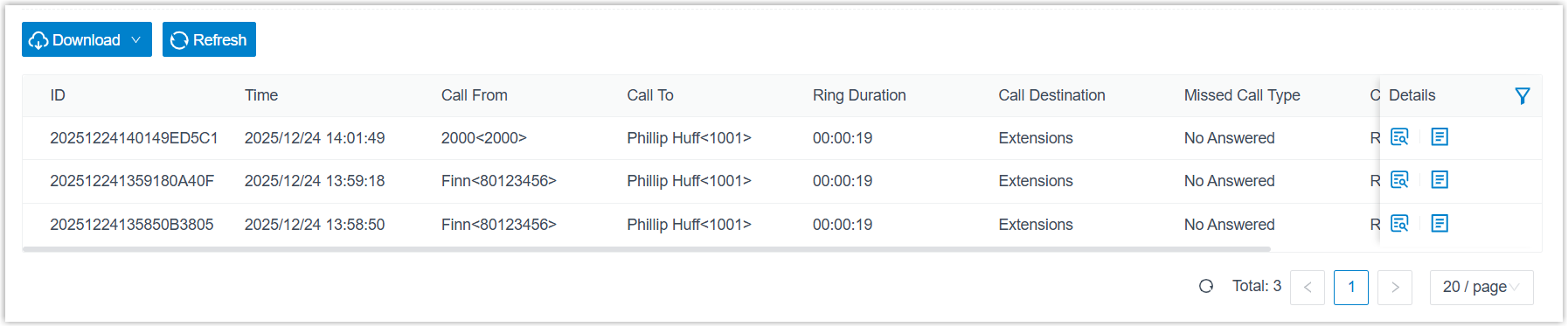
The report that matches the filter criteria is displayed on the page, as shown below.
- Optional: Adjust columns in the list to focus on
the key performance indicators that you want to track.
Operation Description Select columns to display Click  to select the
columns to display.
to select the
columns to display.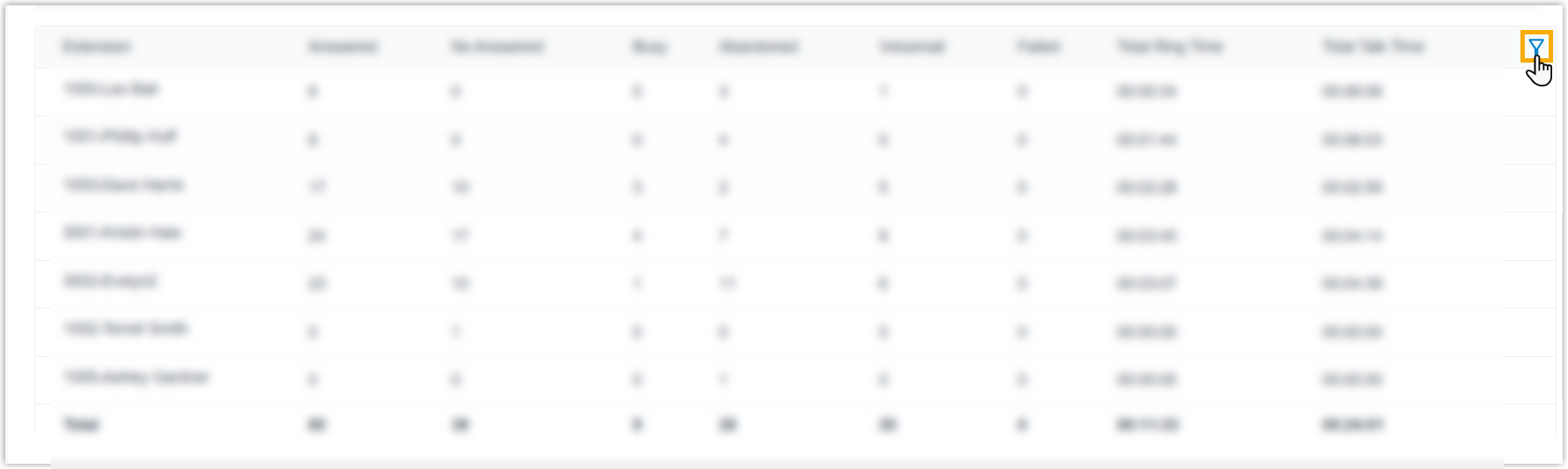
Pin a column Click  beside the
desired field, then drag it to the Left
(Freeze Column) or Right
(Freeze Column).
beside the
desired field, then drag it to the Left
(Freeze Column) or Right
(Freeze Column).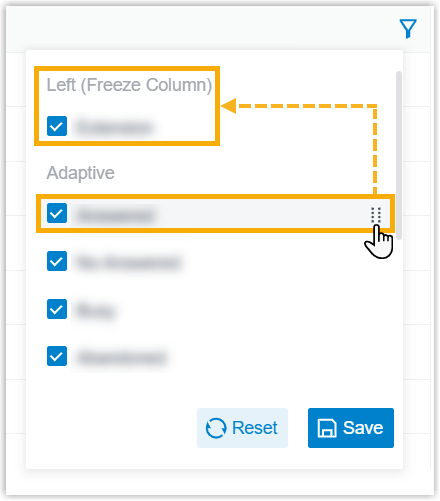
Change column order Click beside the desired field,
then drag it to the desired position.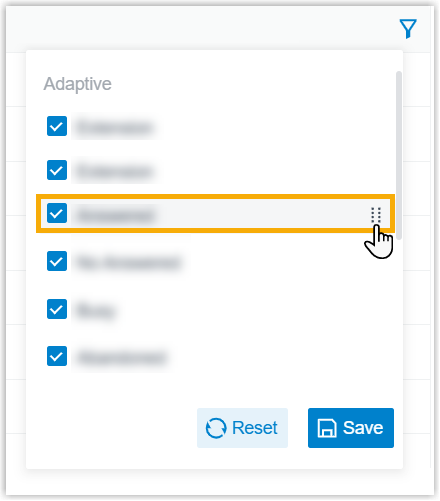
- Optional: Save the report for quick access, or
schedule it for automatic delivery via email.
Operation Description Add to My Reports Add this report to My Reports list for quick access. - At the bottom of the page, click Add to My Reports.
- Enter a name to help you identify the report, and adjust filters or metrics as needed.
- Click Save.
Add to Scheduled Reports Schedule a task to automatically send the report via email. - At the bottom of the page, click Add to Scheduled Reports.
- Complete the follow-up settings according to scheduled task.
Download the report Download the report to local PC for offline review and further analysis. 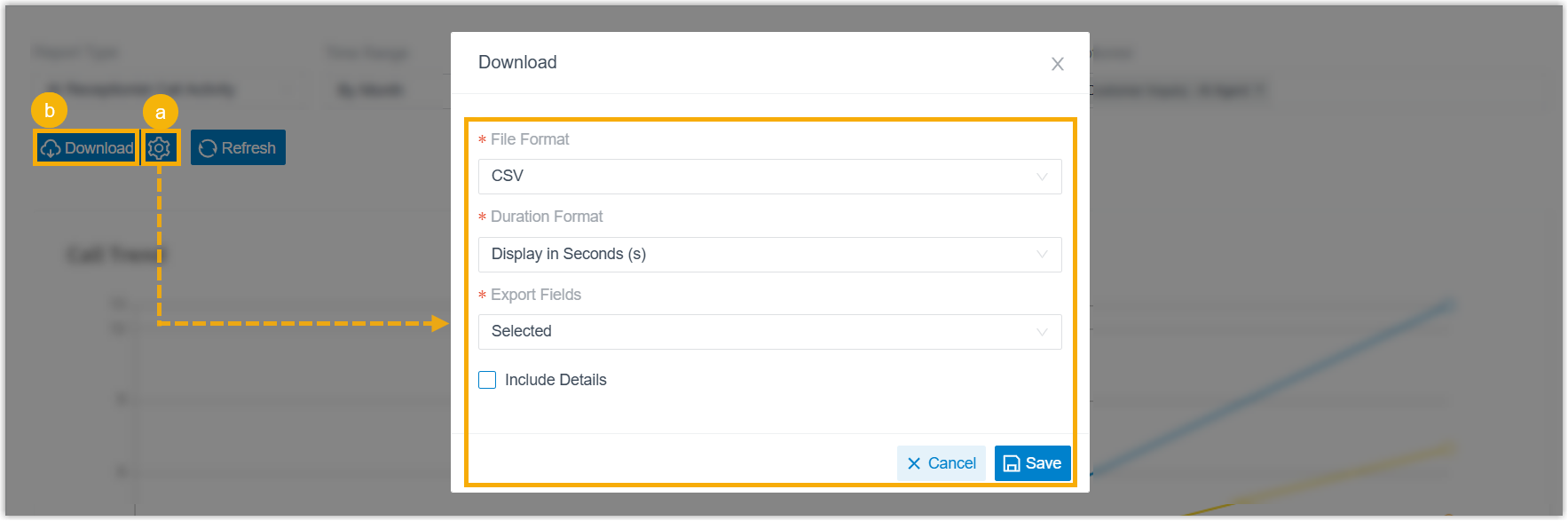
- Optional: Click
 to customize the report
download setting, then save the changes.
to customize the report
download setting, then save the changes.- File
Format: Specify the download format
for the report.
- CSV
- XLS
- HTML
- Duration
Format: Specify the display format for
all duration-related fields.
- Display in Second (s)
- Display as HH:MM:SS
- Export
Fields: Specify the fields to
export.
- All
- Selected
- Include Details:
Whether to download the list data only, or include
detailed records.If you choose to include detailed records, specify how the details will be downloaded.
- Download data as multiple files/sheets
- Details are displayed as indented, offset rows within the same list
- File
Format: Specify the download format
for the report.
- Click Download.
Report details
Refer to the table below for a detailed description of the report metrics.
- Metrics for unreturned missed call

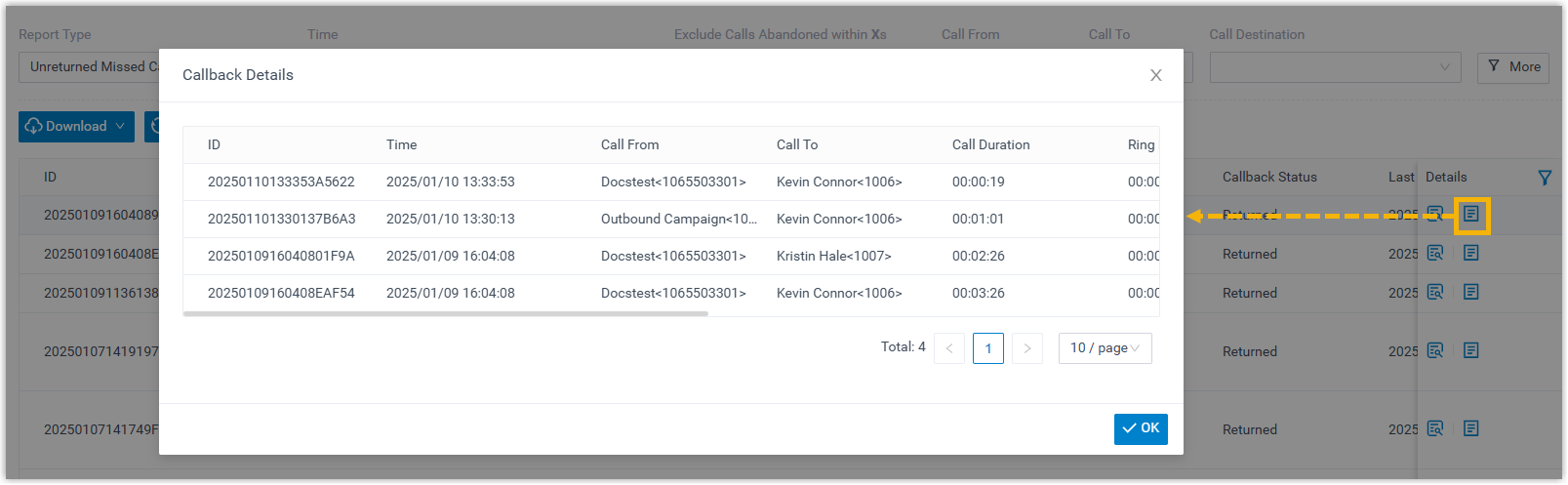
- Metrics for unreturned missed call details (segment details)
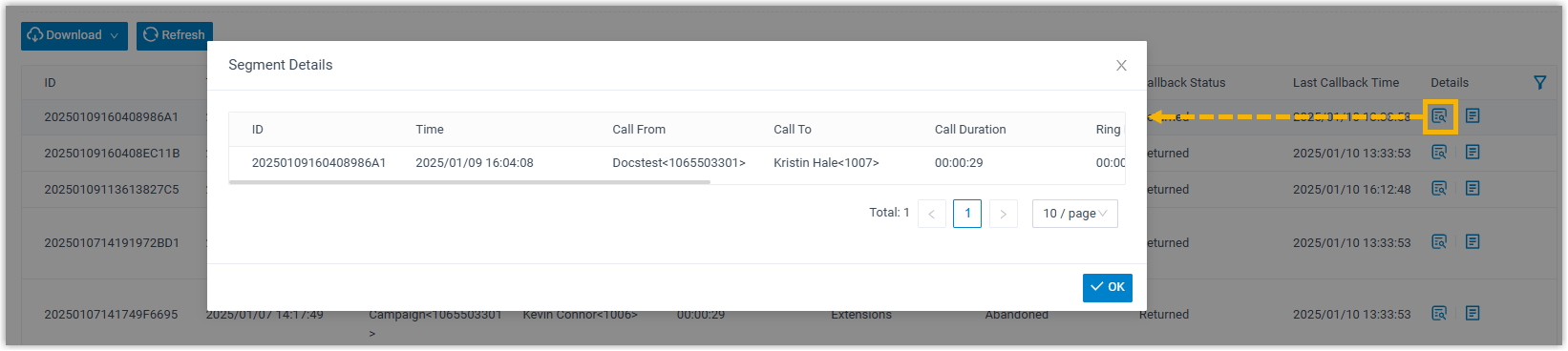
- Metrics for unreturned missed call details (callback details)