Disconnect Yeastar P-Series Software Edition with Central Management Platform
After device provider troubleshoots your PBX system issues, you can disconnect your PBX system with the central management platform.
Procedure
- Log in to PBX web portal, go to .
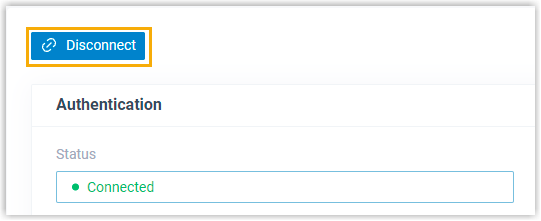
- Click Disconnect.
- In the pop-up dialog box, click OK.
Result
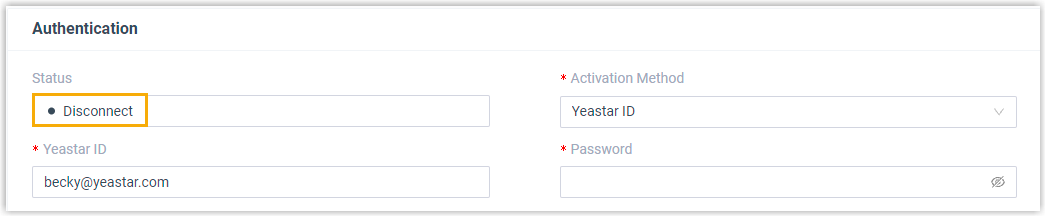
The status is displayed as Disconnect, which indicates that your PBX system is disconnected with the central management platform.