Manage Scheduled CDR Delivery Tasks
This topic describes how to edit and delete scheduled CDR delivery tasks.
Edit a scheduled CDR delivery task
- Log in to PBX web portal, go to .
- In the Scheduled CDR tab, click
 beside the
desired task.
beside the
desired task.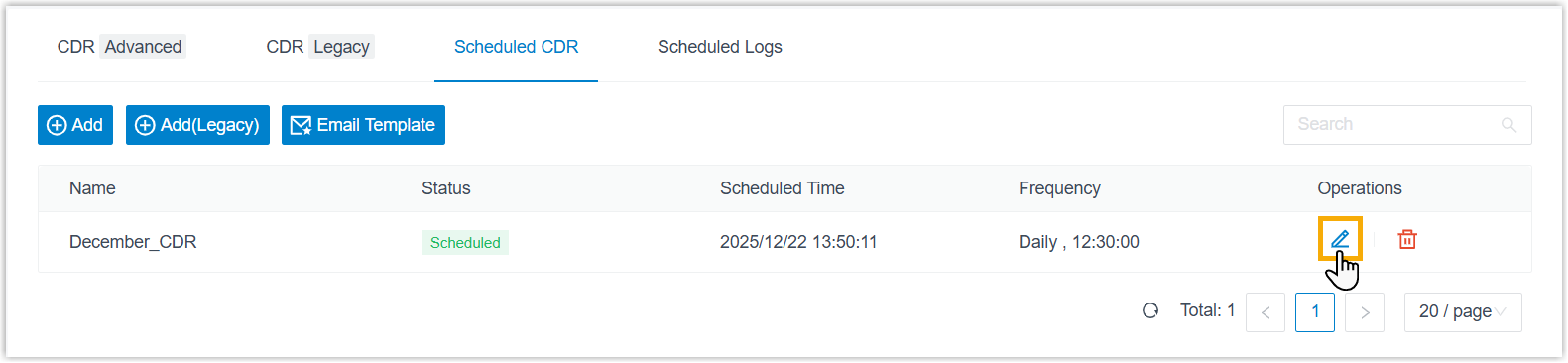
- Edit the task according to your needs.
- Click Save.
Delete a scheduled CDR delivery task
- Log in to PBX web portal, go to .
- In the Scheduled CDR tab, do as follows:
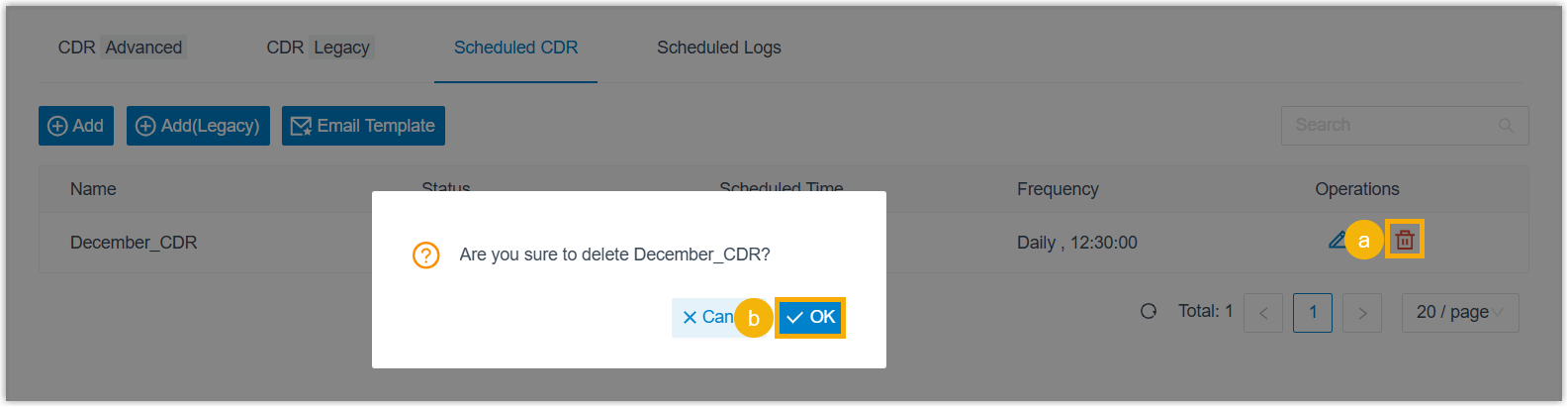
- Click
 beside the desired task.
 - In the pop-up window, click OK.
- Click