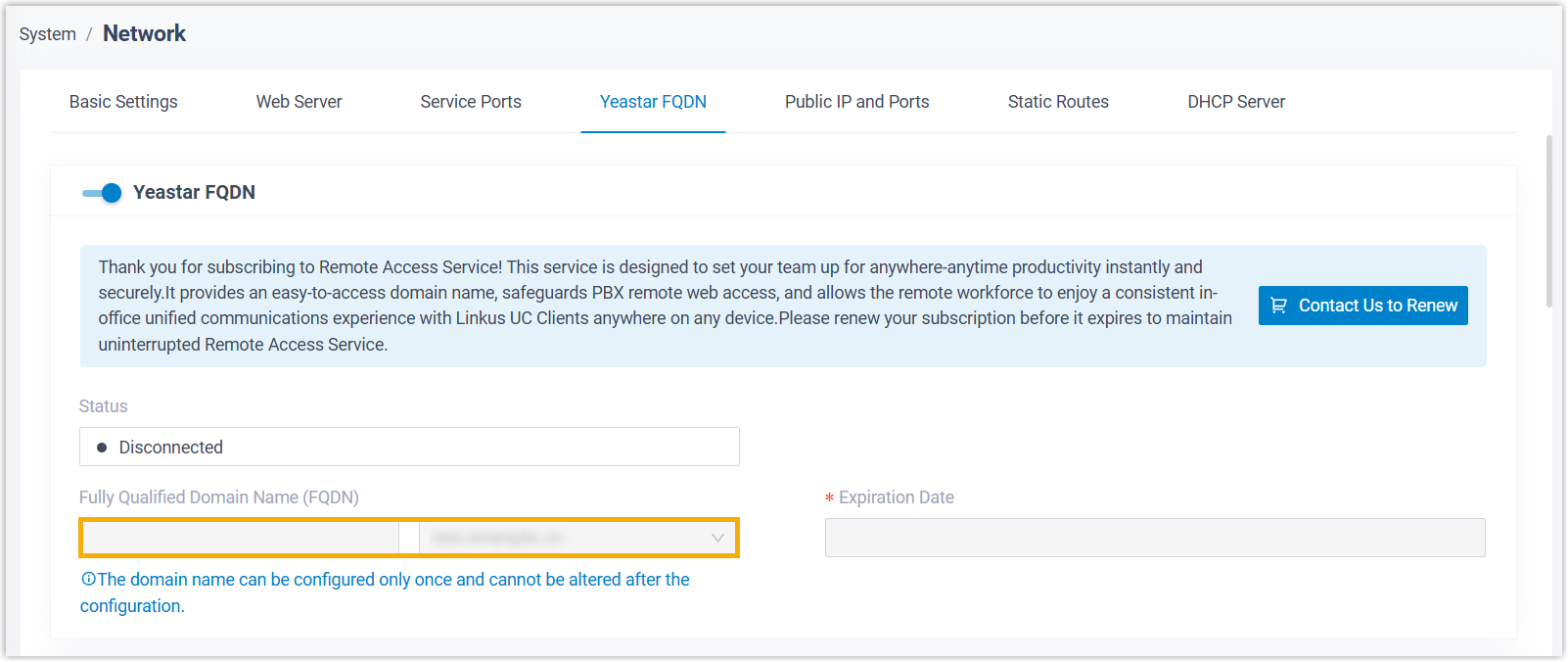
Release FQDN for P-Series Software Edition
In case of need, you can release FQDN for P-Series Software Edition from Yeastar Partner Portal, and then configure a new one through PBX web portal.
Important: Once you release the FQDN of a PBX, all
extension endpoints registered using FQDN will be disconnected from the phone system.
Ensure that you fully understand the impact before proceeding.
Prerequisites
You are the product owner of the software PBX for which you want to release FQDN.
Procedure
- Log in to Yeastar Partner Portal, go to Products & Purchase.
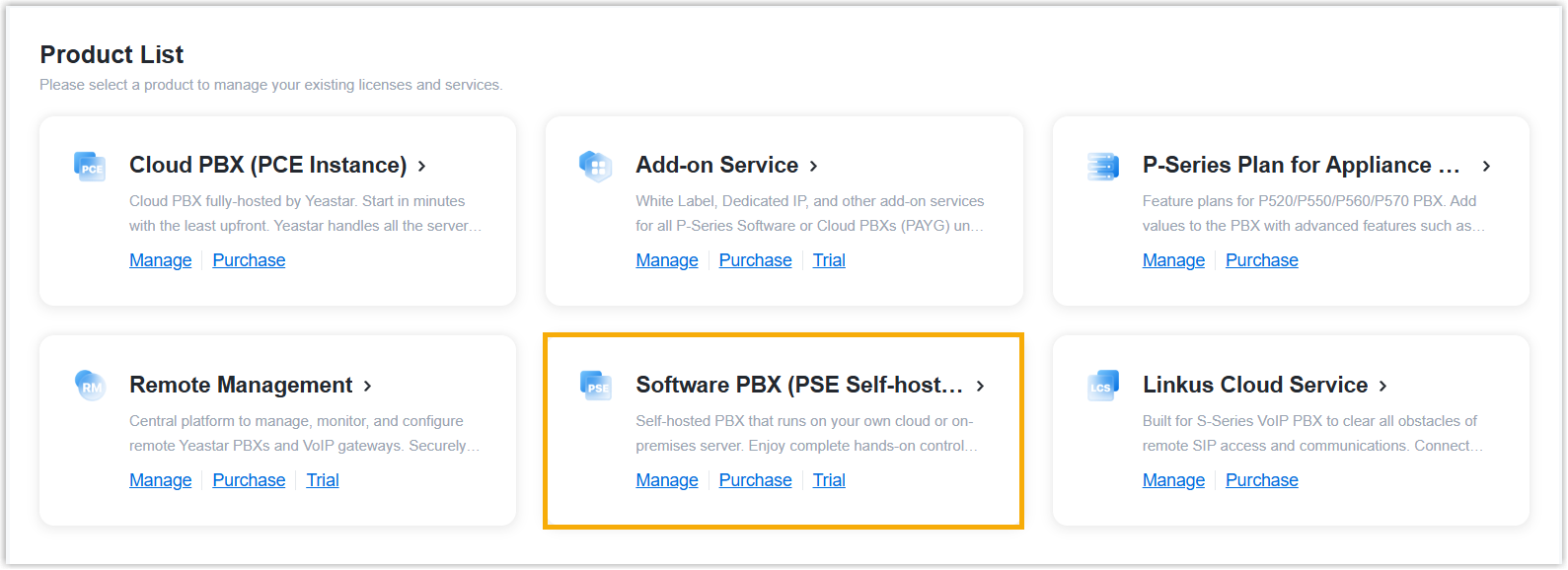
- On the product list, click Software PBX (PSE
Self-hosted).
- Release FQDN for the desired software PBX.
- In the FQDN column, click
 beside the software PBX for which you want to
release FQDN.
beside the software PBX for which you want to
release FQDN.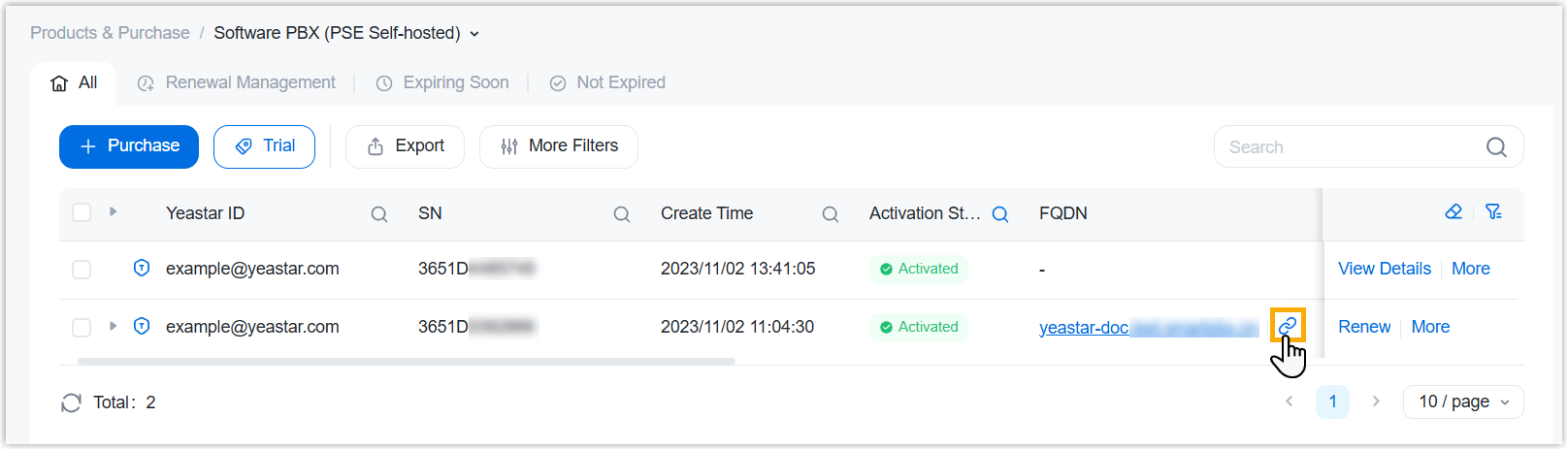
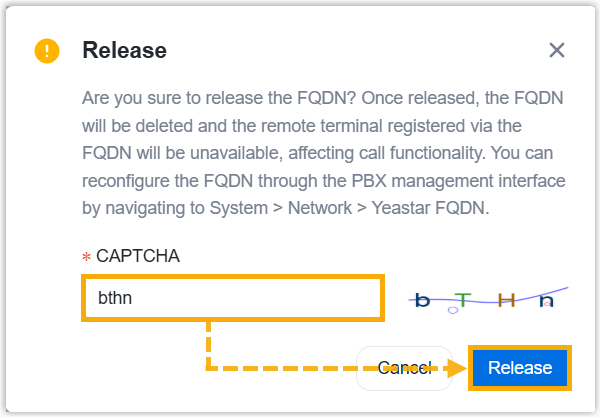
- In the pop-up window, enter the captcha to verify your operation,
then click Release.
- In the FQDN column, click
Result
- The FQDN is successfully released from the software PBX.
- All extension endpoints registered to the PBX using FQDN are disconnected from the phone system.
Tip: To configure a new FQDN, log in to the PBX
management portal, then go to .