Delete P-Series Software Edition
If your software PBX has expired, you can manually remove the record in Yeastar Partner Portal.
Important: Removing a record for P-Series Software Edition
will delete the associated subscription service and its configurations, and stop the PBX
from running. Ensure that you fully understand the impact before proceeding.
Restrictions
Only software PBXs with a plan status of Trial, Trial Expired, or Subscription Expired can be deleted.
Procedure
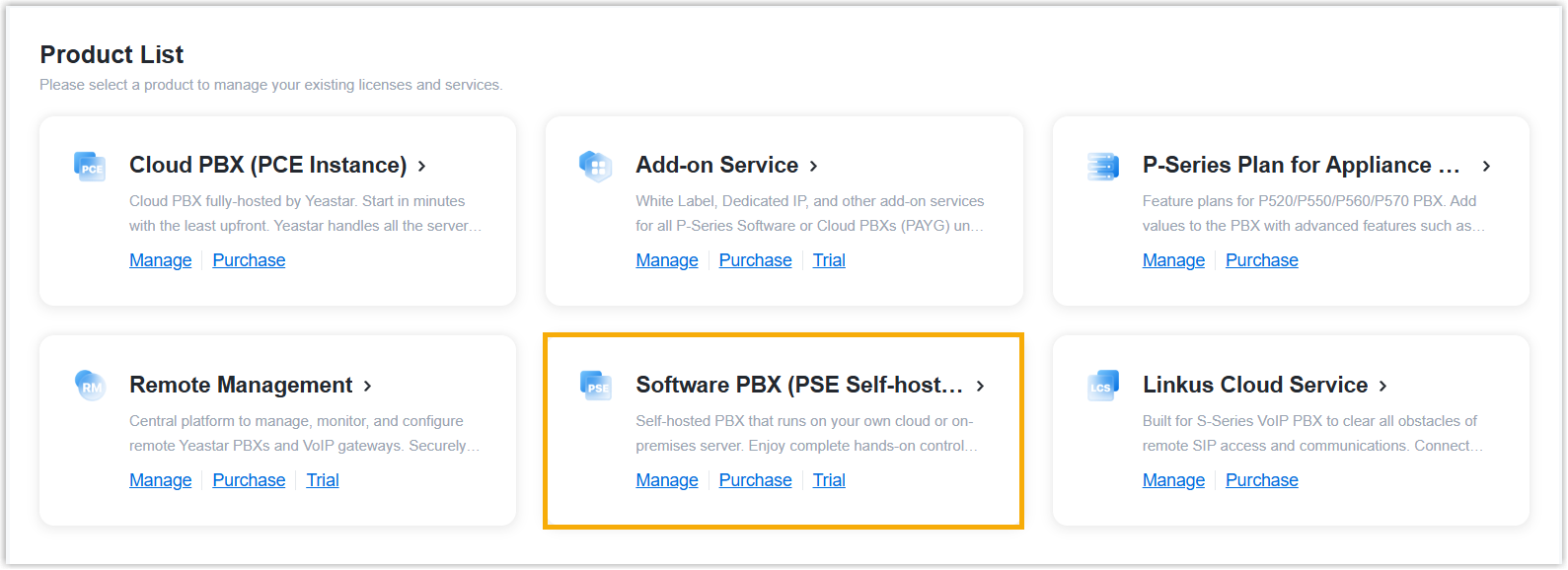
- Log in to Yeastar Partner Portal, go to Products & Purchase.
- On the product list, click Software PBX (PSE
Self-hosted).
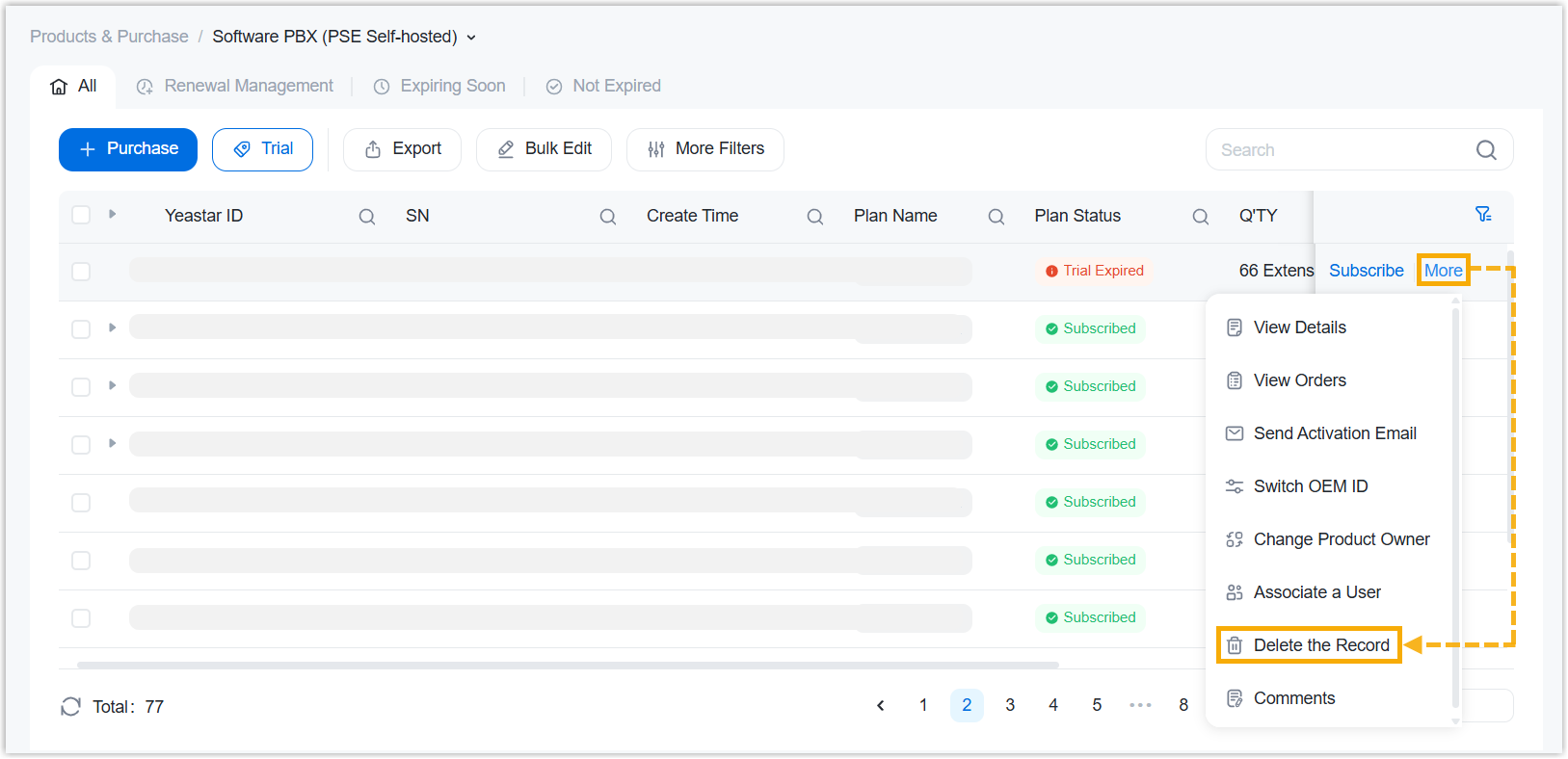
- On the right of the desired product, click More, then
select Delete the Record from the drop-down
list.
- In the pop-up window, enter the verification code, then click Delete.
Result
The software PBX is deleted and removed from the product list.