Log in to Linkus with Microsoft Account
If system administrator integrates the server with Microsoft Azure Active Directory, you can log in to Linkus with your Microsoft account directly.
Requirements
- System administrator has integrated the server with Microsoft Azure Active Directory, and enabled Single Sign-on (SSO) feature.
- You have obtained the server address for SSO from system administrator.
- The version of your Linkus Mobile Client is 5.19.7 or later.
Procedure
- Open Linkus Mobile Client.
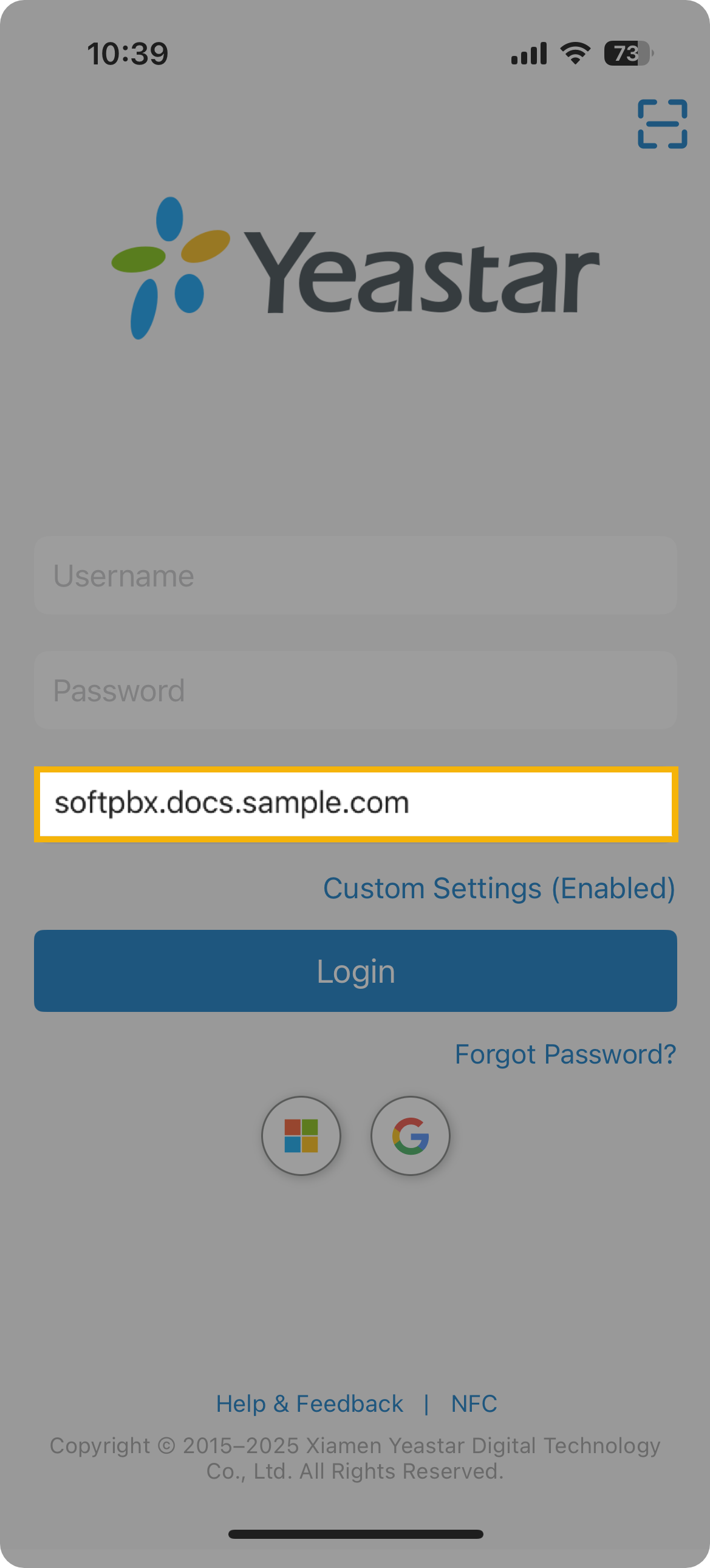
- In the Domain field, enter the server
address.
- Tap
 and sign in to your Microsoft account.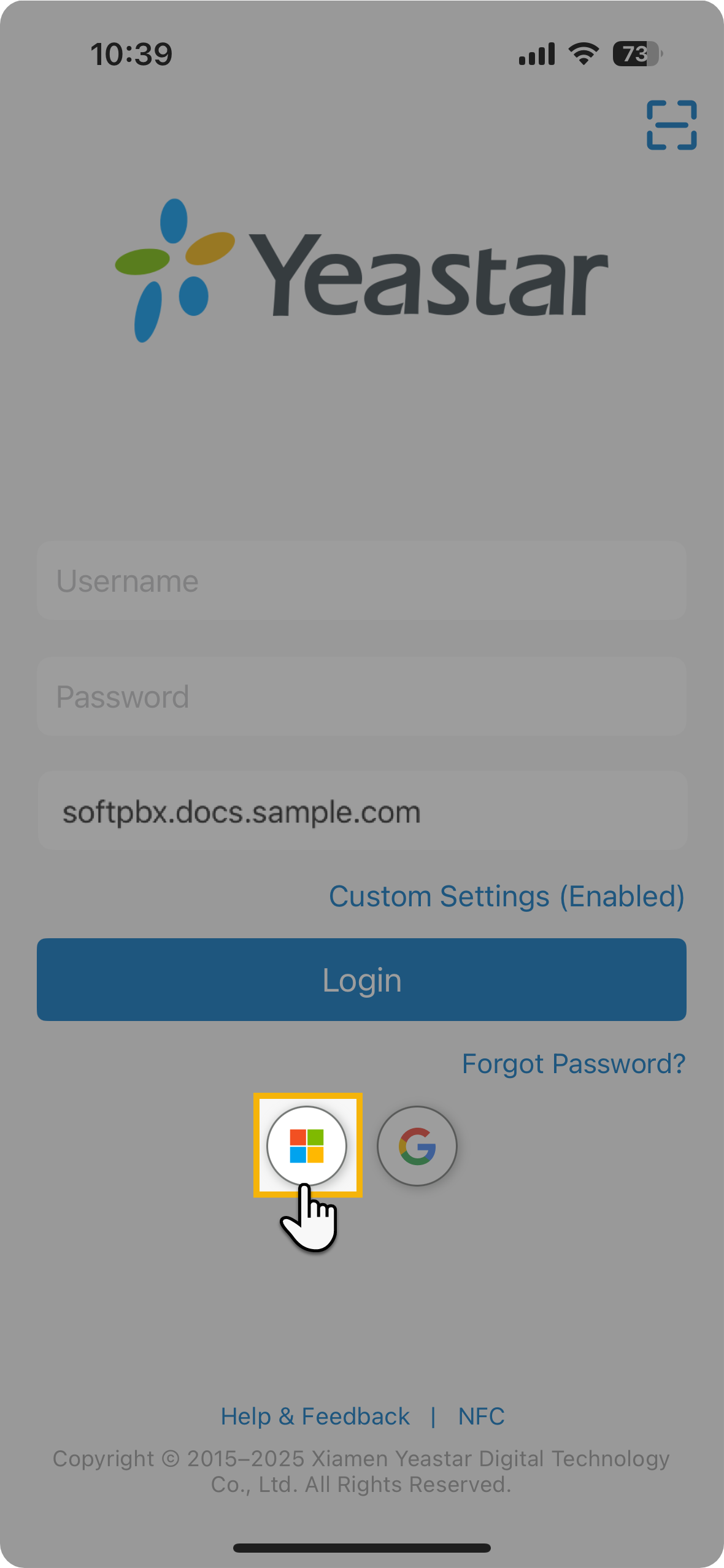
After signed-in, you are automatically logged in to Linkus Mobile Client.