Allow Passwordless Login to P-Series Appliance/Software Edition
If you are responsible for routine maintenance of end user's P-Series PBX system (Appliance Edition or Software Edition), you can enable passwordless login to the P-Series PBX system from your Yeastar Central Management. In this way, you can quickly and easily access the PBX system without entering password, thus improving efficiency.
Requirements
- Your account has subscribed to Remote Management Premium service, or P-Series Appliance / Software Edition has subscribed to Remote Management Connection service.
- The firmware of P-Series Appliance/Software Edition is 37.17.0.16 / 83.17.0.16 or later.
Prerequisites
You have connected the P-Series Appliance/Software Edition to Yeastar Central Management.
For more information, see Connect PBX System/Gateway to Yeastar Central Management Using Yeastar ID and Connect PBX System/Gateway to Yeastar Central Management Using Authentication Code.
Procedure
- Enable the 'Passwordless Login' feature on P-Series Cloud PBX.
- Log in to PBX web portal, go to .
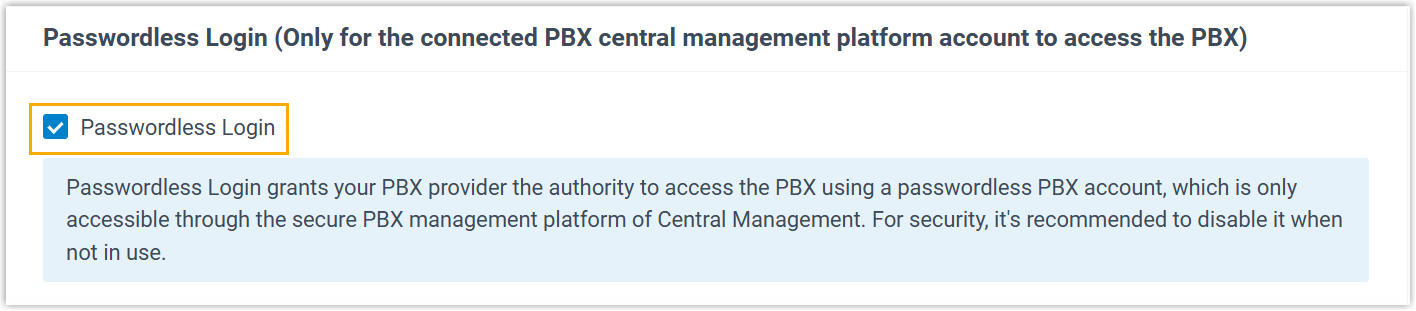
- Select the checkbox of Passwordless
Login.
- Click Save.
- Enable the 'Passwordless Login' feature for the PBX on Yeastar Central
Management.
- Log in to Yeastar Central Management, go to .
- Click
 beside a desired PBX.
- Scroll down to the bottom, select the checkbox of Allow
Passwordless Login to PBX.

- Click Save.
Result
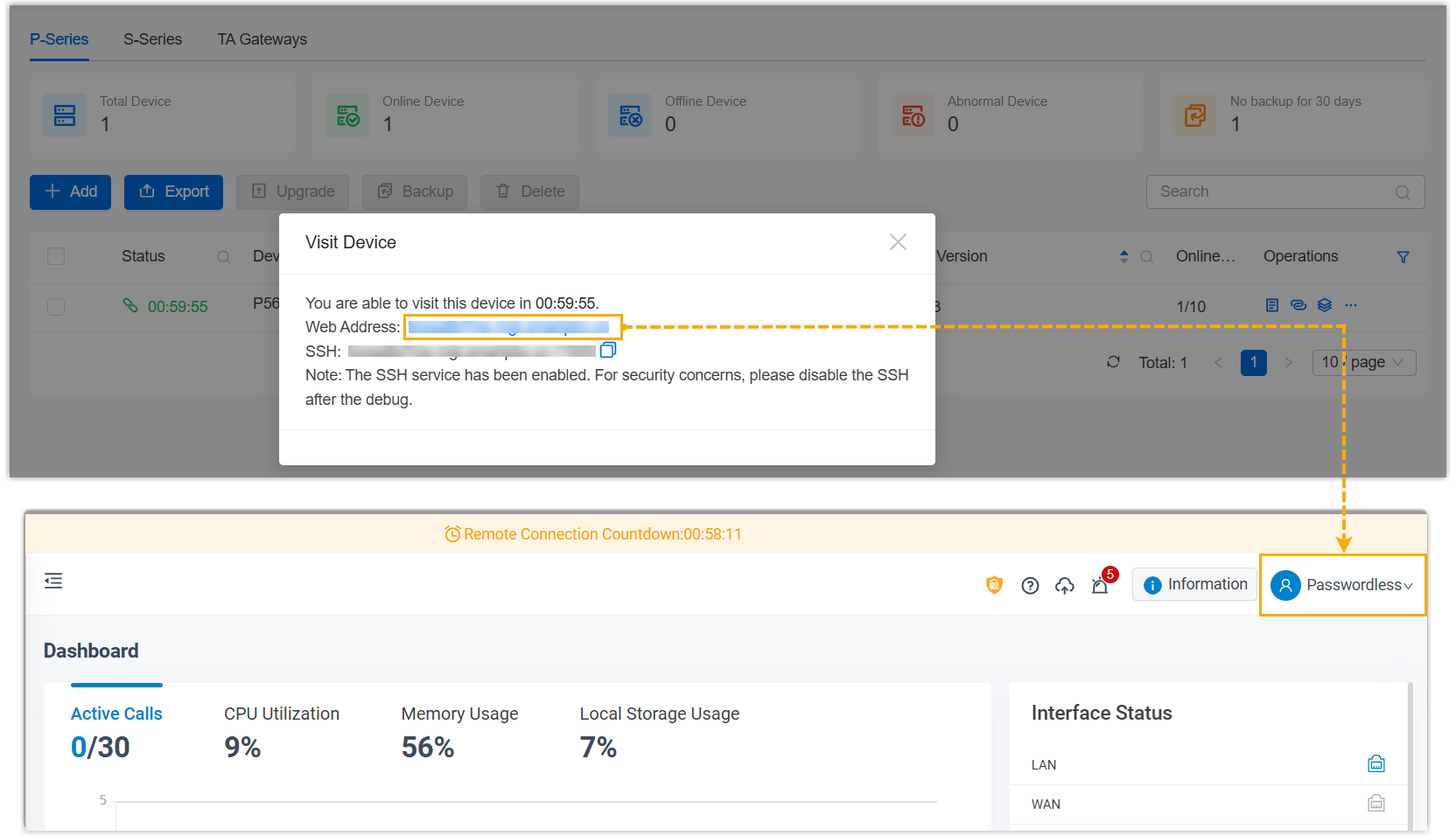
On Yeastar Central Management, you can directly log in to the PBX web portal with a dedicated Passwordless account by clicking the URL of the desired device.
- Permissions of the Passwordless account are the same as that of PBX super administrator.
- The PBX system automatically logs out the account after 15 minutes if no operation is performed on the web page.