Upgrade Firmware of P-Series Appliance/Software Edition
This topic describes how to upgrade the remotely connected P-Series Appliance/Software Edition on Yeastar Central Management.
Requirements
- Your account has subscribed to Remote Management Premium service, or P-Series Appliance / Software Edition has subscribed to Remote Management Connection service.
- The firmware of P-Series Appliance/Software Edition is 37.17.0.16 / 83.17.0.16 or later.
Prerequisites
You have connected the P-Series Appliance/Software Edition to Yeastar Central Management.
For more information, see Connect PBX System/Gateway to Yeastar Central Management Using Yeastar ID and Connect PBX System/Gateway to Yeastar Central Management Using Authentication Code.
Procedure
- Log in to Yeastar Central Management, go to .
- In the PBX list, select one or more PBXs of the same product model, then
click Upgrade.
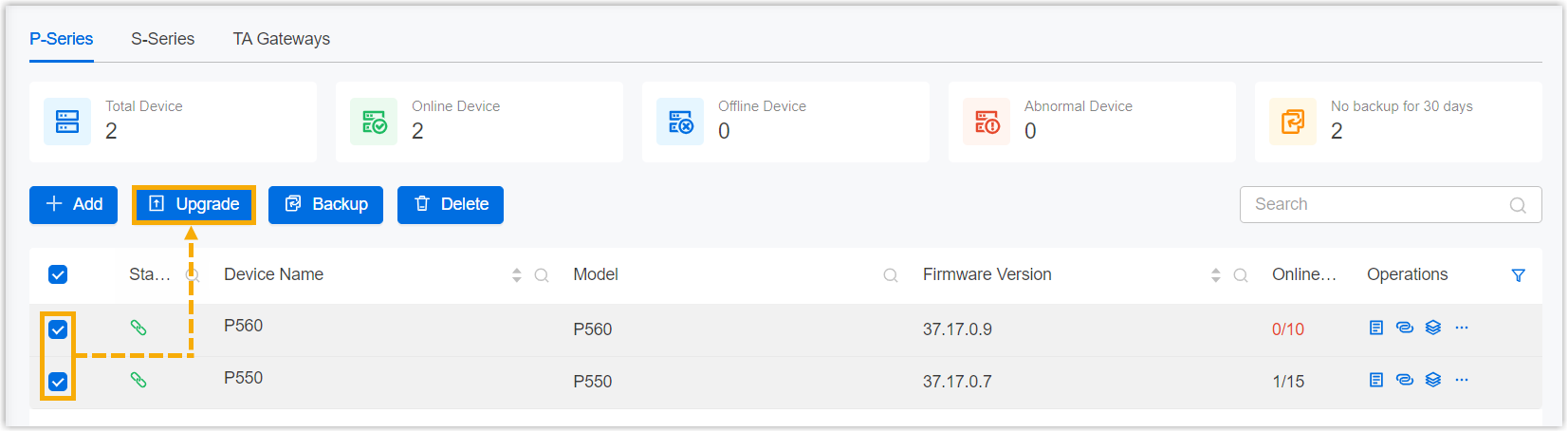
You are redirected to the Add Task page.
- Set up PBX upgrade task.
- Fill in the following information.
Setting Description Name Enter a name to help you identify the task. Object Type Select P-Series Appliance Edition or P-Series Software Edition.
Task Retain Upgrade. Firmware Select a firmware version. Note: The selected firmware version can NOT be lower than the current version, otherwise the upgrade would fail.Repeat Retain One-time. Execution Time Set when to upgrade. - To upgrade at a scheduled time, choose a time.
- To upgrade as soon as you save the task, select the checkbox of Immediately.
Timezone Select a time zone of the task execution time. Tip: You can enable or disable Daylight Saving Time (DST) as needed.Creator Your name is automatically filled in, and the field can not be edited. Remark Optional. Add a note to the task. Object The Selected box lists the PBXs that you have selected.
- Click Save.
- Fill in the following information.
Result
The PBX system will be upgraded immediately or on a scheduled time, depending on the execution time that you set for the task.
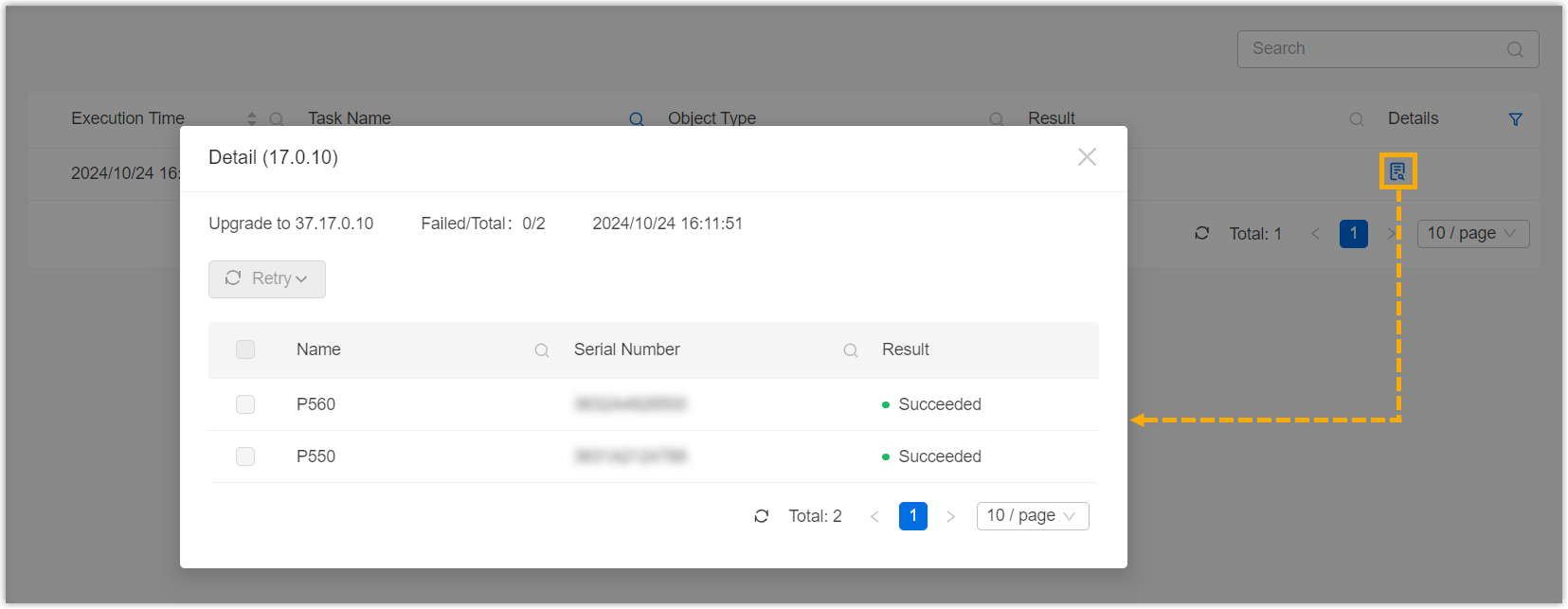
You can check the result on .