Purchase Call2Teams Service
After purchasing the Call2Teams service, you can integrate your PBX with Microsoft Teams via Yeastar's certified solution. This enables direct telephony within Teams, allowing users to make and receive calls, sync contacts, and access PBX features, all without leaving the Teams app.
Procedure
- Log in to Yeastar Partner Portal, go to Products & Purchase.
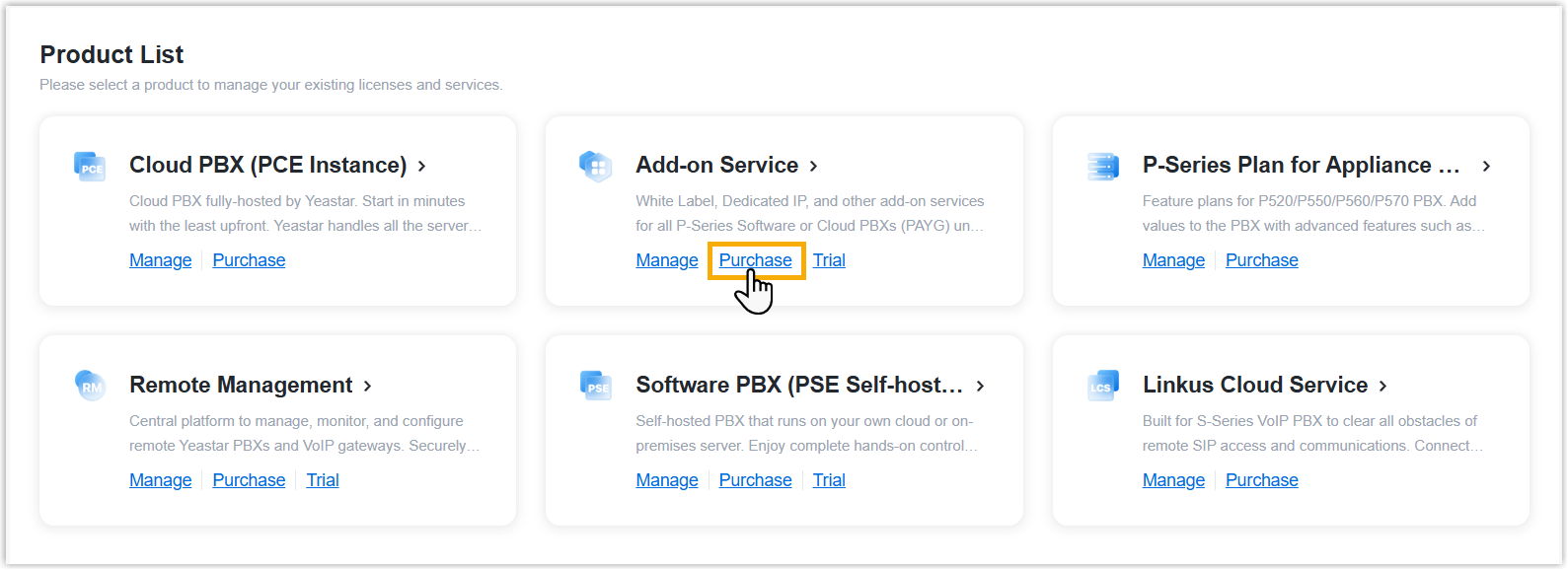
- On the product list, click Purchase on
Add-on Service.
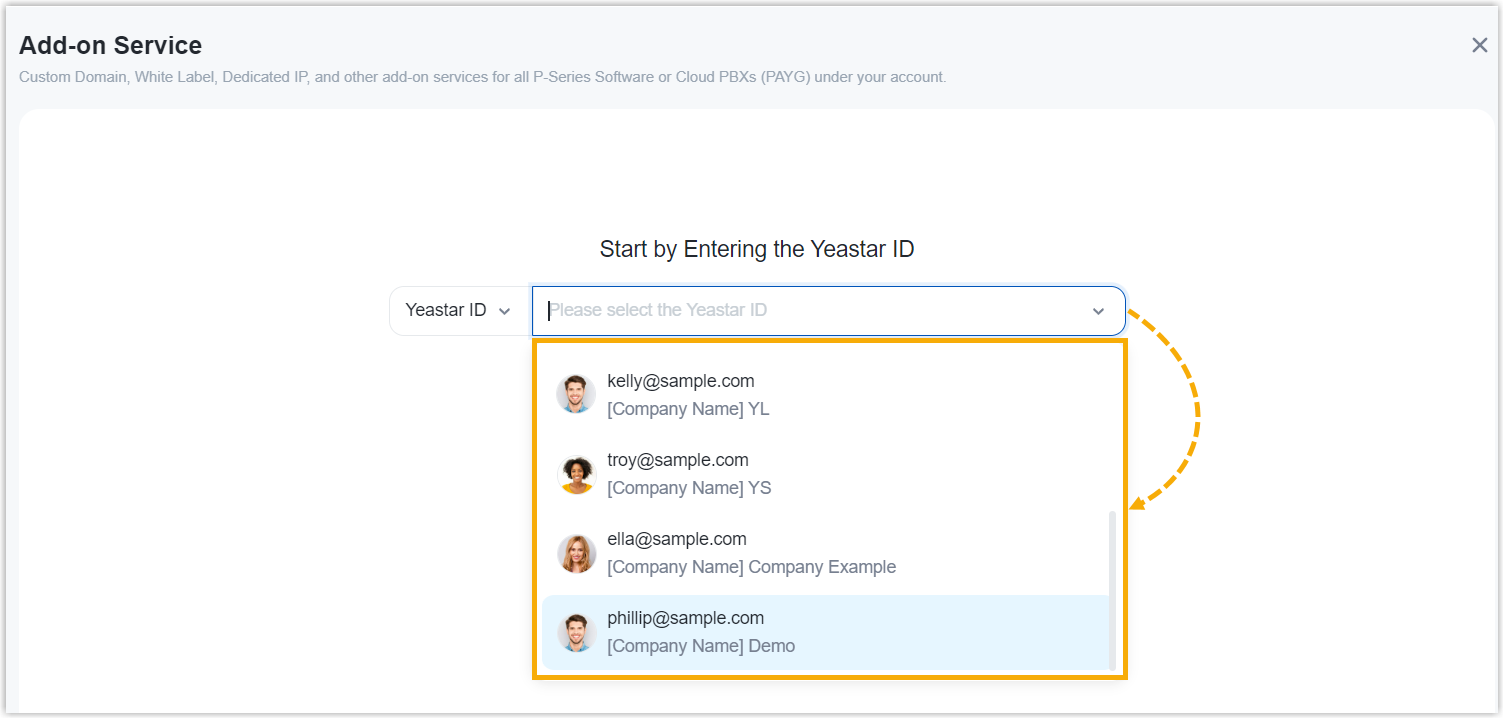
A side panel slides in from the right of the page.
- Search and select the user for whom you want to purchase
Call2Teams service from the drop-down list.
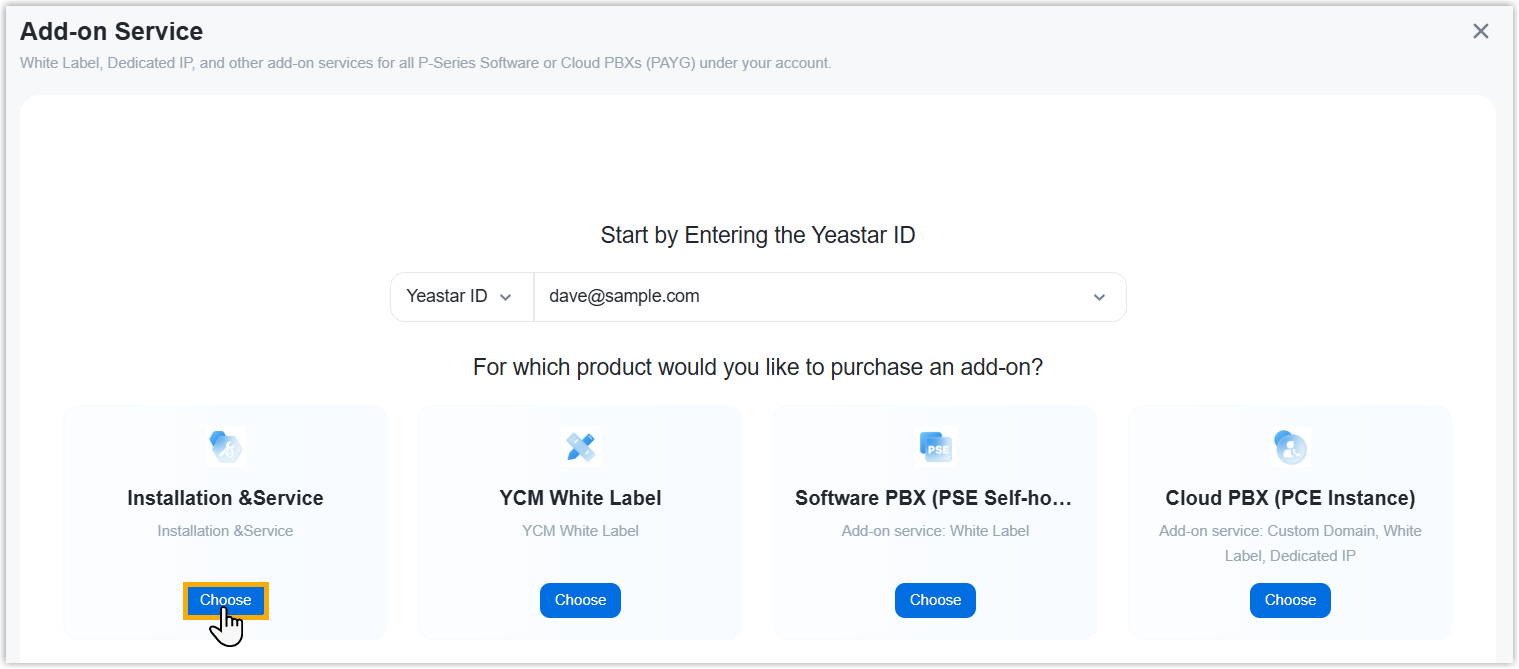
- Click Choose on Installation
& Service.
- Purchase the Call2Teams service.
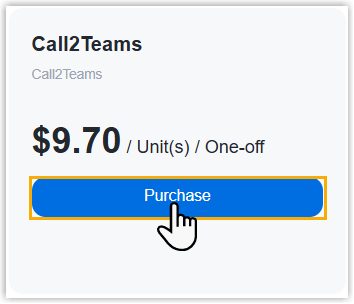
- In the Service List, click
Purchase on
Call2Teams.
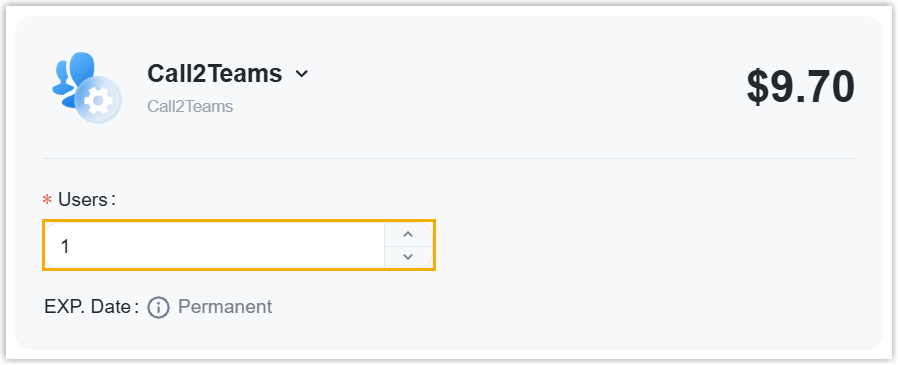
- In the Users field, enter the number of users
who will use the integration.
- In the Service List, click
Purchase on
Call2Teams.
- Optional: On the left Assign This Product To
section, search and select a user to associate with the product.
The selected user will have access to view the subscription details within the Partner Portal (Path: ).
Note: If the desired user doesn't exist, you can click Add Partner to add a user. This will create a new Partner Portal account, and an account activation email will be sent to the assigned email address. If you DO NOT want your customer to receive this email, DO NOT click Add Partner here.
- On the right Order Summary section, click Checkout.
-
Review the service information and billing information, then complete payment.
Result
The Call2Teams service is available for the selected user.
What to do next
Contact Yeastar Support for expert assistance in configuring the integration between your PBX and Microsoft Teams.