Update Client Secret for Red Hat SSO Integration
In case you want to replace client secret for the OIDC Client, you can follow this topic to proceed.
Procedure
- Log in to PBX web portal, go to .
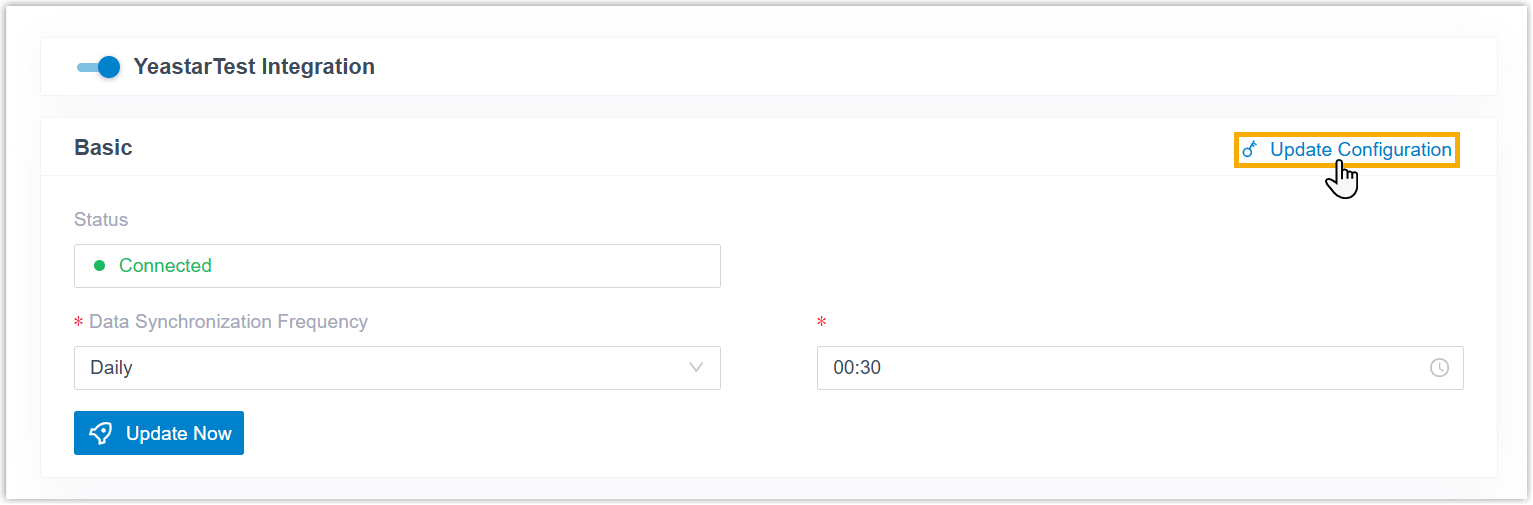
- At the top-right of the Basic section, click
Update Configuration.
- Scroll down to the User Synchronization section, then
paste the new client in the Client Secret
field.

- Click Save.