Virtual Fax Integration Overview
Yeastar P-Series Software Edition supports integration with online fax service providers, enabling your team to securely send and receive faxes over the Internet via Linkus Desktop or Web Client, without relying on physical fax machines.
Requirements
To integrate online faxing capability into Yeastar PBX, ensure both Yeastar PBX and third-party fax platform meet the following requirements.
| Platform | Requirements |
|---|---|
| Yeastar PBX |
|
| Third-party Fax Platform |
|
Integration highlights
- Accessible from Anywhere
- Send and receive faxes from anywhere, at any time, as long as there is an Internet connection.
- Secure Storage and Easy Access
- All faxing activities are logged, and all the transmitted fax documents are securely stored for quick retrieval.
- Pay-As-You-Go
- Eliminate the need for paper, dedicated phone lines, and physical fax machines, reducing the infrastructure and operational costs while paying only for the faxes sent.
- Customizable Cover Pages
- Add custom cover pages to display essential fields such as sender information, recipient details, brief message, etc. on outbound faxes.
- Fax to Email
- Forward faxes to designated email addresses for quick information sharing, secure backup, etc.
Workflow to set up online faxing
- Integrate PBX with third-party fax platform(s).
- (Optional) Add and customize cover
page(s), which will be available for extension users to use when
they send faxes.Note: Extension users who are authorized to send faxes can also customize their own cover page(s) from Linkus Desktop or Web Client.
- (Optional) Customize the built-in Fax to Email
template, which will be used when faxes are forwarded to mailboxes.
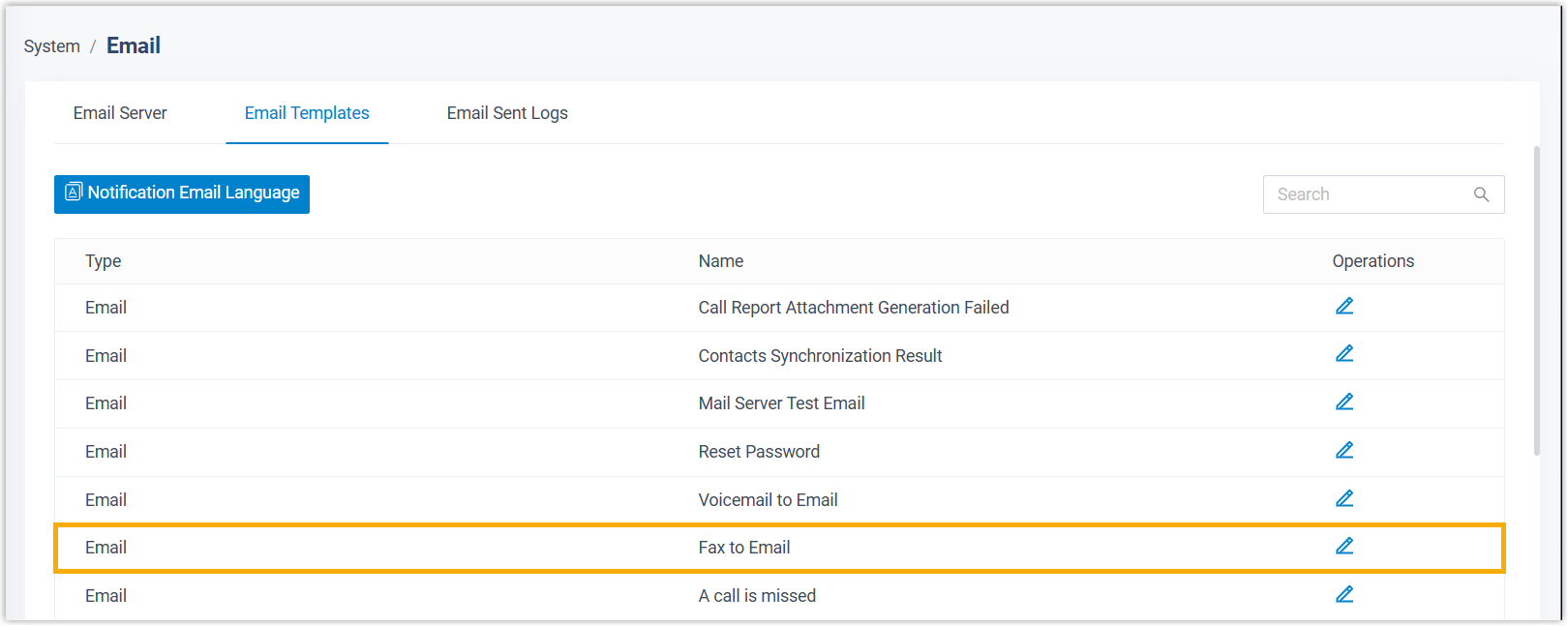
When done, extension users can send and receive faxes directly from Linkus Desktop or Web Client.
Fax data auto cleanup
Yeastar P-Series Software Edition logs all inbound and outbound fax activities and stores the associated fax files. By default, the system automatically deletes fax data when either of the following thresholds is reached:
- Fax Files: The maximum storage reaches 1024MB.
- Fax Logs: Fax logs are retained for up to 7 days, or the total number of logs reaches 200,000.
You can adjust the maximum storage size for fax files or the preservation day for fax logs in .
