Forward an Incoming Call to Voicemail
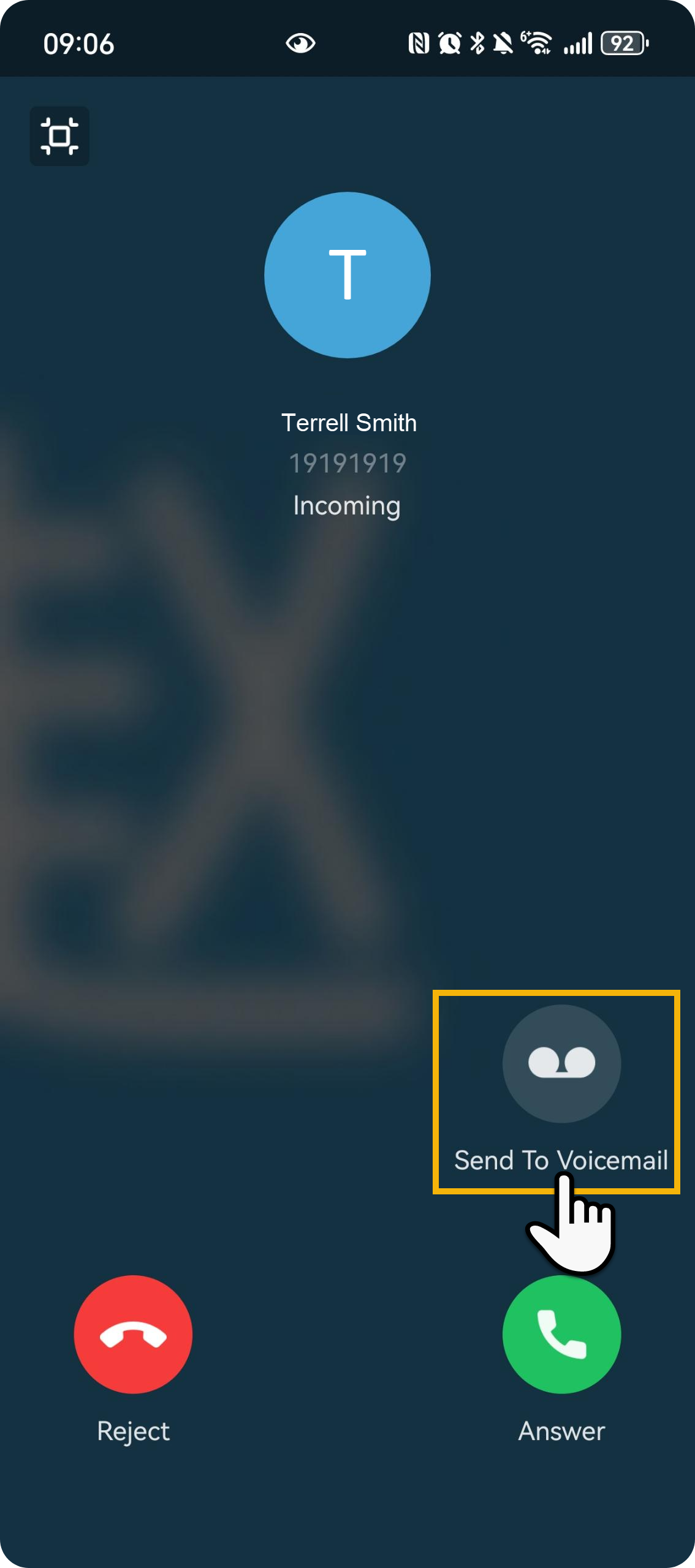
This topic describes how to forward an incoming call to your voicemail from the incoming call screen on Linkus Mobile Client.
Note: This feature is supported on Linkus Android Client
only.
Requirements
Make sure that PBX server and your Linkus clients meet the following requirements:
| Item | Requirements |
|---|---|
| PBX Server |
|
| Linkus Mobile Client |
|
Procedure
When there is an incoming call reaching your extension, tap  on the
incoming call screen.
on the
incoming call screen.
Result
The incoming call is forwarded to your voicemail.