Secondary Server Takes over the System from Primary Server
If the Primary Server becomes abnormal and hot standby failover is not triggered, you can manually switch the system to the Secondary Server while it is in Standby mode.
Requirements
The firmware version of Secondary Server is 37.17.0.60 or later.
Prerequisites
Make sure there is no call in progress on the Primary Server, or the call will be dropped.
Procedure
- Log in to the web portal of Secondary Server, go to .
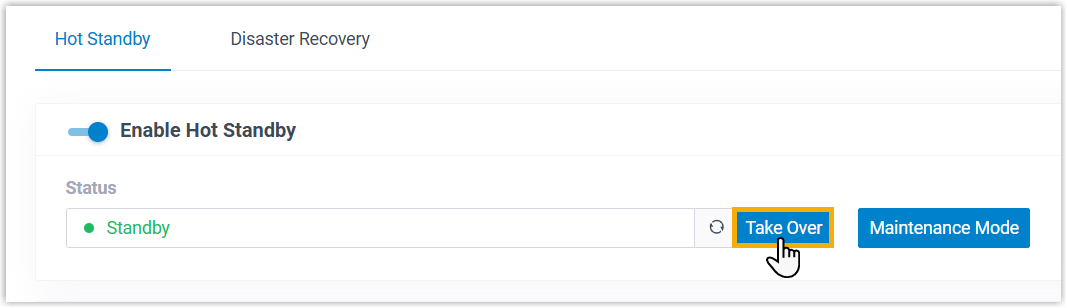
- Click Take Over.
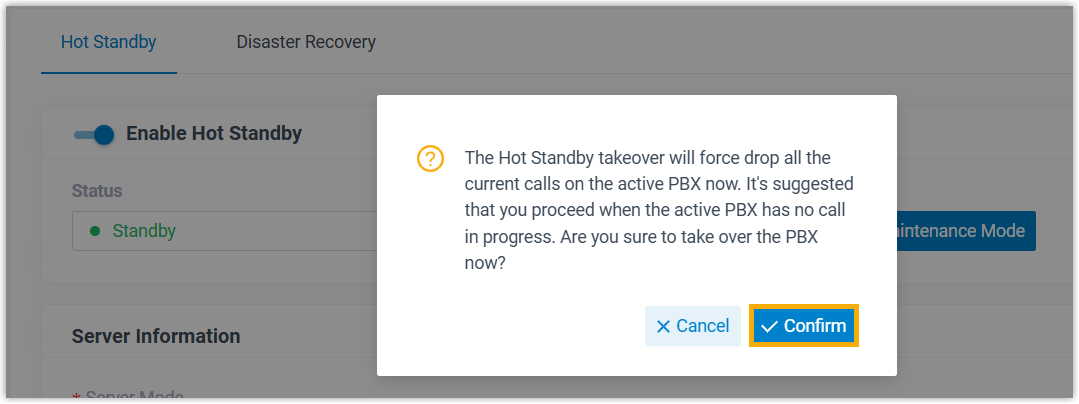
- In the pop-up window, click Confirm.
Result
- The webpage displays "This server has taken over the system.", and the Status of the Secondary Server changes to Running.
- The system will send a event notification of Secondary Server Takeover (For Only 30 Days) to the contacts concerned.