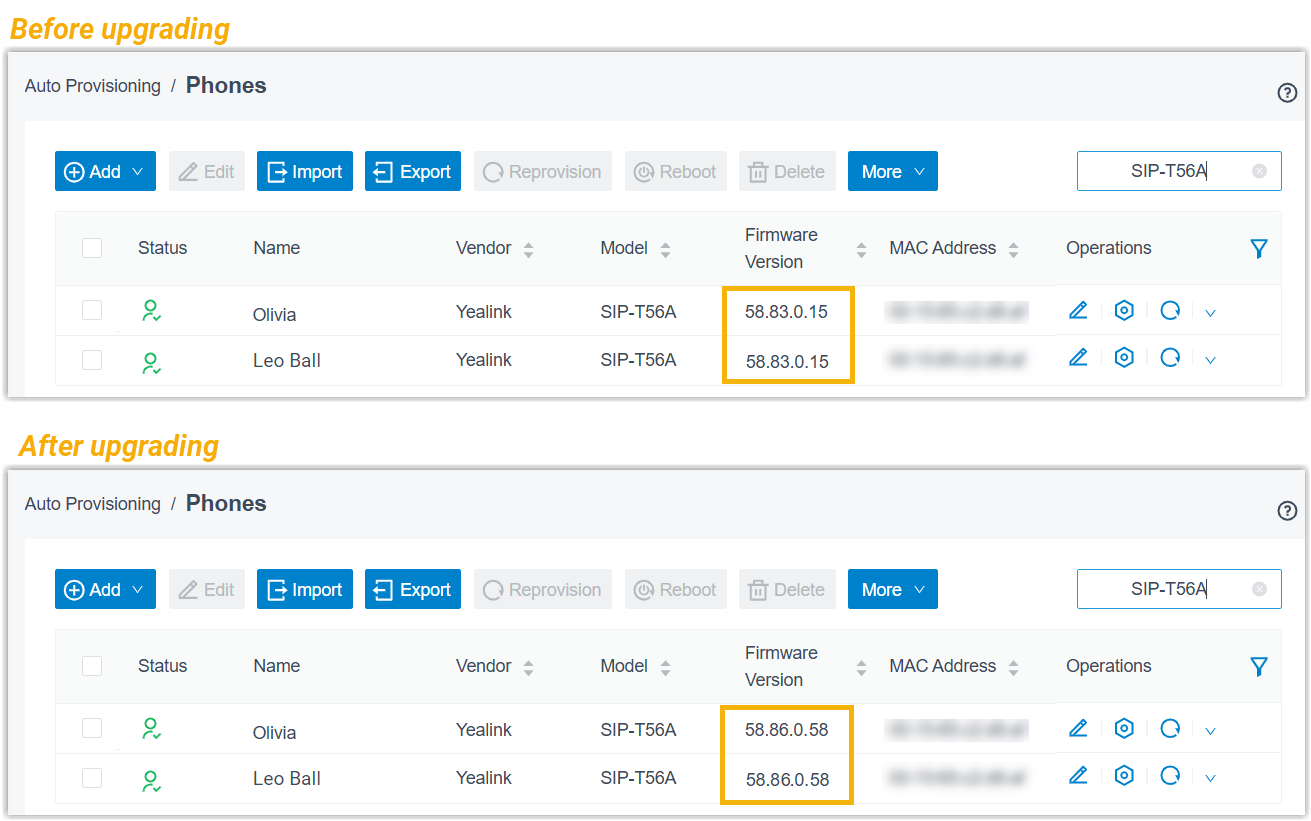
Schedule an Automated Phone Firmware Upgrade Task
On Yeastar Central Management, you can schedule a task to centrally upgrade the firmware on phones to a specified version at a scheduled time. This task only applies to phones that have been successfully provisioned by your P-Series PBX(s) and registered with extensions.
Requirements
| Item | Description |
|---|---|
| Firmware |
|
| Subscription | To upgrade phones provisioned by P-Series Appliance Edition / Software Edition, make sure your account has subscribed to Remote Management Premium service, or P-Series Appliance / Software Edition has subscribed to Remote Management Connection service. |
| Resource | You have obtained the desired phone firmware file and uploaded the firmware to Yeastar Central Management (Path: ). |
Procedure
- Log in to Yeastar Central Management, go to .
- Click Add.
- On the Add Task page, fill in the following task information
Setting Description Name Enter a name to help you identify the task. Object Type Select an object type whose phone firmware needs to be upgraded. - P-Series Appliance Edition
- P-Series Software Edition
- P-Series Cloud Edition
Task Select Phone Management. Task Type Select Firmware Upgrade. Phone Firmware Select the target phone firmware. Repeat Select One-time. Execution Time Set when to upgrade phone firmware. - To upgrade at a scheduled time, choose a time.
- To upgrade as soon as you save the task, select the checkbox of Immediately.
Timezone Select a time zone of the task execution time. Tip: You can enable or disable Daylight Saving Time (DST) as needed.Creator Your name is automatically filled in, and the field can not be edited. Remark Optional. Add a note to the task. Object Select the PBX(s) associated with the phones.
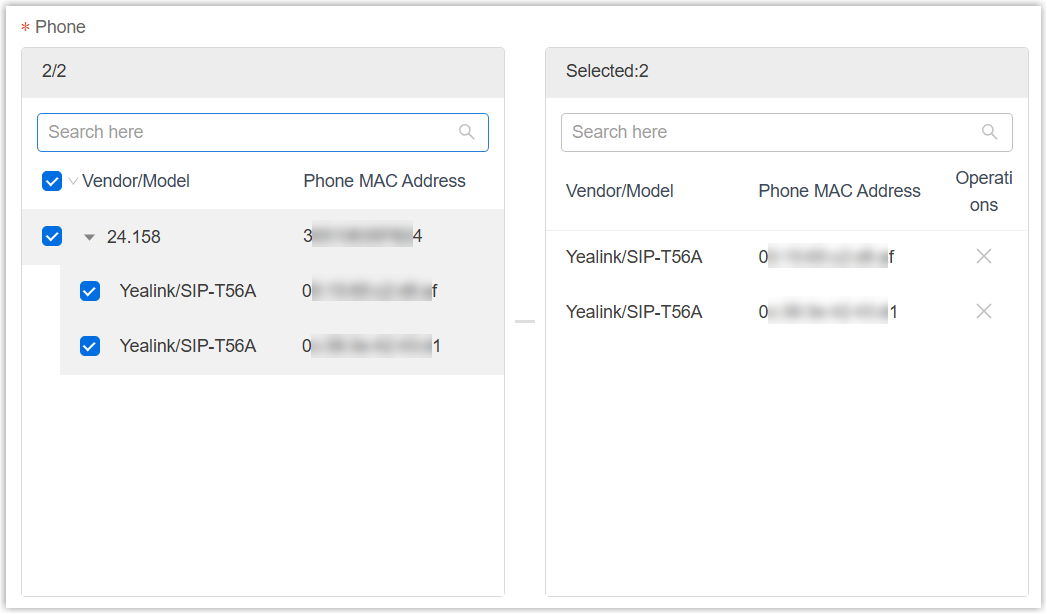
Phone Select the phone(s) to be upgraded. The list only displays phones that are assigned with extensions on the selected PBX(s), and whose vendor and model match those of the selected firmware.
- Click Save.
Result
The result varies from the execution time that you have set for the task.
- Upgrade immediately: The task status is displayed as
 (Executing), and the phones are being upgraded to
the firmware version.
(Executing), and the phones are being upgraded to
the firmware version.
- Upgrade at a scheduled time: The task status is displayed as
 (Pending), and the phones will be upgraded to the
firmware version at the scheduled time.
(Pending), and the phones will be upgraded to the
firmware version at the scheduled time.
Note: After upgrading, the followings can be achieved:
- On Yeastar Central Management, the task status is displayed as
 (Finished) and a task execution log is
generated. You can check the execution log on .
(Finished) and a task execution log is
generated. You can check the execution log on .
- On PBX web portal, PBX users can check the upgraded phone firmware
version (Path: ).