Customize Email Template for Scheduled Call Report
This topic describes how to customize the email template for scheduled reports.
Introduction
By default, Yeastar P-Series Cloud Edition sends scheduled call reports using the configured email language (set in ) and the default email template.
The default email template contains the following information:
- A download link for call report.
- The validity period of the download link.
- System information, including PBX name and PBX serial number.
If you want to customize the email template for scheduled call report, follow the instructions below.
Procedure
- Log in to PBX web portal, go to .
- In the Scheduled Reports tab, click Email
Template.
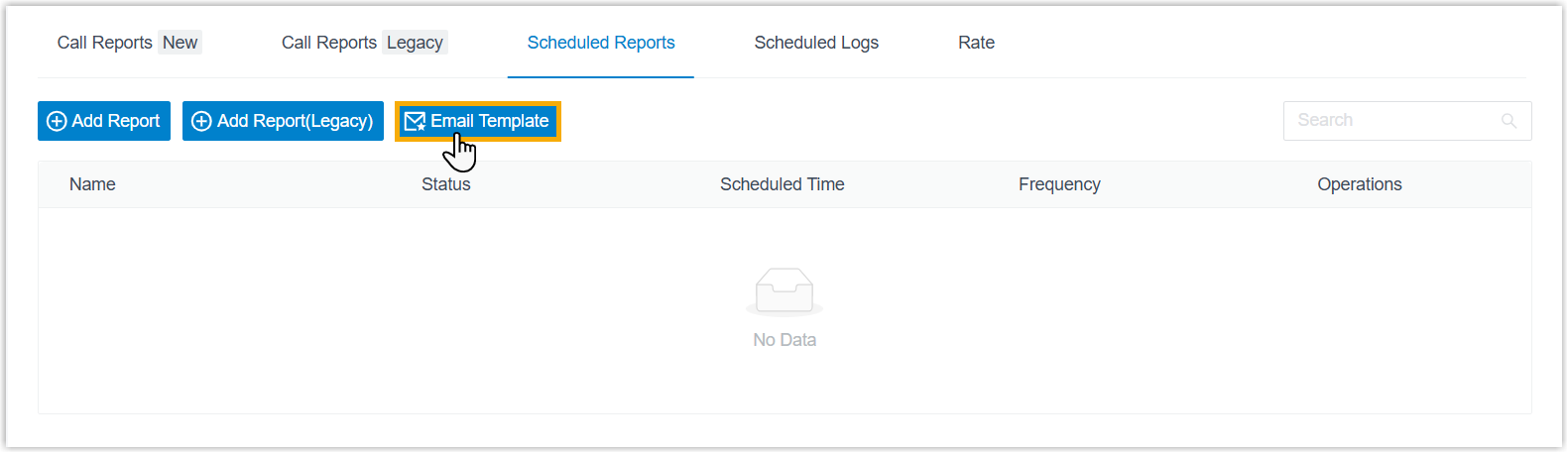
- Configure template settings.
- In the Template drop-down list, select
Custom.
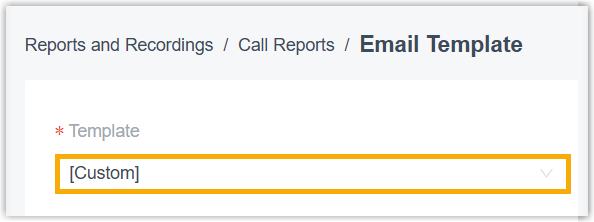
- Edit email subject and content according to your needs.
- Click Save.
- In the Template drop-down list, select
Custom.
Result
The PBX will send scheduled call reports using the customized email template.