| Add a function key |
- Log in to NovoOne Tenant portal, go to .
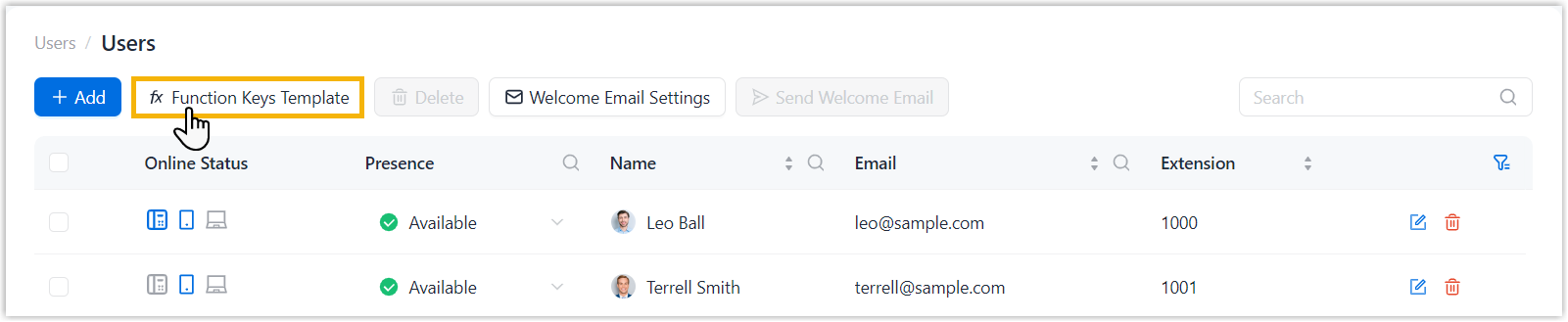
- At the top of the user list, click Function Keys
Template.
- In the pop-up window, click
 beside the desired
template. beside the desired
template.
- In the pop-up window, click Add
to add and configure function keys, then click
OK.
|
| Edit a function key |
- Log in to NovoOne Tenant portal, go to .
- At the top of the user list, click Function Keys
Template.
- In the pop-up window, click beside the desired
template.
- In the pop-up window, edit the function key as needed,
then click OK.
|
| Delete a function key |
|
| Adjust the order of function keys |
- Log in to NovoOne Tenant portal, go to .
- At the top of the user list, click Function Keys
Template.
- In the pop-up window, click beside the desired
template.
- Click
 beside the
desired function key, then drag it to the target
position and click OK. beside the
desired function key, then drag it to the target
position and click OK.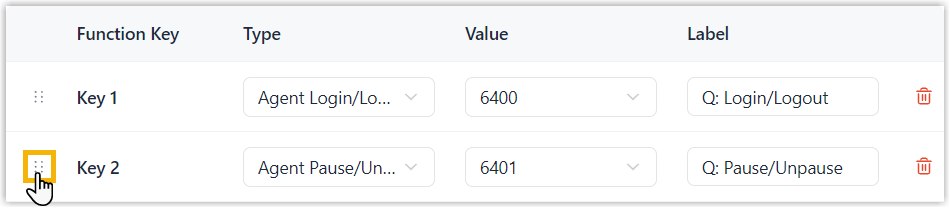
|
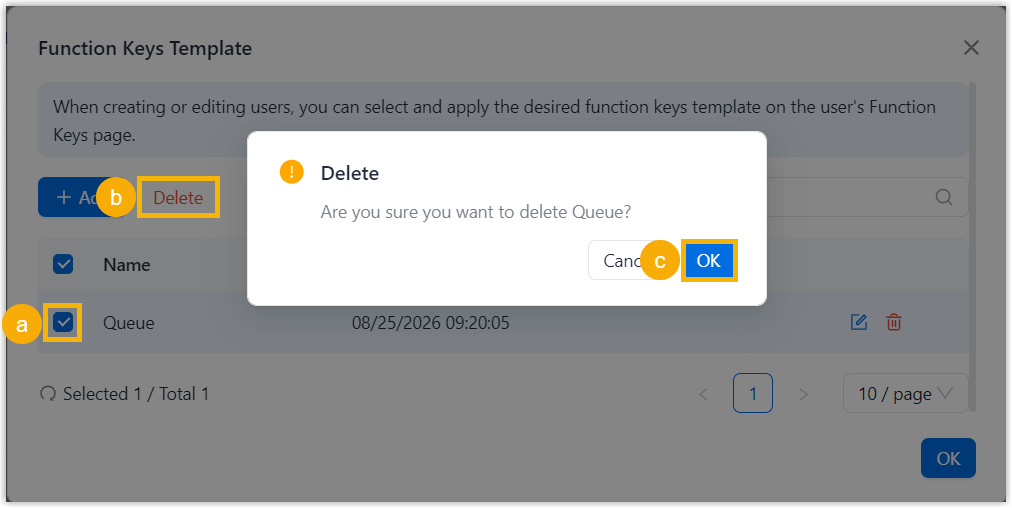
 beside the desired
function key, then click
beside the desired
function key, then click