User Overview
A user represents an individual in an organization and is assigned an extension for making and receiving calls. You can create a user account for each employee in your organization and configure communication features as needed.
User creation
Create a user account and configure communication features as needed.
For more information, see Create a User.
User registration
After creating a user account, register the user extension on endpoints so that the user can make and receive calls.
NovoOne supports the following types of endpoints:
| Endpoint | Instruction |
|---|---|
| SIP Phone | Register the user extension on a SIP phone, either manually
or by provisioning a compatible IP phone. For more
information, see the following topics: |
| NovoOne Client | Grant users permission to use NovoOne
Mobile Client and Web Client, then send them welcome emails
containing their login credentials. For more information, see Enable NovoOne Clients for Users and Send NovoOne Client Welcome Emails to Users. |
After registration, you can identify the user's endpoint status from the icons displayed in the user list.
| Icon | Description |
|---|---|
 |
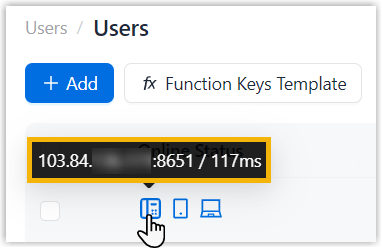
Indicate that the user extension is registered on a SIP phone
and ready for use. Hover over the icon to view the IP address of the SIP phone.
|
 |
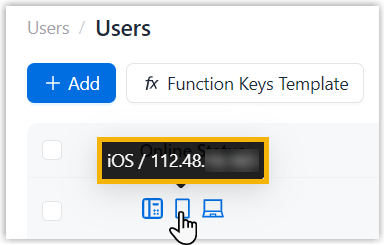
Indicate that the user extension is logged in to NovoOne Mobile Client and ready for
use. Hover over the icon to view the device type and IP address of the device running the logged-in mobile client.
|
 |
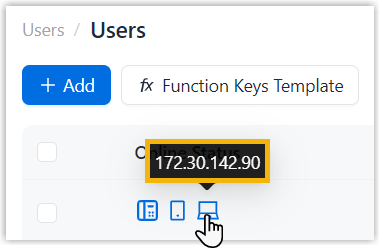
Indicate that the user extension is logged in to NovoOneWeb Client and ready for use. Hover over the icon to view the IP address of the device running the logged-in web client.
|