System Overview
System Overview allows you to monitor and analyze system usage in detail, ensuring that your tenant operate in an optimal manner.
To access system overview, go to System Overview. The following sections describe the information available in each panel.
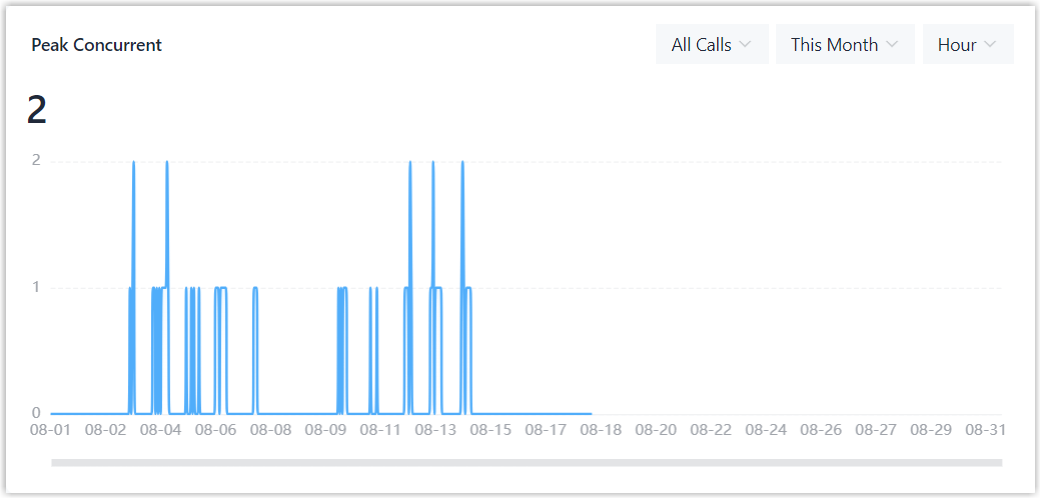
Peak Concurrent
Peak Concurrent displays the peak number of concurrent calls reached within a specific time period, helping identify peak call traffic and assess concurrent call demand.
By default, the panel shows hourly peak concurrent calls for the current day across all call types. You can filter the data by call type and time period to focus on the information you need.
Active Calls
Active Calls provides a real-time view of current calls by status, making it easy to quickly assess the current call load.
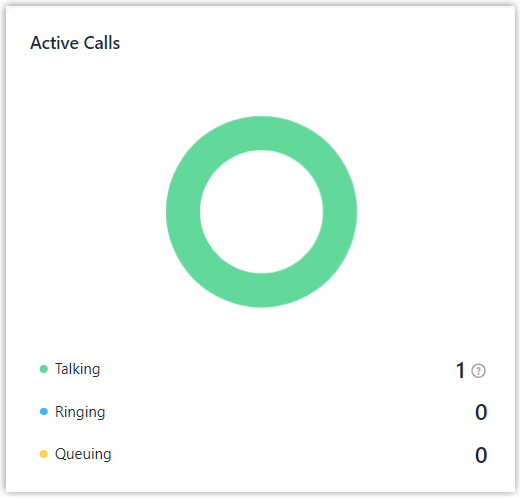
| Item | Description |
|---|---|
| Talking |
The number of calls currently in progress and the maximum supported number of concurrent calls. |
| Ringing | The number of calls currently ringing and waiting to be answered. |
| Queuing |
The number of inbound calls currently waiting in queues. |
Call Trend
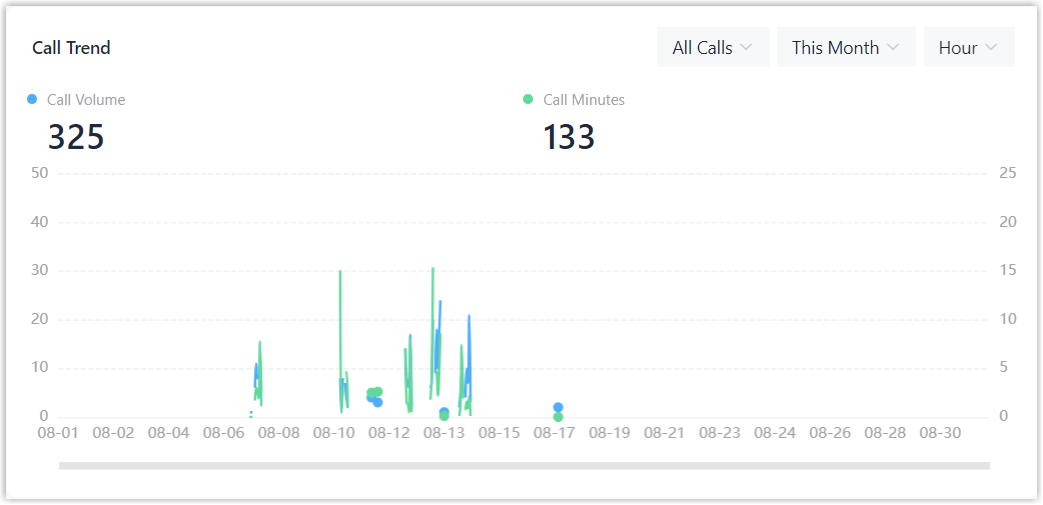
Call Trend tracks call volume and talk duration over time, allowing you to monitor changes in call traffic and identify busy periods.
| Item | Description |
|---|---|
| Call Volume | The number of calls. |
| Call Minutes | The total talk duration of calls, in minutes. |
By default, the panel shows hourly call trends for the current day across all call types. You can filter the data by call type and time period to focus on the information you need.
User
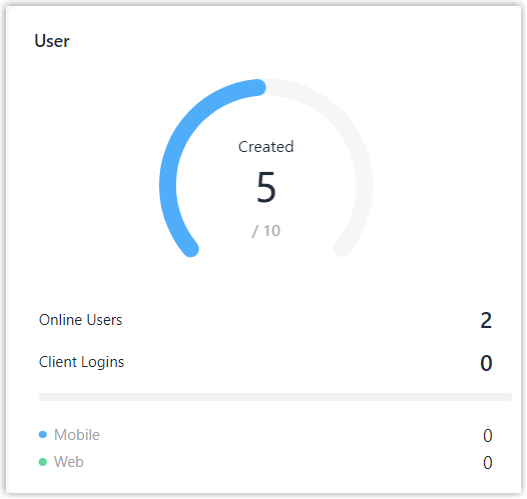
User provides an overview of user statistics, such as user capacity, number of online users, and client activity, helping you monitor user usage.
| Item | Description |
|---|---|
| Created | The number of created users and the maximum supported number of users. |
| Online Users | The number of users currently online. Note: A user is considered online when
their extension is registered on at least one
endpoint.
|
| Client Logins | The number of users logged in to each client type. |
Usage
Usage displays the usage and capacity limits of key system resources, helping you monitor resource allocation and availability.

| Item | Description |
|---|---|
| IVR | The number of created IVRs and the maximum supported number of IVRs. |
| Ring Group | The number of created ring groups and the maximum supported number of ring groups. |
| Queue | The number of created queues and the maximum supported number of queues. |
| Recording |
The used recording capacity and the maximum supported recording capacity. |
Security Status
Security Status provides an overview of key security settings, allowing you to quickly review essential security configurations.
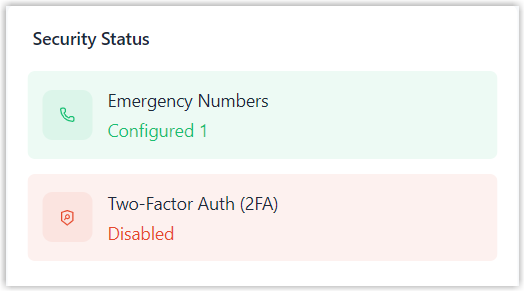
| Item | Description |
|---|---|
| Emergency Numbers | The number of emergency numbers added. |
| Two-Factor Auth (2FA) | Whether Two-Factor Authentication is enforced for all users. |