Configure Recording File Setting
This topic describes how to configure recording file settings, including recording file format and deletion with CDR.
Procedure
- Log in to NovoOne Tenant portal, go to .
- In the Recording File section, configure the following
settings.
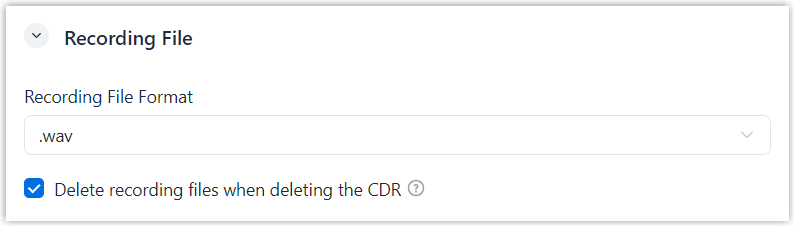
Setting Description Recording File Format Select the format in which recording files are stored. .wav.mp3
Delete recording files when deleting the CDR Specify whether to delete recording files when manually deleting the associated CDRs. - Click Save.