Start/Stop a PBX
After creating a PBX, you need to start the PBX so that PBX users can access the PBX. If your customer don't need the PBX temporarily, you can stop the PBX.
- Go to .
-
To start the PBX, click
 behind the desired PBX.
If it is the first time that you start the PBX, the web page will prompt you to send notification email to the customer.
behind the desired PBX.
If it is the first time that you start the PBX, the web page will prompt you to send notification email to the customer.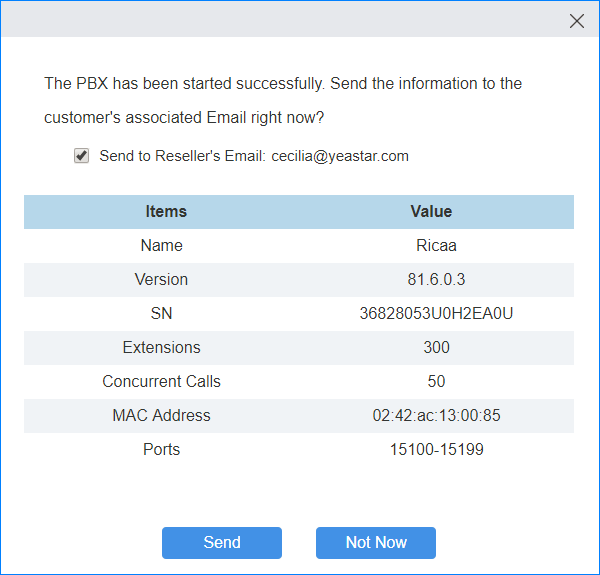
- Check Send to Reseller's Email.
- Click Send to send the information immediately.
- If you want to send the notification email later, click Not now.
-
To stop the PBX, click
 .
The PBX will stop working and is unavailable to be accessed.
.
The PBX will stop working and is unavailable to be accessed.