Check PBX Information
After creating a PBX, you can view the PBX's information and the associated customer's information.
- Go to .
-
Click
 beside
the desired PBX.
beside
the desired PBX.
-
On the Settings page, click PBX
Info tab to check the PBX information.
Note: Information in the Advanced section are ports for debugging. debug. The PBX users should check the service ports on the PBX web page, and use the relevant ports.
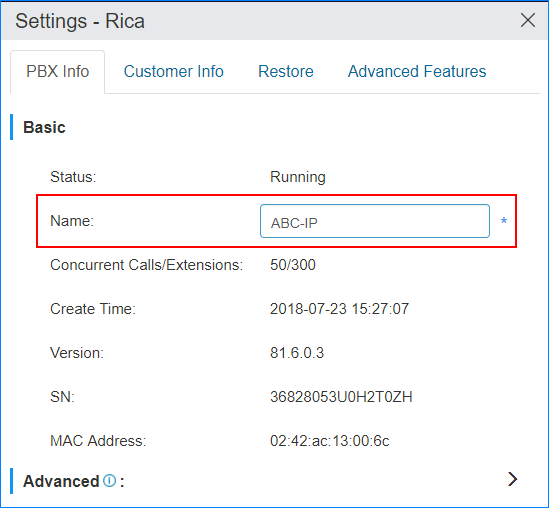
- Optional: To change the PBX name, enter a new name in the Name field , then click Save.
- Click Customer Info tab to view the customer information.