Send PBX Information
After creating a PBX, you need to send PBX login information to the customer.
- Go to .
-
Click
 beside the
desired PBX.
beside the
desired PBX.
-
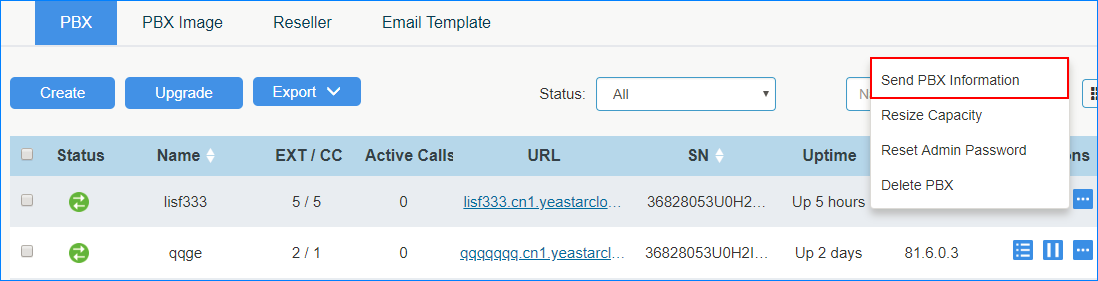
Click Send PBX Information.
-
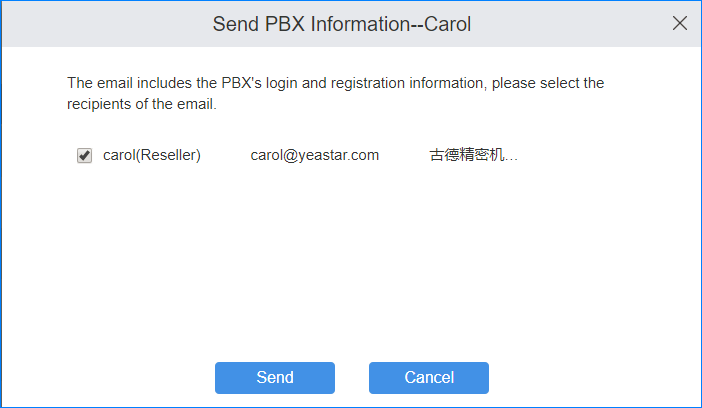
In the pop-up dialog, check the customer's email address and click
Send.