Export Message Flows
Message flows configured on Yeastar P-Series Software Edition can be exported and imported to another P-Series PBX System for quick reuse. This topic describes how to export message flows.
Important: After exporting message flows, do NOT modify
the exported file. Otherwise, the message flow may NOT work when imported into another
P-Series PBX system.
Procedure
- Log in to PBX web portal, go to .
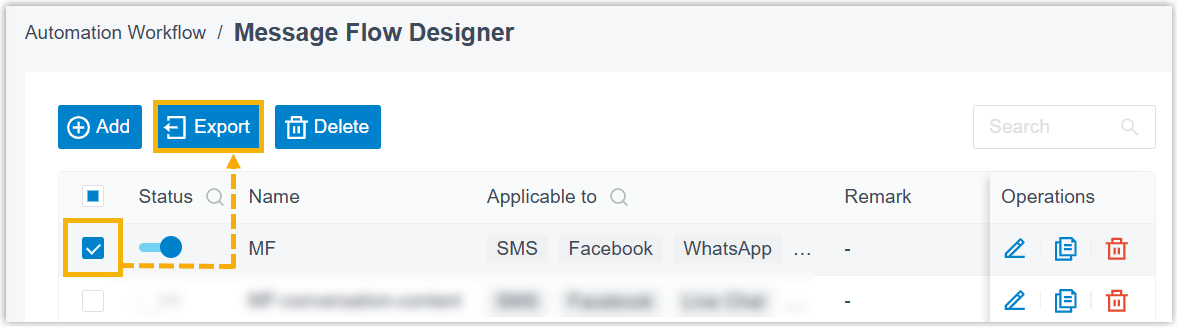
- Select the checkbox(es) of the message flow(s) that you want to export, then
click Export.
Result
- If you export a single message flow, it is saved as a
.jsonfile. - If you export multiple message flows, they are saved as a
.zipfile. You can unzip the file to access individual.jsonfiles.
Tip: To import the
.json file to
another P-Series PBX System, see Set up a Message Flow from a JSON File.