Set Default Status for Dynamic Agents
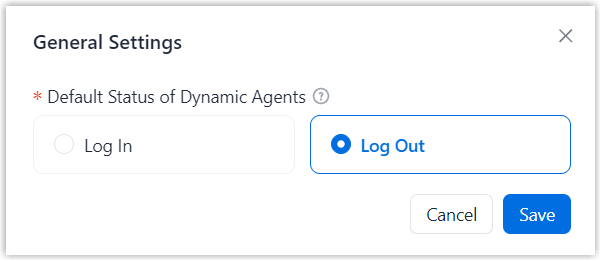
By default, dynamic agents are in logout status when they are added to a queue, and must manually log in before handling calls. If needed, you can change the default status to login and switch it back to logout at any time.
Procedure
- Log in to NovoOne Tenant portal, go to .
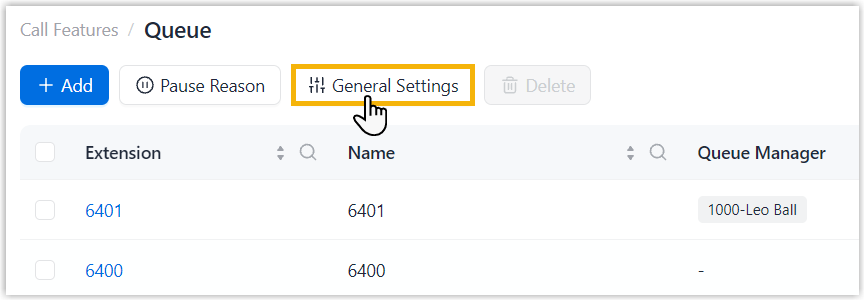
- At the top of the list, click General Settings.
- In the pop-up window, select a default status, then click
Save.
Result
The selected status will be automatically applied when new dynamic agents are added to queues.
Note: Dynamic agents who are already in queues are NOT
affected by this setting.