Allow Multiple Registrations for One User
Registering one user to multiple IP phones allows the employees to handle calls on any devices. This topic describes how to set the maximum concurrent registrations of IP phones for a user.
Procedure
- Log in to NovoOne Tenant portal, go to .
- Click
 beside the desired user.
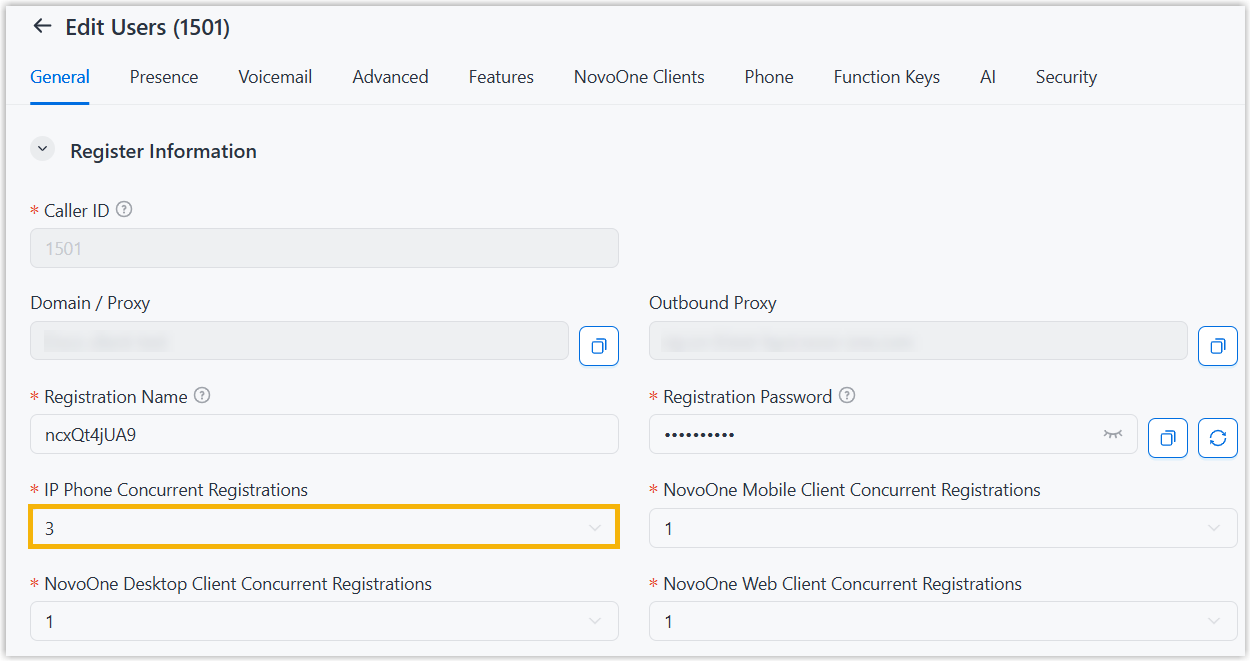
 - Under the General tab, scroll down to the
Register Information section, then select a value
in the IP Phone Concurrent Registrations drop-down
list.
- Click Save.