Log in to Linkus with Google Account
If system administrator integrates the server with Google Workspace, you can log in to Linkus with your Google account directly.
Requirements
- System administrator has integrated the server with Google Workspace, and enabled Single Sign-on (SSO) feature.
- Your Linkus version meets
the following requirement:
- Linkus iOS Client: Version 5.14.3 or later
- Linkus Android Client: Version 5.14.4 or later
Procedure
- Open Linkus Mobile Client.
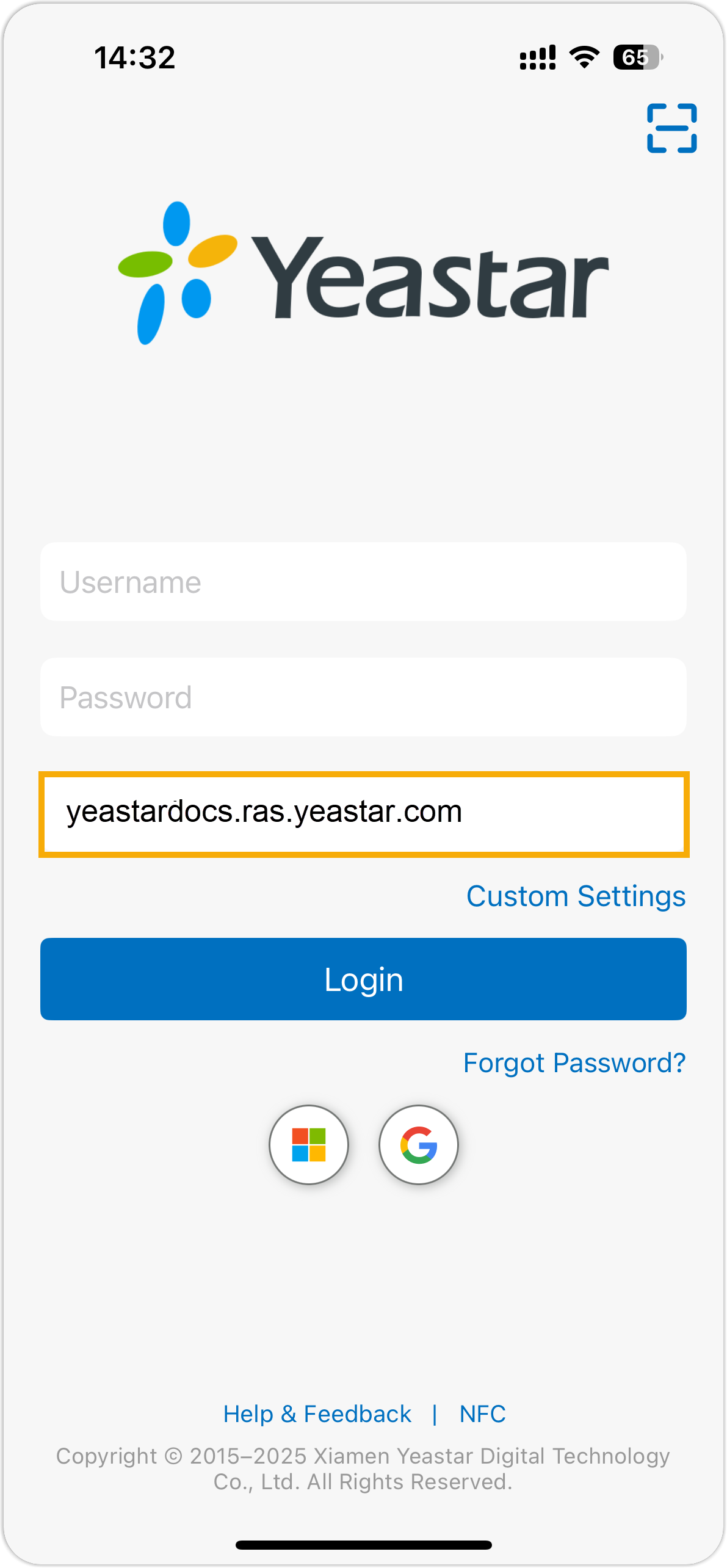
- In the SN/Domain field, enter the server address
allowed for Google SSO.
- Tap
 and sign in to your Google account.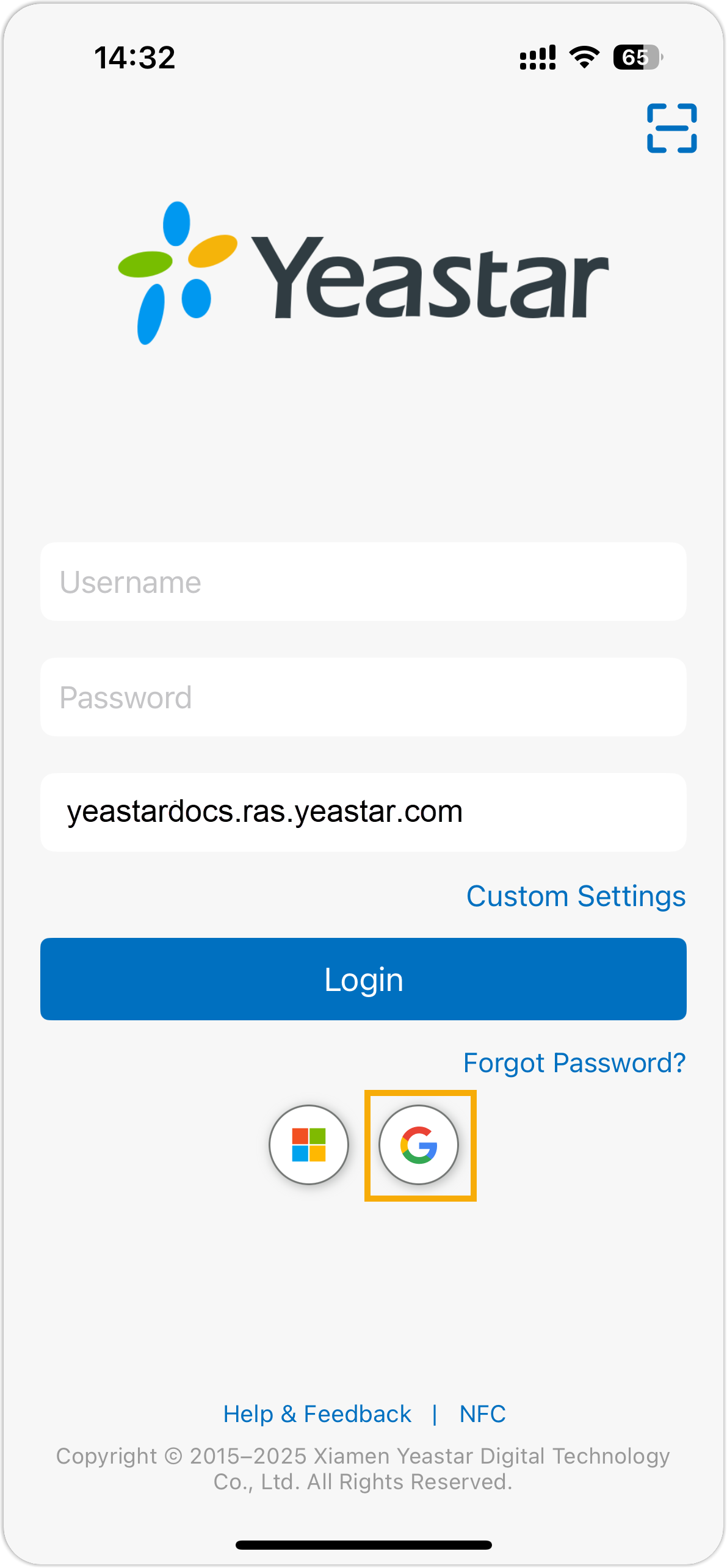
After signed-in, you are automatically logged in to Linkus Mobile Client.