Directory Overview
Linkus directory is divided into three types, including colleagues in company, native contacts in your phone, and external contacts stored on the server. This topic provides an overview of the three types of directory.
Extensions
 |
The Extensions directory contains the extensions' information that are synchronized from the server, namely your colleagues' information. You can have an overview of your colleagues and seamlessly collaborate with them by implementing the followings:
|
Phone
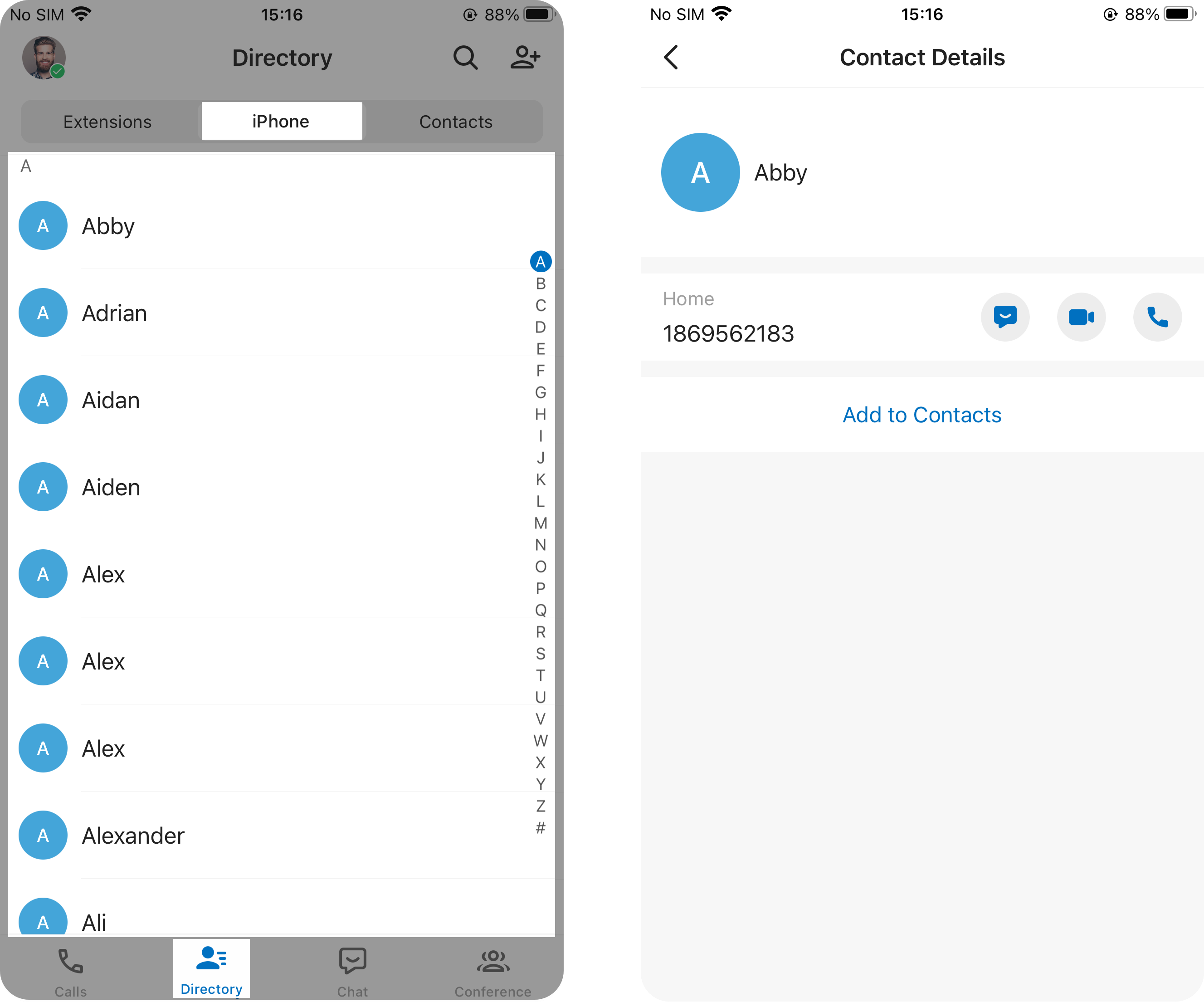 |
If you grant Linkus Mobile Client the permission to access your phone contacts, the Phone directory will display the native contacts that are synchronized from your mobile phone. You can easily add the phone contact to Linkus
Contacts directory as needed, and directly initiate a call to
the contact via either Linkus or mobile phone.
Note: The phone contacts only display on Linkus
Mobile Client, all data is stored in your phone locally and
will NOT be uploaded anywhere. |
Contacts
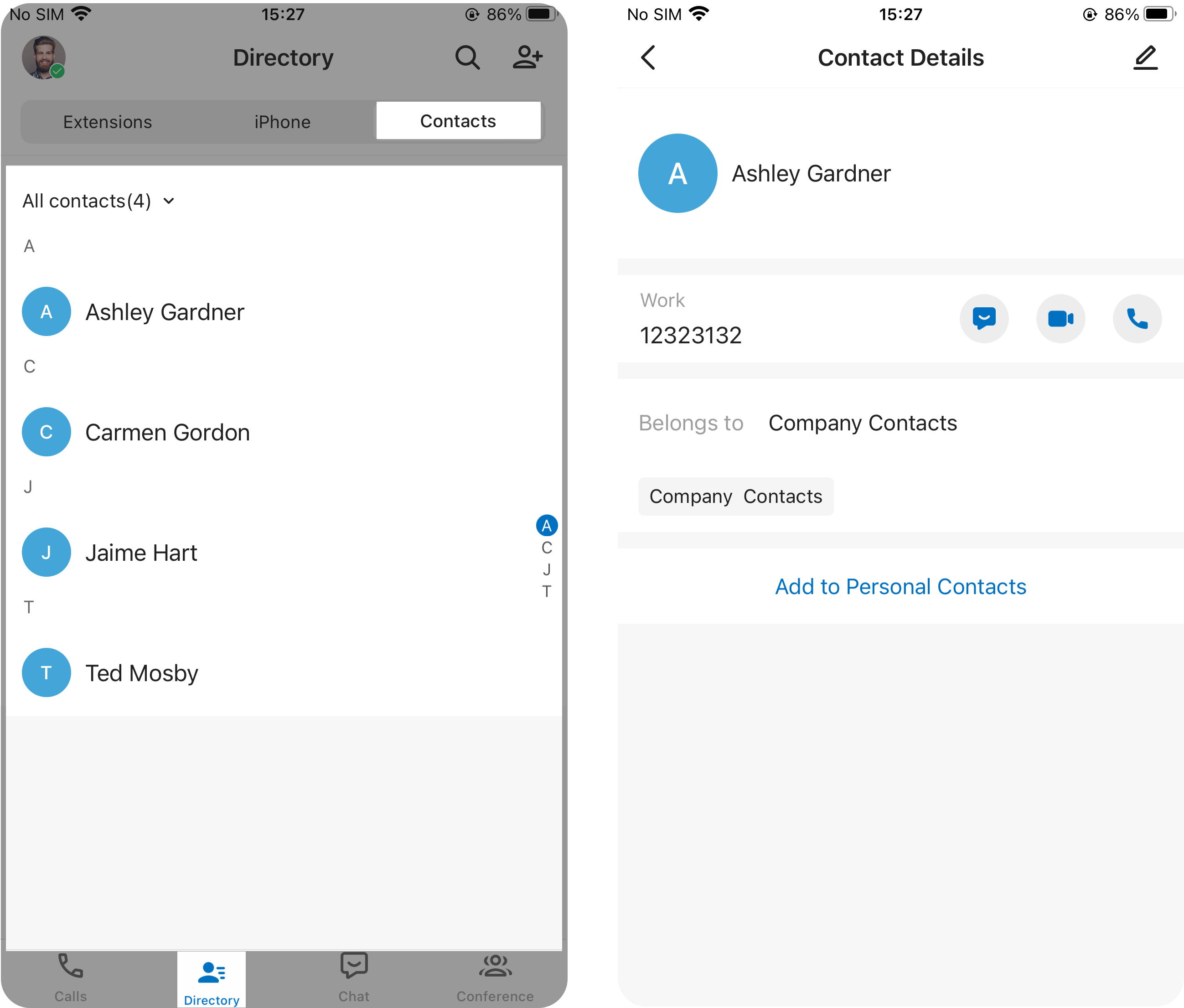 |
The Contacts directory provides an
overview of your external contacts that are stored on the
server. The directory is subdivided into two types, namely
personally managed contacts (stored in Personal Contacts)
and shared contacts (stored in Company Contacts).
|