Log in to Linkus with Red Hat Account
If system administrator integrates the server with Red Hat SSO, you can log in to Linkus with your Red Hat account directly.
Requirements
- System administrator has integrated the server with Red Hat SSO, and enabled Single Sign-on (SSO) feature.
- The version of your Linkus is 1.7.4 or later.
Procedure
- Open Linkus Desktop Client.
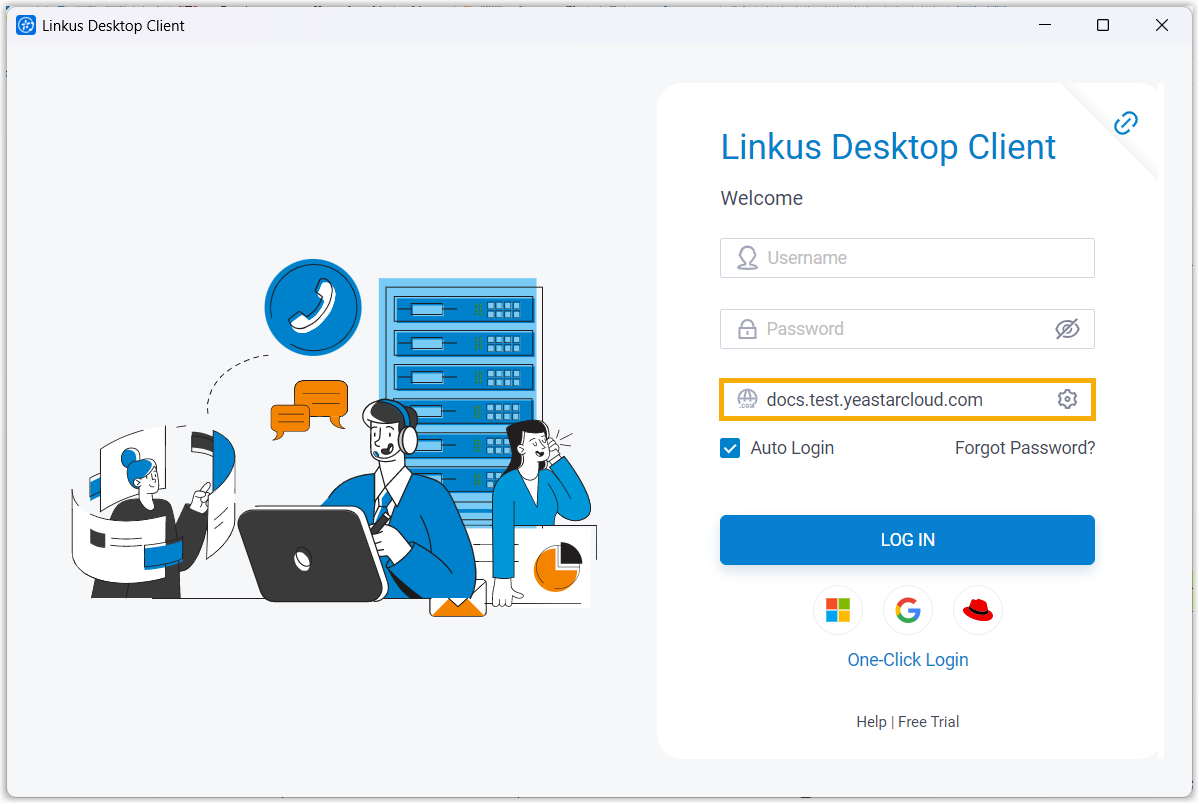
- In the Domain field, enter the server address allowed
for Red Hat SSO.
- Click
 and sign in to your Red Hat account.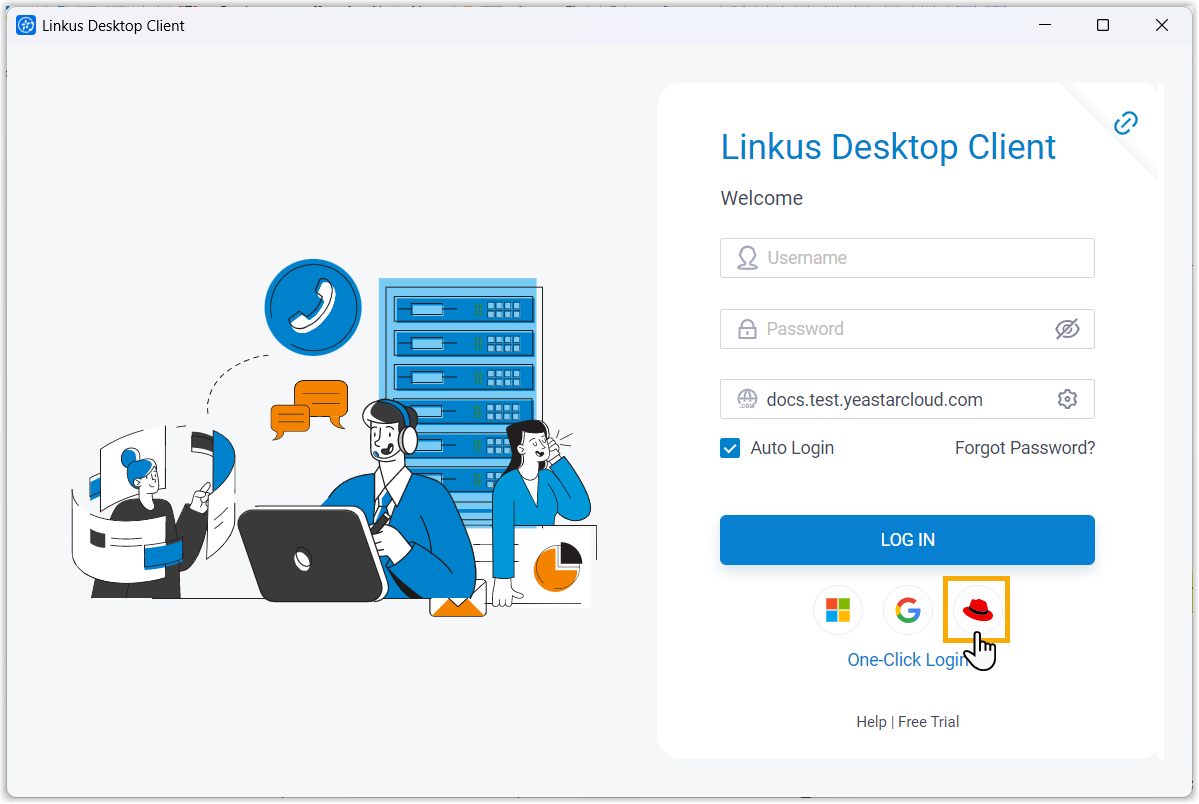
After signed-in, you are automatically logged in to Linkus Desktop Client.