Manage Business Hours Profiles
After adding business hours profiles, you can edit, duplicate, or delete them as needed.
Edit a business hours profile
- Log in to NovoOne Tenant portal, go to .
- In the left navigation pane, click
 beside the desired profile, then select Edit from
the drop-down list.
beside the desired profile, then select Edit from
the drop-down list.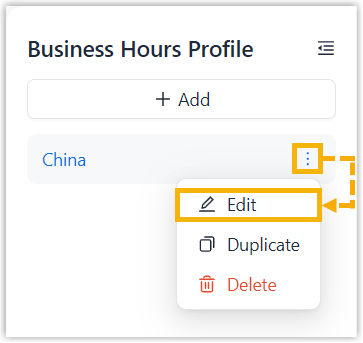
- In the pop-up window, edit the profile settings, then click OK.
Duplicate a business hours profile
- Log in to NovoOne Tenant portal, go to .
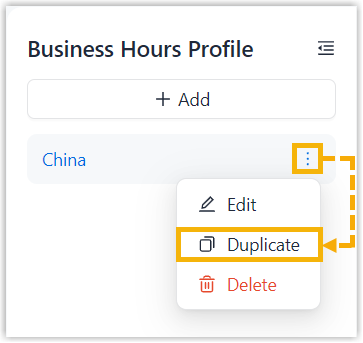
- In the left navigation pane, click beside the desired profile, then select Duplicate
from the drop-down list.
- Edit the profile as needed.
Delete a business hours profile
Note: If a business hours profile is applied to an object (for
example, an inbound route or outbound route), deleting the profile will disable
business hours status determination for that object and may affect call
routing.
- Log in to NovoOne Tenant portal, go to .
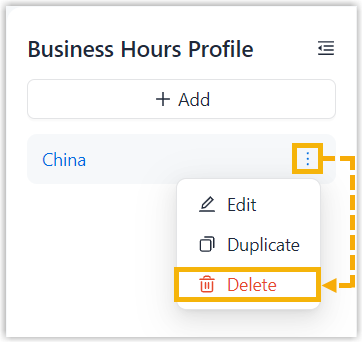
- In the left navigation pane, click beside the desired profile, then select Delete
from the drop-down list and confirm the operation.