Add a Business Hours Profile
This topic describes how to add and configure a business hours profile.
Procedure
- Log in to NovoOne Tenant portal, go to .
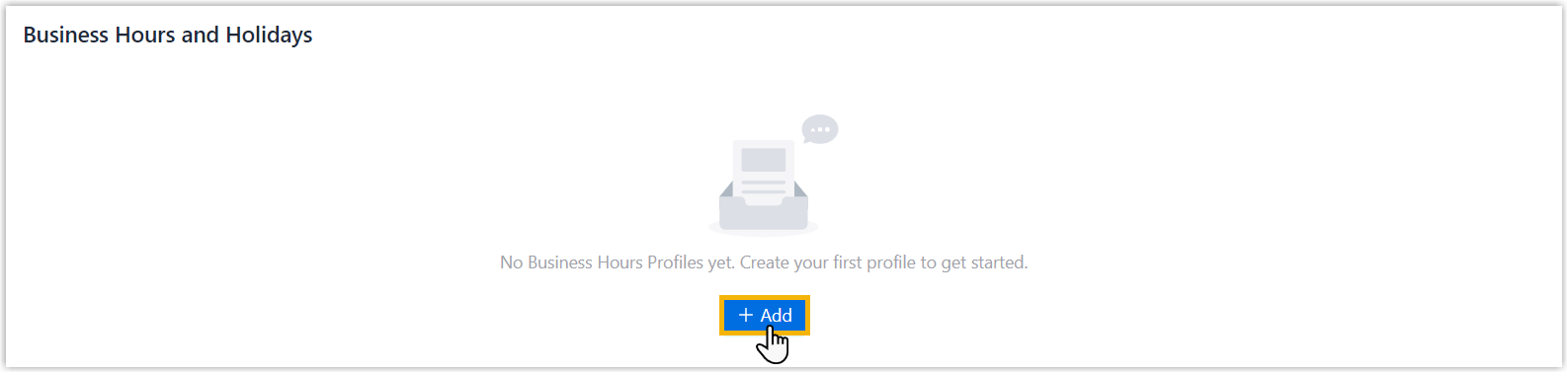
- Click Add.
- In the pop-up window, configure the following settings, then click
OK.
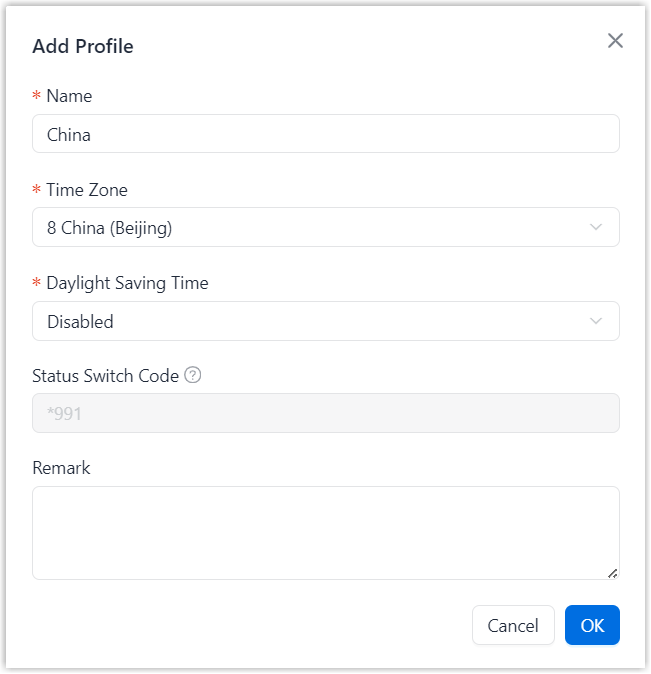
Setting Description Name Enter a name to help identify the business hours profile. Time Zone Select a time zone. Daylight Saving Time Specify whether to enable daylight saving time. Status Switch Code The feature code that authorized users can dial to manually switch the current status of the business hour profile between Business Hours and Outside Business Hours. Note: You can grant users permission to manually switch the business hour status in .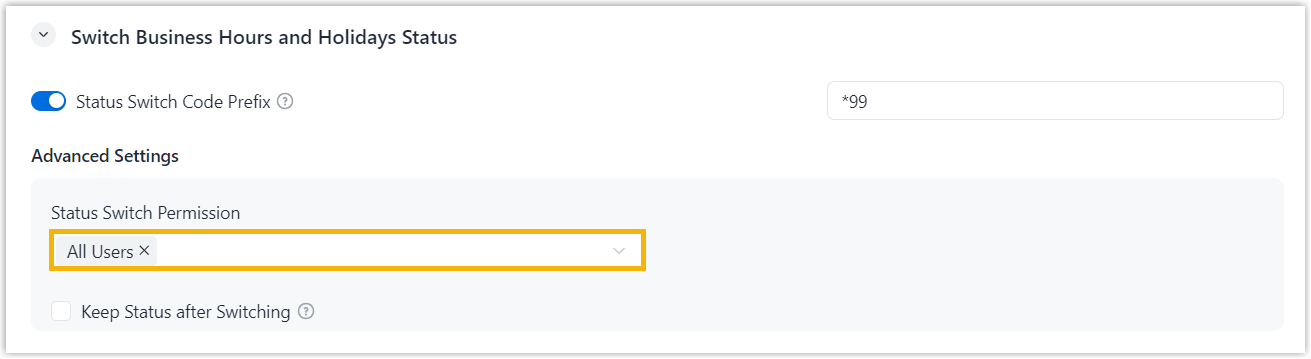
Remark Enter a short description of the business hours profile.
Result
The business hours profile is added.