Override Business Hours Status by Dialing a Feature Code
Authorized users can dial a feature code to manually switch the business hours status between Business Hours and Outside Business Hours.
Prerequisites
- You have granted users permission to switch business hours status (Path: ).
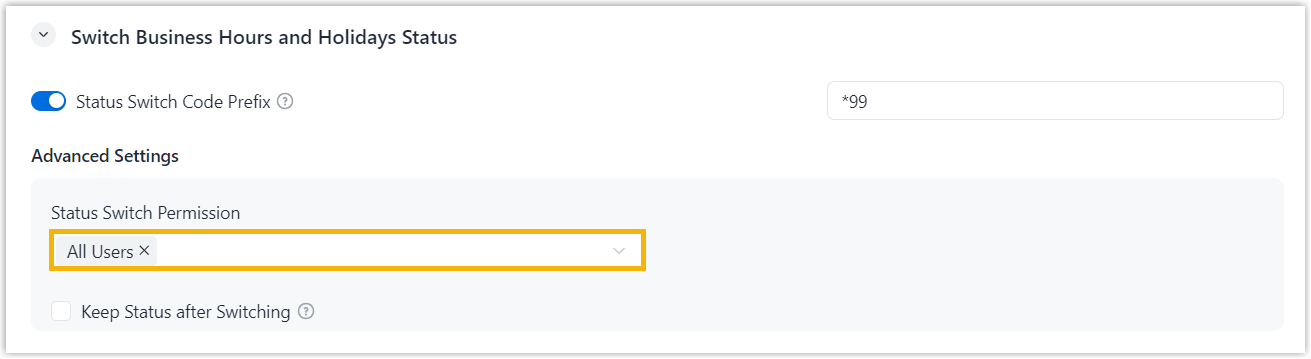
- You have provided users with the feature code for switching business hours
status (Path: ).

Procedure
Instruct an authorized user to dial the feature code from any endpoint where their extension is registered.
Result
The user hears a short beep, and the call is automatically disconnected. The business hours status is then switched between Business Hours and Outside Business Hours.