Check Onsite Proxy Instances of P-Series Software Edition
This topic describes how to view Yeastar Onsite Proxy instances associated with a P-Series Software Edition and the details of each instance (such as instance name, version number, connection status, etc.).
Requirements
- Your account has subscribed to Remote Management Premium service, or P-Series Appliance / Software Edition has subscribed to Remote Management Connection service.
- The firmware version of P-series Software Edition is 83.23.0.23 or later.
- You have the permission to monitor Yeastar Onsite Proxy instances (Path: Remote Management > My Devices > P-Series >
 > Onsite Proxy).Tip: If the Onsite Proxy tab is not visible, contact your service provider to obtain this permission.
Procedure
- Log in to Yeastar Central Management, go to .
- Click beside the desired PBX.
- In the PBX details page, click the Onsite Proxy
tab.
The list shows Onsite Proxy instances associated with the PBX.
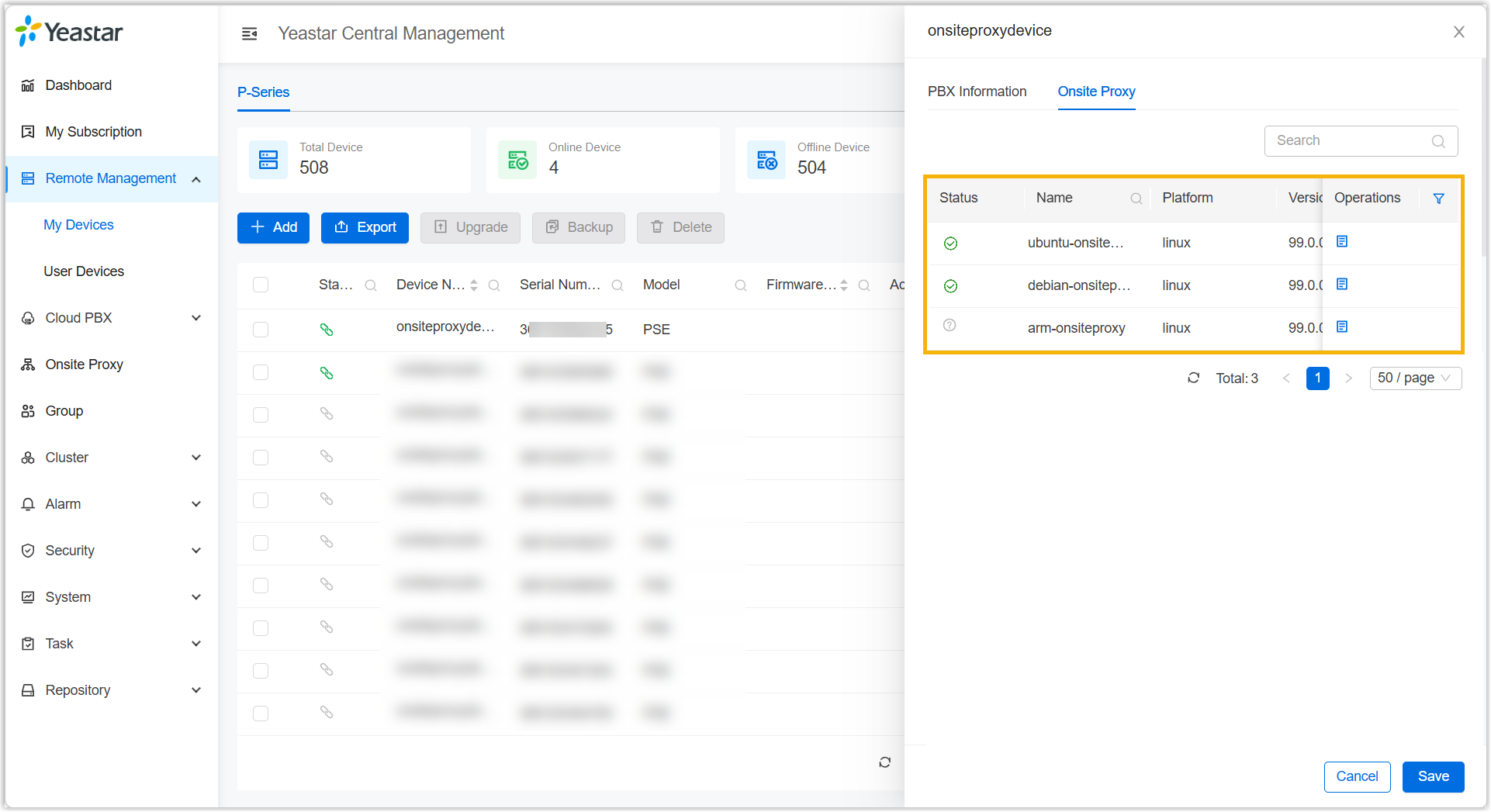
- Click beside the desired Onsite Proxy instance.
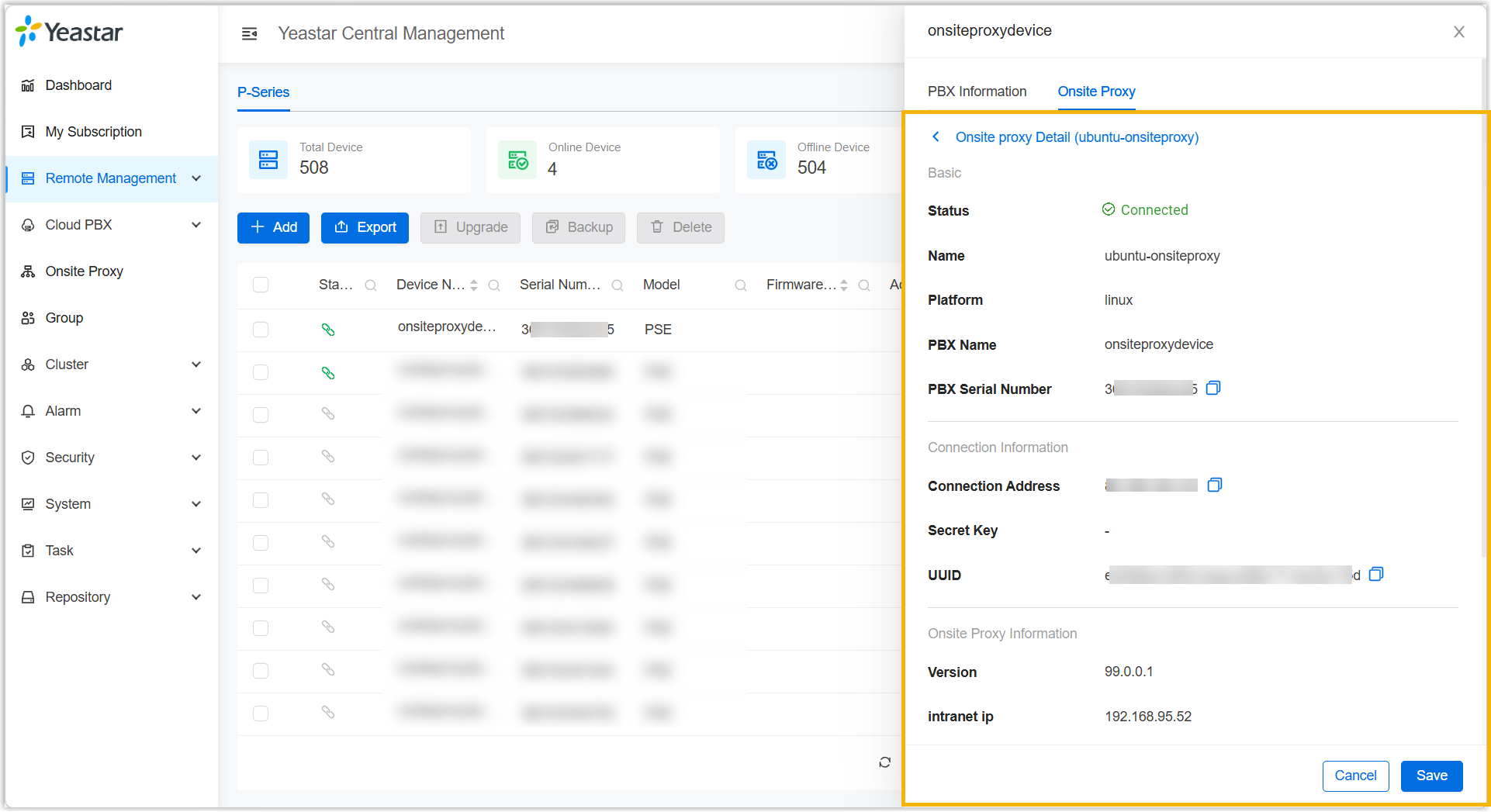
A sidebar opens on the right, displaying the instance details. For the explanation of the details, see Onsite Proxy Instance Information.