View User Devices
You can view the devices that your subordinate users (hosting users and resellers) have added to Yeastar Central Management. This topic describes how to view these users' devices.
Procedure
- Log in to Yeastar Central Management, go to .
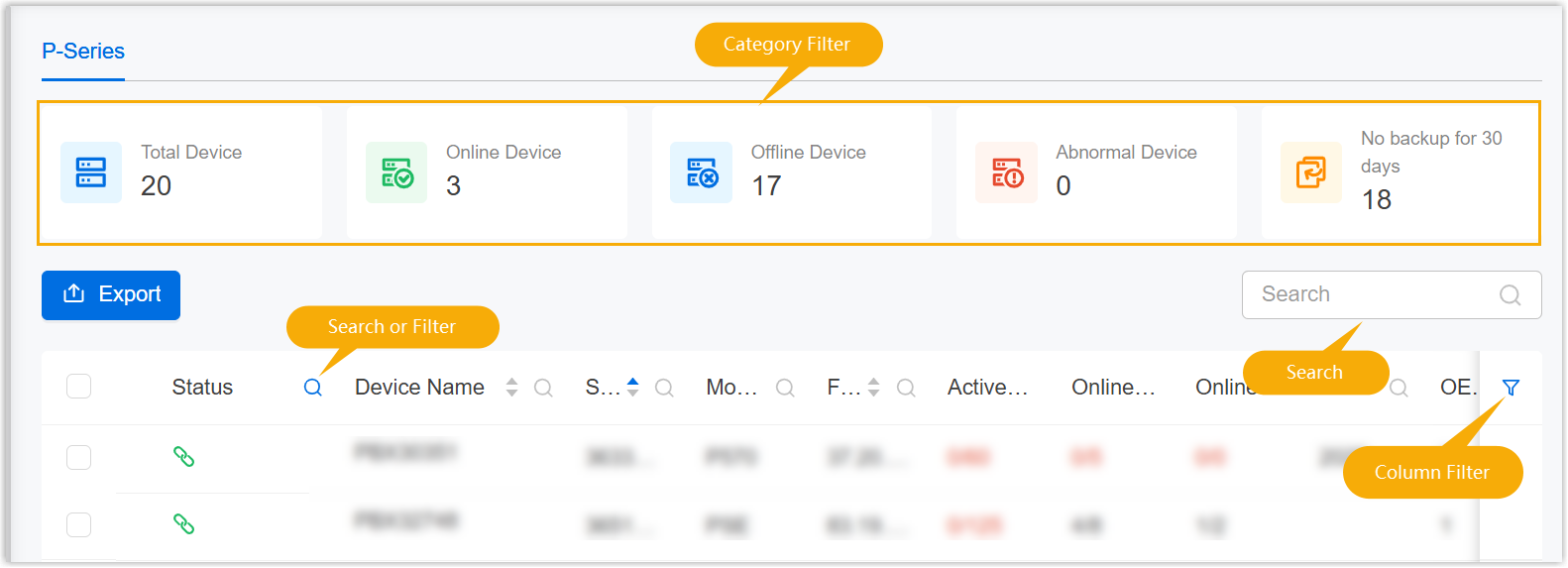
- Optional: Search or filter the devices from the list.
- To check the system resources of the user's device, click
 beside
the desired device.
beside
the desired device.
For more information about the monitoring details, see System Resource Metric Descriptions.
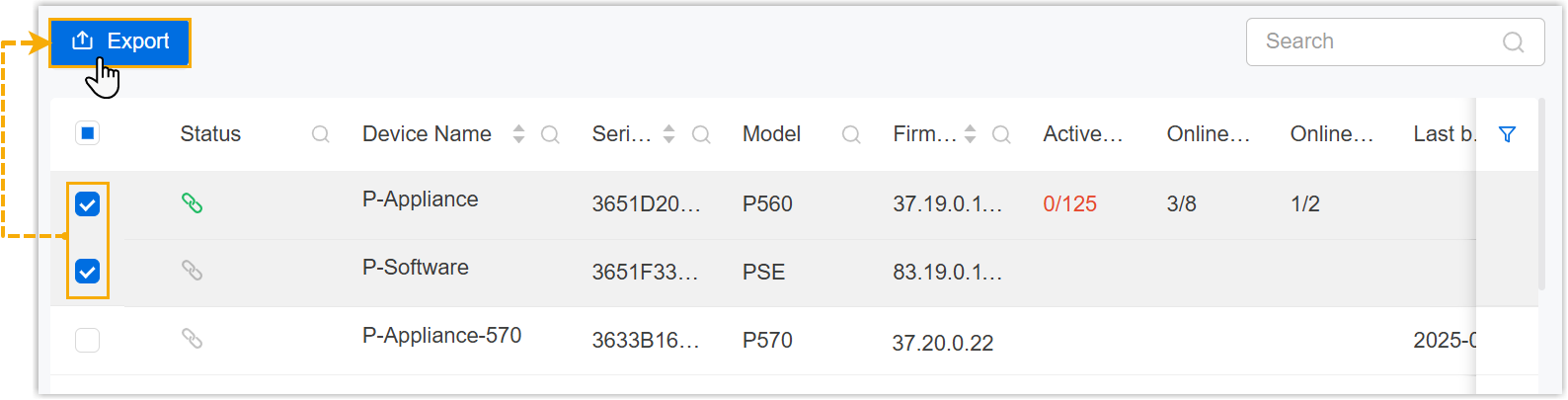
- To export the device information, do as follows:
- To export the information of one or more devices, select the desired
devices, then click Export.
- To export the information of all devices, directly click
Export.
An XLSX file containing the information of the selected devices is downloaded to your computer.
- To export the information of one or more devices, select the desired
devices, then click Export.