Download Scheduled Call Report from PBX Web Portal
After scheduled call report is sent to recipients' mailboxes, they can preview and download the call report via the download link included in the email. You can also view and download the call report directly from PBX web portal. This topic describes how to download scheduled call report from PBX web portal.
Limitations
Up to 5 concurrent requests are supported for call report, including viewing or downloading it from PBX web portal or accessing it via API.Prerequisites
A scheduled call report task has been performed successfully.
Procedure
- Log in to PBX web portal, go to .
- In the Scheduled Logs tab, click
 beside the
desired task.
beside the
desired task.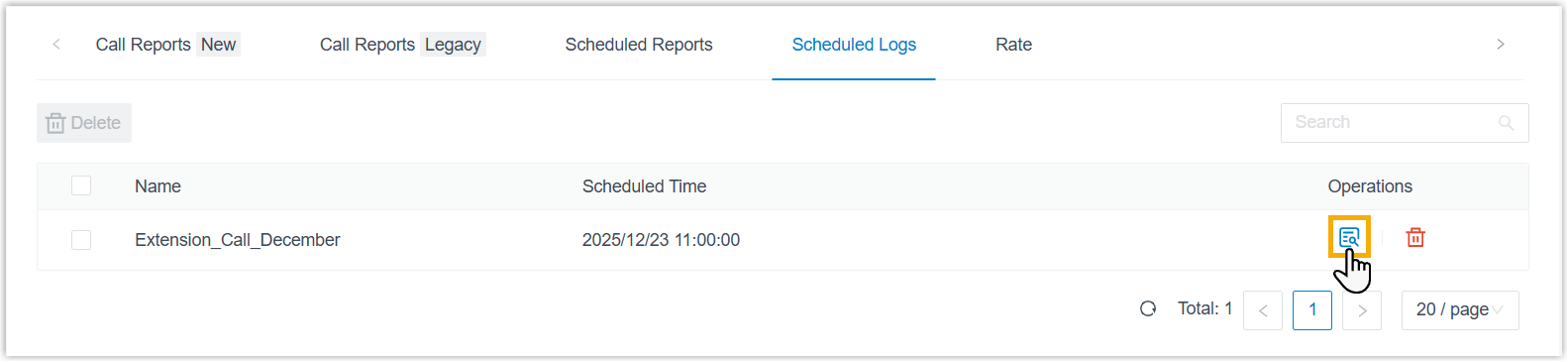
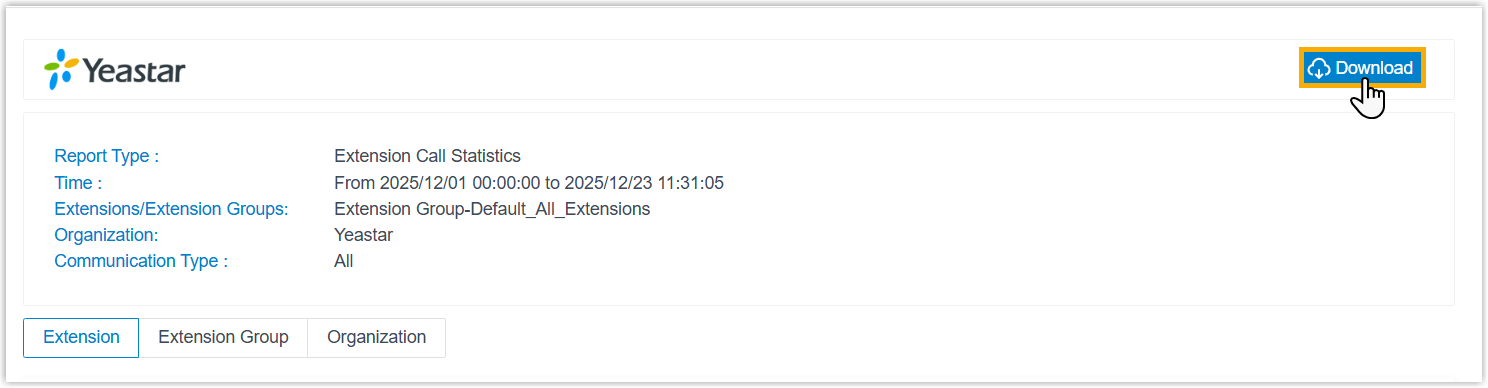
A new browser tab opens to display a snapshot of the report data.
- At the top-right corner, click Download.
Result
The call report is downloaded to your computer in the specified file format.