Customize Email Template for Scheduled Call Report
This topic describes how to customize the email template for scheduled reports.
Introduction
By default, Yeastar P-Series PBX System sends scheduled call reports using the configured email language (set in ) and the default email template.
The default email template contains the following information:
- A download link for call report.
- A reminder to the download link for call
report.
- The validity period of the download link.
- If the PBX is not configured with a Yeastar FQDN or a public IP address, the download link can only be accessed from the same local network as the PBX.
- System information, including PBX name, PBX serial number, PBX LAN IP address, and PBX WAN IP address.
If you want to customize the email template for scheduled call report, follow the instructions below.
Procedure
- Log in to PBX web portal, go to .
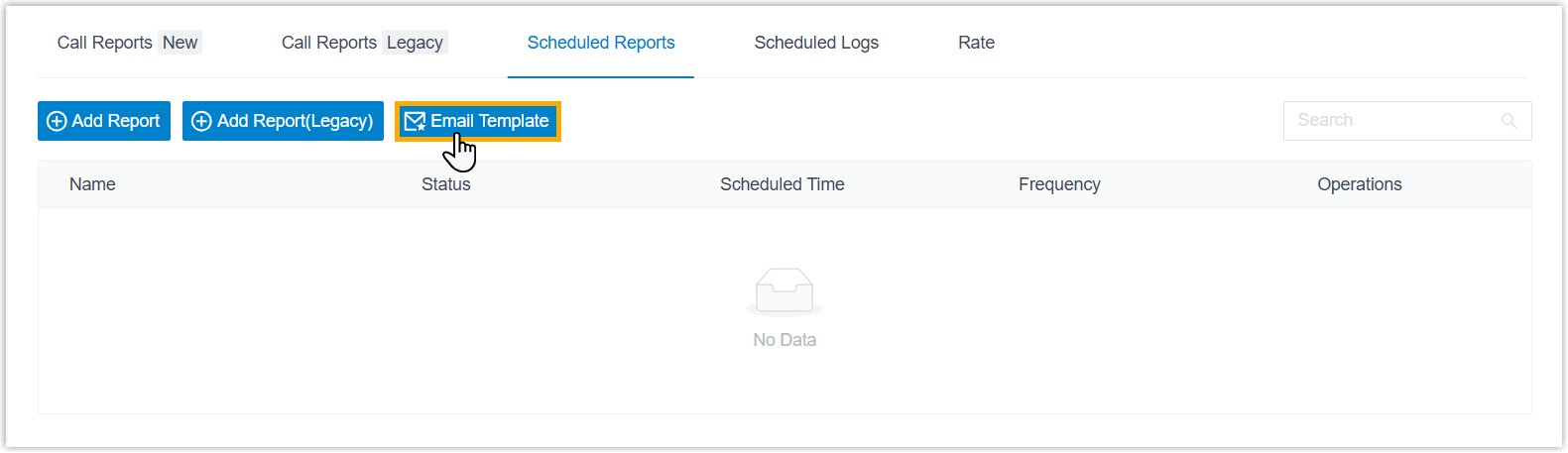
- In the Scheduled Reports tab, click Email
Template.
- Configure template settings.
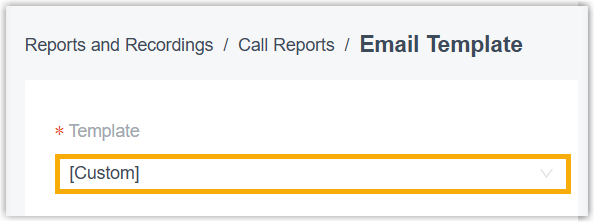
- In the Template drop-down list, select
Custom.
- Edit email subject and content according to your needs.
- Click Save.
- In the Template drop-down list, select
Custom.
Result
The PBX will send scheduled call reports using the customized email template.