Manage Inbound Routes
This topic describes how to manage inbound routes, including adjusting route priority and deleting routes.
Adjust the priority of inbound routes
When multiple inbound routes are configured for the same trunk, the system matches the routes from top to bottom and uses the first matching route. You can adjust the priority of inbound routes as needed.
- Log in to NovoOne Tenant portal, go to .
- In the Move column, click the icons beside the
desired inbound route to adjust the priority.
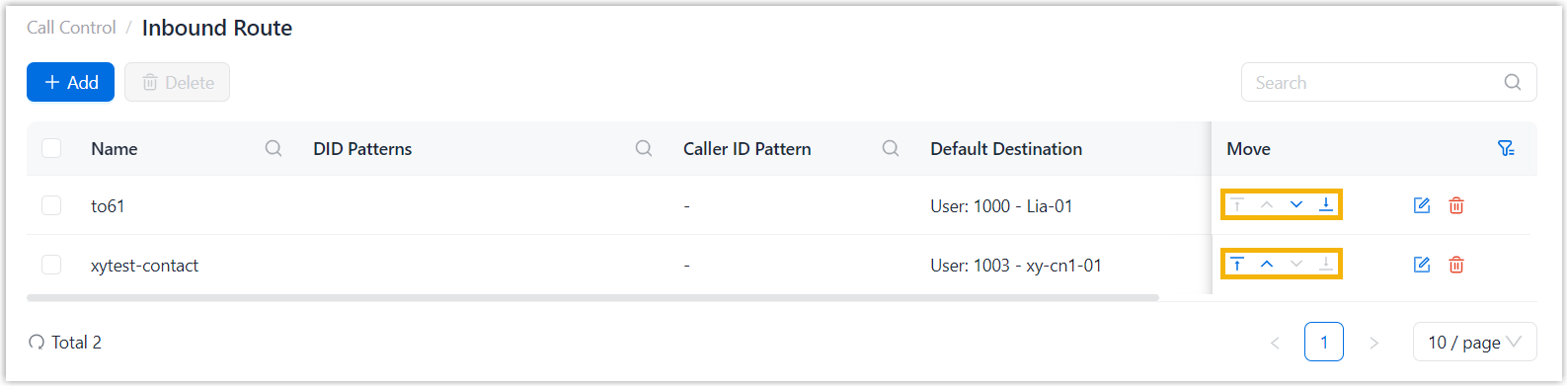
 : Move to top.
 : Move up.
 : Move down.
 : Move to bottom.
Delete inbound routes
- Log in to NovoOne Tenant portal, go to .
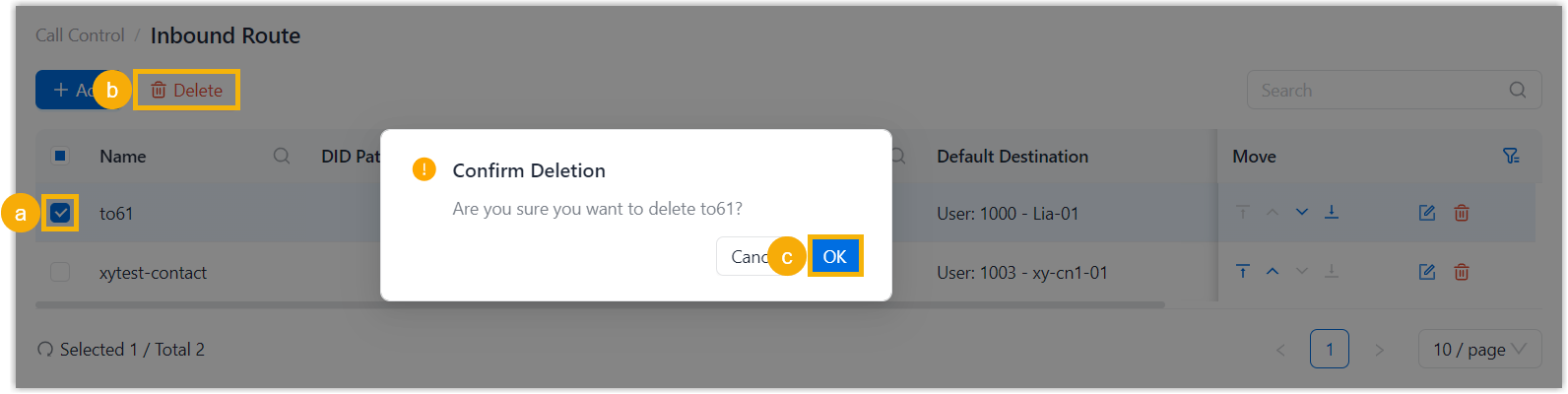
- Select the checkboxes of the desired inbound routes, click
Delete and confirm the operation.