Enable Event Notification
You can enable notifications for specific system events.
Procedure
- Log in to NovoOne Tenant portal, go to .
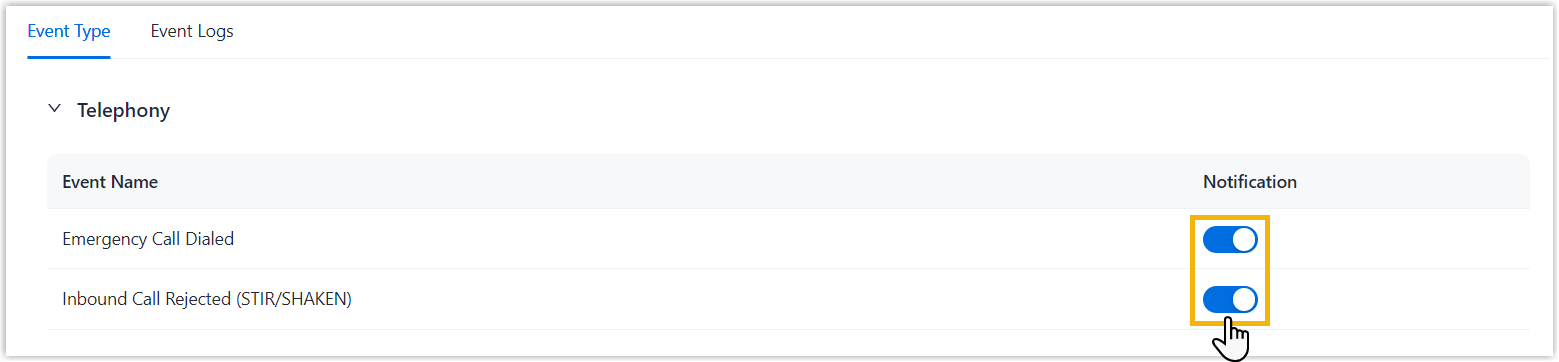
- In the Notification column, turn on the switch for
the desired events.
Result
When an enabled event is triggered, the system sends an email to the tenant administrator.
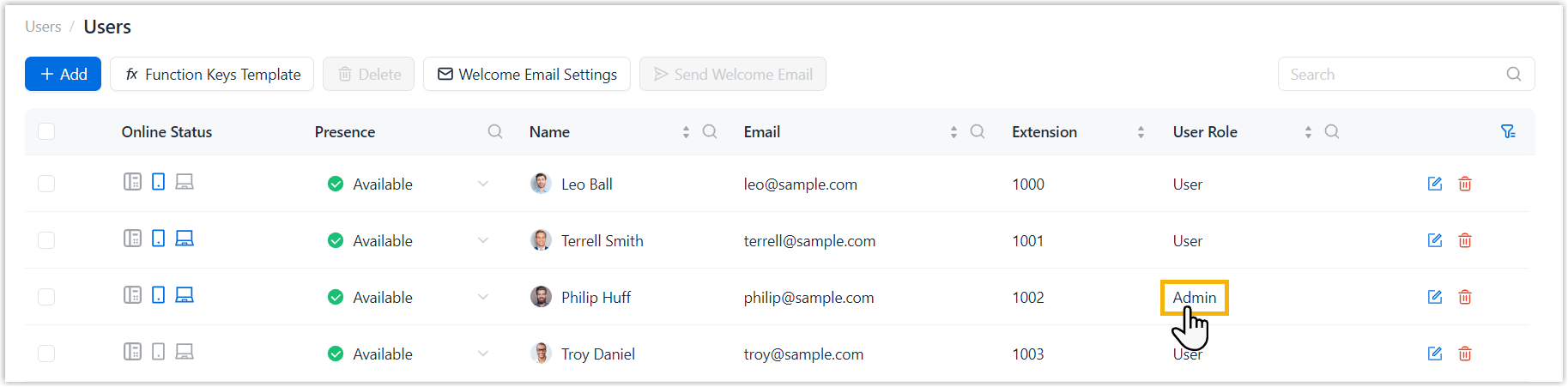
Note: Tenant administrator are the users assigned the
Admin role.