Check Subscription for Remote Management Connections
This topic describes how to check the used and the total number of manageable devices.
Procedure
- Log in to Yeastar Central Management, click My Subscription.
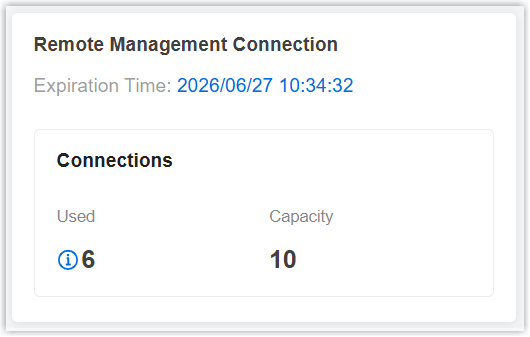
- At the bottom of the page, check the Remote Management service
subscription, expiration
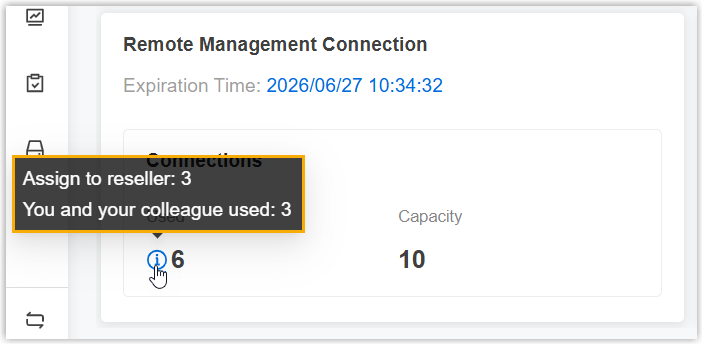
time, and the used and the total number of manageable devices.Note: You can hover the mouse over the
 beside Used to check
the details of used capacity, including the capacity used by you and
your colleagues, as well as the capacity assigned to your
resellers.
beside Used to check
the details of used capacity, including the capacity used by you and
your colleagues, as well as the capacity assigned to your
resellers.