Disable Data Connector Integration
This topic describes how to disable data connector integration on Yeastar P-Series Software Edition.
Procedure
- Log in to PBX web portal, go to .
- Disable data connector integration.
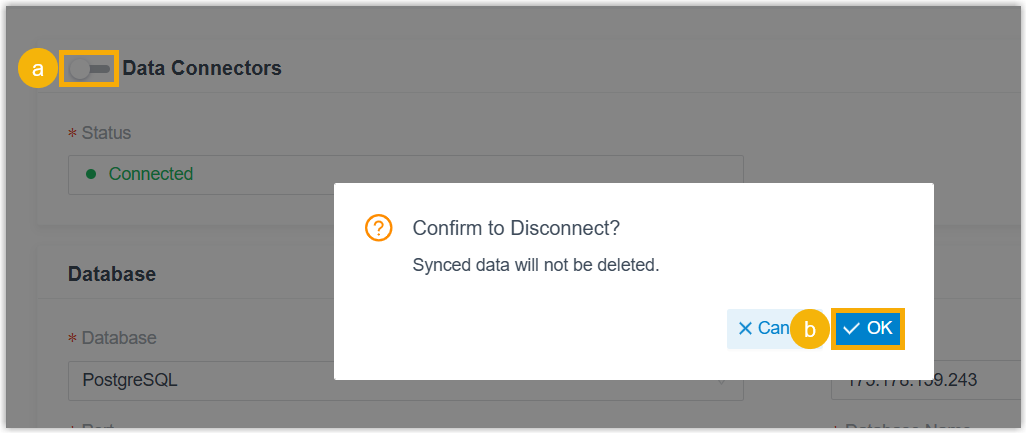
- On the top of the integration page, turn off the switch.
- In the pop-up window, click OK.
Result
- The Status is displayed as "Disconnect", indicating that the integration is disconnected.
- The synchronized data will not be deleted from the third-party database.