Access Transcription Usage Details Report
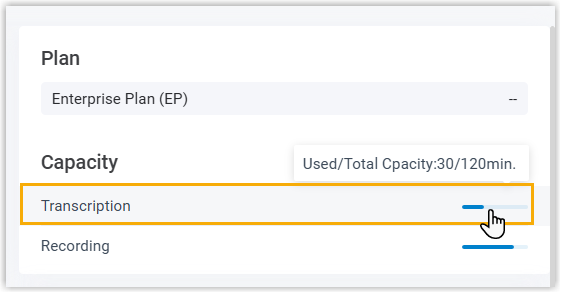
Transcription Usage Details report provides an overview on the used transcription minutes for Voicemail Transcription and Call Transcription. This topic describes how to access the report and explains the key metrics in detail.
Requirements
The PBX's firmware version is 83.21.0.117 or later.
Procedure
- Log in to PBX web portal, go to .
- Click Call Reports(New) tab.
 Note: To enhance system performance, Yeastar has upgraded the CDR module in version 83.21.0.117 with a new data structure for clearer display and more comprehensive call details. The system gradually deletes old CDRs and related call report data according to the CDR Auto Cleanup setting. Before old call report data are cleaned up, new and historical data are managed separately - the Call Reports(New) button for new data and the Call Reports(Legacy) button for historical data.
This topic describes how to access new call report data generated after upgrading to version 83.21.0.117 or later. To access historical data, click Call Reports(Legacy) button to proceed.
- Set filter criteria for the call report.
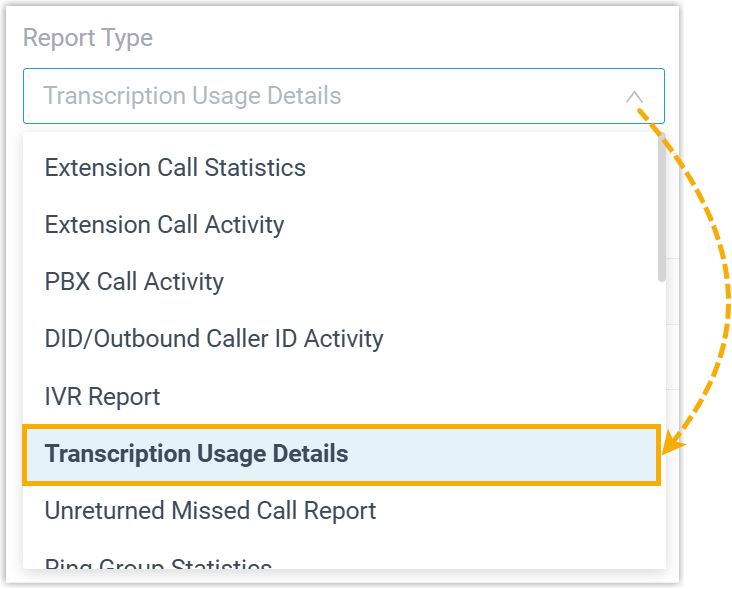
- In the Report Type drop-download list, select Transcription Usage Details.
- In the Time field, set the time range that
the report will cover.
The report that matches the filter criteria is displayed on the page, as shown below.
 Note: You can download the report as needed.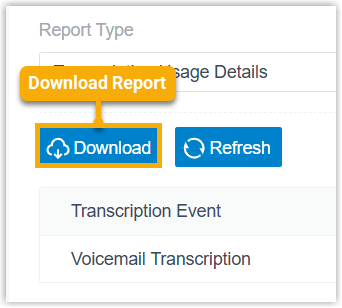
Report details
Refer to the table below for a detailed description of the report metrics.
| Metric | Description |
|---|---|
| Transcription Event | The type of transcription performed.
|
| Usage (mins) | The used transcription minutes within the specified time
period. Note: Any partial minutes are
rounded up to the next full minute. For example, if the
total usage is 3 minutes and 57 seconds, it will be recorded
as 4 minutes. |