Record a Call
Call Recording feature allows you to record calls and play back later to review and confirm information.
Requirements
System administrator has granted you the permission to record calls.
Procedure
During an active call, tap  (Record) on the call screen.
Result
- The call is being recorded, and a recording indicator icon is displayed on
the call screen.
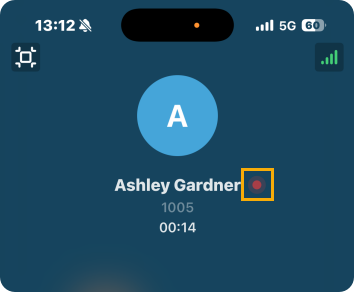
- Both sides may hear a voice prompt announcing that the call is now being recorded, this depends on system administrator's configuration.