Forward an Incoming Call to Voicemail
This topic describes how to forward an incoming call to your voicemail from the incoming call pop-up on Linkus Web Client.
Requirements
Make sure that PBX server and your Linkus clients meet the following requirements:| Item | Requirements |
|---|---|
| PBX Server |
|
| Linkus Web Client |
|
Procedure
- Forward an incoming call to voicemail while you are on the Linkus Web Client webpage
-
If an incoming call reaches your extension while you are on the Linkus Web Client webpage, click
 on the incoming call
pop-up.
on the incoming call
pop-up.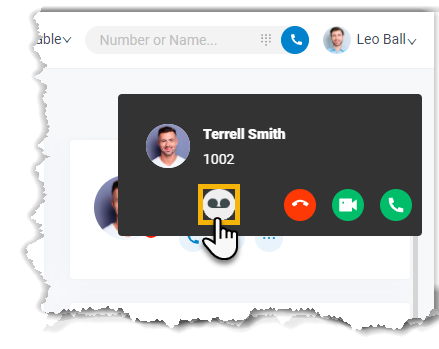
- Forward an incoming call to voicemail while you are not currently on the Linkus Web Client webpage
- If an incoming call reaches your extension while you are not currently
on the Linkus Web Client
webpage, you will receive a pop-up notification from web browser, do as follows.
- Click the push notification.
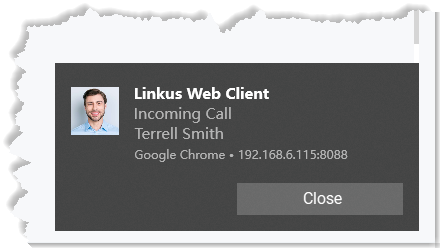
You will be redirected to Linkus Web Client.
- Click on the incoming call
pop-up.
- Click the push notification.
Result
The incoming call is forwarded to your voicemail.