Automatically Switch Agent Status Based on Extension Presence on Linkus Web / Desktop Client
This topic describes how to set your agent status to automatically change along with your extension presence on Linkus Web Client or Desktop Client.
Procedure
- Log in to Linkus Web Client or Desktop Client, go to .
- On the status bar, select a presence status to edit.
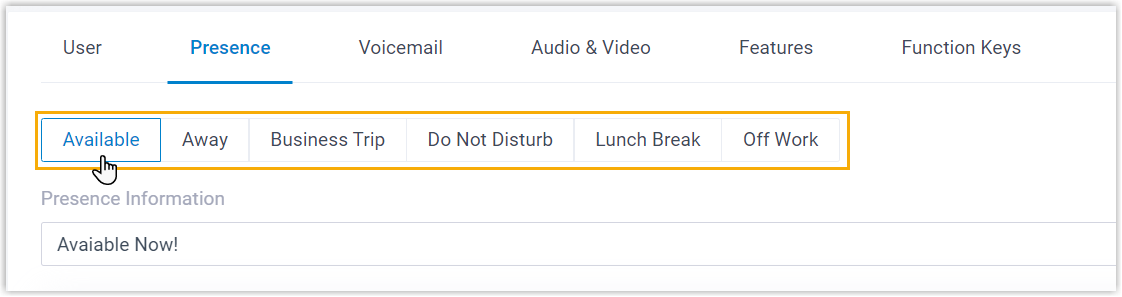
- Scroll down to the Options section, then select an
action in the Agent Status Auto Switch drop-down list.
Option Description Log In When your extension changes to the presence status, you will automatically log in to all the queues to which you belong. - Dynamic agent: Log in to the queues.
- Static agent: Resume receiving calls from the queues.
Log in to Last Queues When your extension changes to the presence status, you will automatically log in to all previously logged-in queues. - Dynamic agent: Log in to the queues.
- Static agent: Resume receiving calls from the queues.
Log Out When your extension changes to the presence status, you will automatically log out from all the queues to which you belong. Note: The logout operation is only available for dynamic agent.Pause When your extension changes to the presence status, you will automatically pause receiving queue calls. Note: You can select a specific pause reason in the Pause Reason drop-down list.
Do Nothing When your extension changes to the presence status, your agent status in the queues remains unaffected. - To configure the agent status auto-switch for more presence status, repeat Step 2 - 3.
- Click Save.