Add a Tool via File Upload
This topic describes how to add a custom tool by uploading a JSON file to the PBX.
Prerequisites
Before you begin, prepare a valid JSON file that contains the complete configuration
of the desired tool.
Note:
- The file size must not exceed 1 MB.
- You can obtain a valid JSON file by either of the following methods:
- Download an existing tool from the PBX.
- Copy the JSON configuration from Demo Tools
and save it as a
.jsonfile, or directly download the corresponding JSON file.
- The system validates the file upon upload. Make sure the file content is valid and the tool name is unique.
Procedure
- Log in to PBX web portal, go to .
- Click Upload.
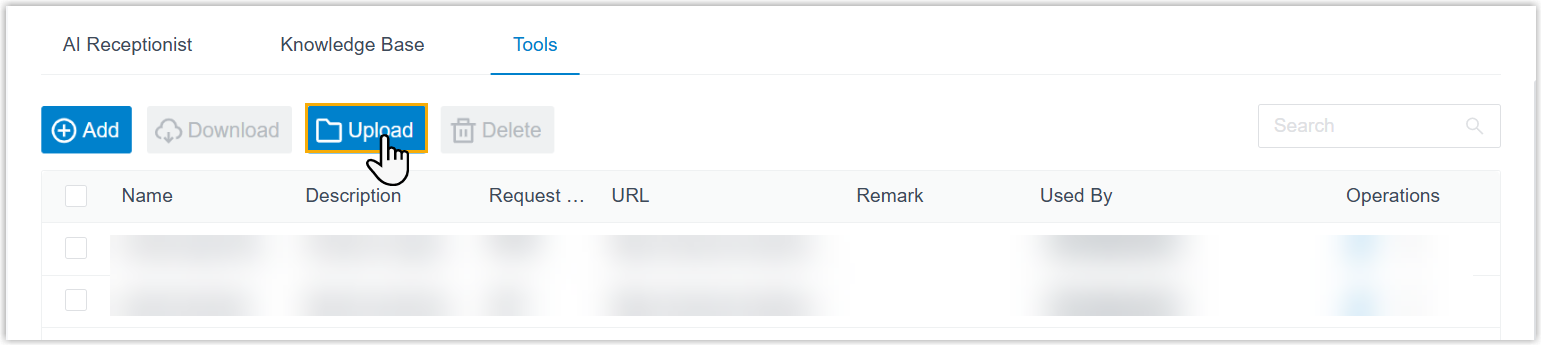
- Select the desired JSON file from your computer, then click
Open.Note: You can upload up to 10 JSON files at a time.
Result
The system automatically parses the selected JSON file and creates the tool upon successful upload. You can see the uploaded tools displayed in the list.
What to do next
Assign the tool to an AI receptionist and test it in a conversation.