Switch Tenant Theme
NovoOne allows you to switch the Tenant Portal theme between light and dark modes. You can select a specific mode manually or configure the portal to follow your web browser's theme setting.
Procedure
- At the top-right corner of the NovoOne Tenant portal, click your account.
- In the Theme menu, select a desired option.
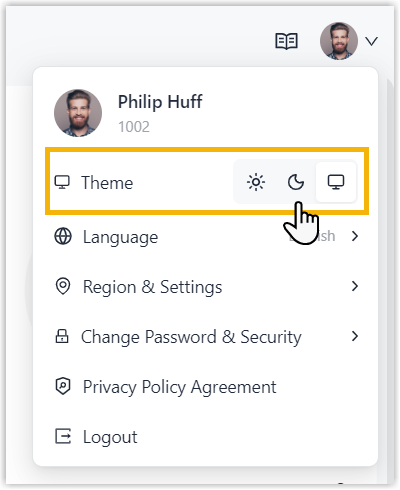
 : Light mode.
 : Dark mode.
 : Follow browser setting.
Result
The corresponding theme is applied to your Tenant portal immediately.