Log out of Tenant Portal
For security reasons, you should log out of Tenant portal when you are not using it.
Introduction
NovoOne automatically logs your account out of Tenant portal in
the following scenarios to help protect your account:
- No operations are performed on the portal for 2 hours.
- Continuous work on the portal for 12 hours.
As a best practice, we recommend that you manually log out when you don't need to work on it.
Procedure
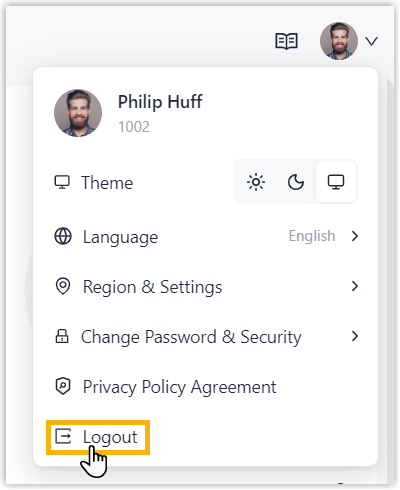
- At the top-right corner of the NovoOne Tenant portal, click your account.
- Click Logout.
Result
You are logged out of the Tenant portal.