Export and Import Company Contacts
This topic describes how to export and import company contacts in NovoOne tenant.
Export company contacts
You can export company contacts to a CSV file for backup or to update contact information in bulk.
- Log in to NovoOne Tenant portal, go to Company Contacts.
- At the top of the list, click Export.
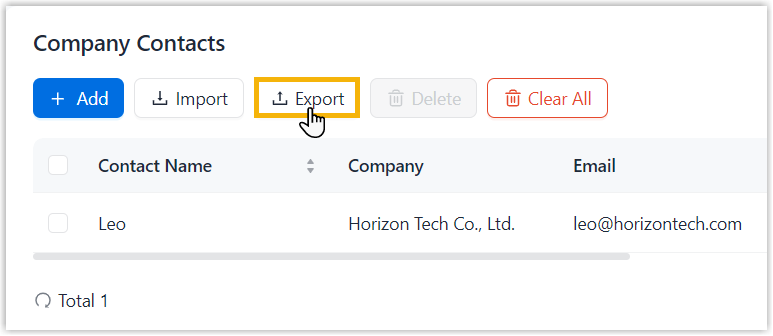
A CSV file is downloaded to your computer. For more information about parameters in the CSV file, see Company Contacts Parameters.
Import company contacts
You can download the CSV template file, add new company contacts to it, and then import the file to the Tenant portal to add contacts in bulk.
- Requirements
- The imported file must meet the following requirements:
- Procedure
-
- Log in to NovoOne Tenant portal, go to Company Contacts.
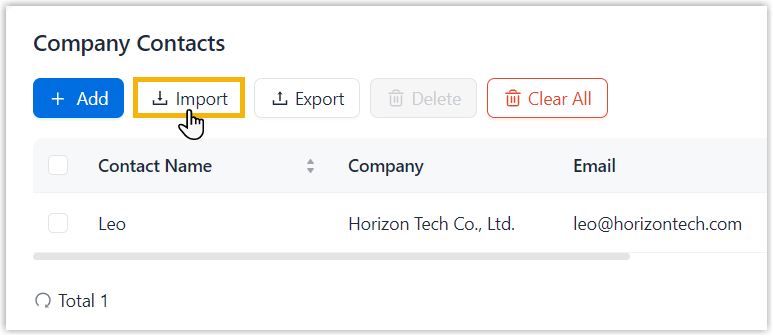
- At the top of the list, click
Import.
- In the pop-up window, perform the following operations.
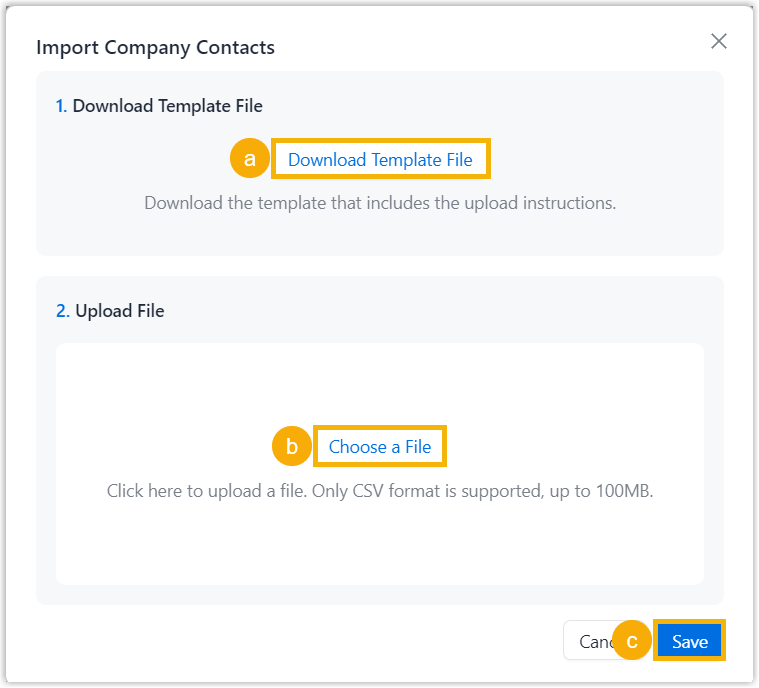
- Click Download Template File to download the CSV template and add company contacts in it.
- Click Choose a File to upload the completed template file.
- Click Save.
- Result
-
The imported contact data is displayed in the Company Contacts list.