View Outbound Campaign Details on Wallboard
Yeastar Outbound Call Center provides a campaign wallboard for outbound call center managers on Linkus Web Client and Desktop Client to see statistics and other details of a specific active outbound campaign.
Requirements
- PBX Server: Version 83.20.0.21 or later
- Linkus Desktop Client: Version 1.10.2 or later
Prerequisites
- You are a queue manager of one or multiple outbound queues.
- You have the permission to access Linkus Web Client or Desktop Client.
Procedure
- Log in to Linkus Web Client or Desktop Client, go to .
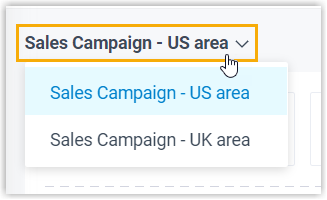
- At the top-left corner of the wallboard, select the campaign the you want to
check.
- Check the campaign details as needed.
- Campaign overview
- Provides the basic information of the campaign.

Widget Description Status The current status of the campaign.  : To be
improved. The contacts list is empty and needs to
be completed.
: To be
improved. The contacts list is empty and needs to
be completed. : To be
Started. The campaign will start at a scheduled
time.
: To be
Started. The campaign will start at a scheduled
time. : In Progress.
The campaign is in progress.
: In Progress.
The campaign is in progress. : Paused. The
campaign is paused.
: Paused. The
campaign is paused.
Campaign Time The start and end time of the campaign. Dialer Mode The type of dialer used in the campaign. Ongoing Calls The number of calls that are still in progress or not yet completed. Scheduled Callbacks The number of callbacks scheduled by agents. - Key Metrics
- Provides an overview of key metrics that are essential for evaluating campaign performance.

- Call logs
-
Displays the list of contacts to be dialed, the real-time records and details of campaign calls, categorized by the following statuses, and the DNC contacts added by agents.
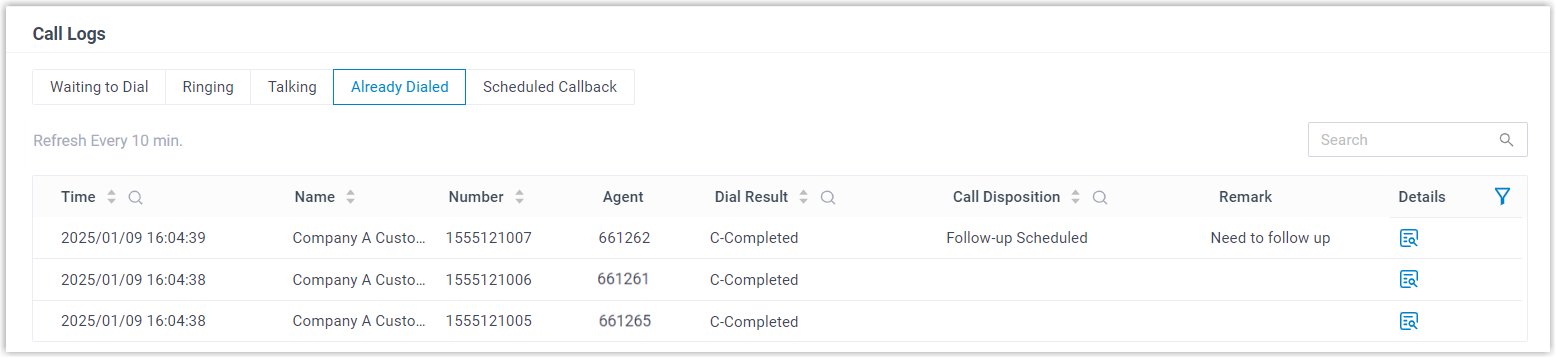
Status Description Waiting to Dial The list of contacts waiting to be dialed. Ringing The calls that are in ringing status. Talking The calls that are currently in progress. Already Dialed Calls that have been dialed, either succeeded or not. Note: You can click beside the
call log to check the call details.
beside the
call log to check the call details.Scheduled Callback The callbacks requested by agents in the campaign. Do Not Call The DNC contacts added by agents in the campaign. - Outbound Call Result Statistics
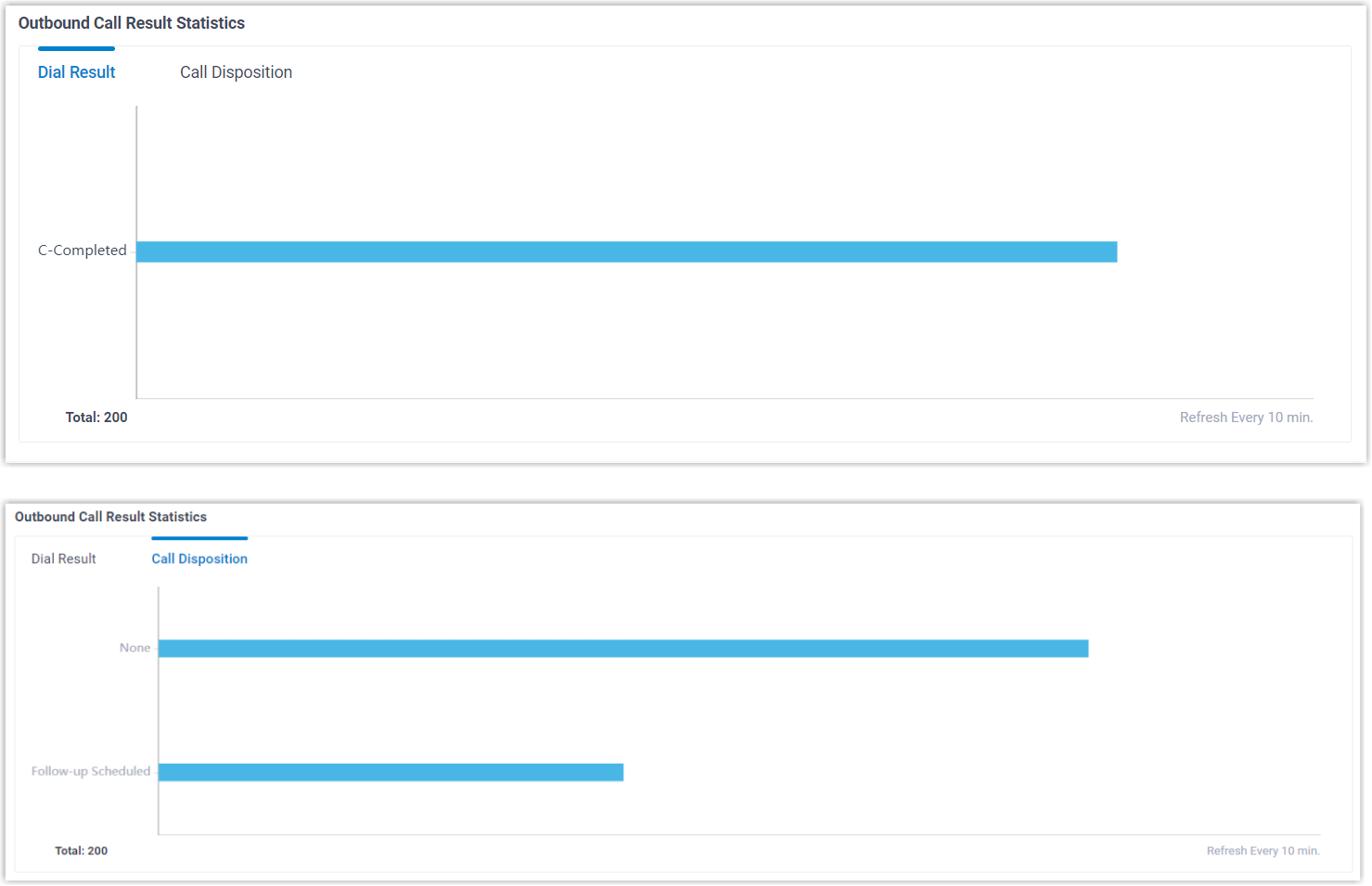
- Provides statistics on the outbound campaign calls, including dial results and call dispositions, to give insight into the effectiveness of the campaign.
- Agent list
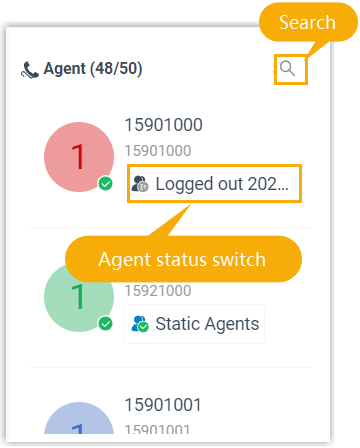
- Displays the list of agents serve for the campaign. You can quickly search desired agents, or switch the status for agents (log in/out and pause/unpause) directly on this panel.