Control Door Access via Linkus Clients
After registering PBX extensions with intercom devices, you can further configure ringing and preview strategy for the extensions to allow the extension user to control door access (including answering visitor calls, previewing live video and remotely unlocking the door) via Linkus clients. This topic describes the configuration process to achieve this.
Prerequisites
- To use Linkus clients for video preview, make sure that the PBX has subscribed to Ultimate Plan.
- You have associated the Akuvox intercom devices (both door phone and indoor monitor) with the PBX using one of the flowing methods:
- The Linkus clients registered with the same extension as the indoor monitor has been signed in.
Procedure
Step1. Configure simultaneous ringing strategy
You can configure simultaneous ringing strategy for the extension registered on the Akuvox indoor monitor, allowing the extension user to answer visitor calls and remotely unlock the door via Linkus clients.
- Log in to PBX web portal, go to .
- Click
 beside the extension registered on the Akuvox indoor monitor.
 - On the extension configuration page, click the Presence tab.
- In the Ring Strategy section, select the desired
endpoints to ring simultaneously.

- Click Save and Apply.
Step2. Configure live video preview
You can configure video preview strategy for the extension registered on the Akuvox door phone, allowing the called extension user can preview live video via Linkus clients.
- Log in to PBX web portal, go to .
- Click
beside the extension registered on the Akuvox door phone.
- On the extension configuration page, click Features tab.
- Scroll down to the Door Phone Application section,
complete the following settings.

- In the Video Preview drop-down list, select Enabled.
- Optional: In the Auto
Preview drop-down list, select Enabled.Note: Once enabled, the live video will be automatically displayed on the incoming call pop-up window or screen of the called extension user's Linkus clients.
- Click Save and Apply.
Result
- When a visitor places a call from the door phone to the indoor monitor, the
indoor monitor and the associated Linkus clients will ring
simultaneously.
Before answering the call, the called extension user can click
 on the incoming call pop-up window or
screen to preview the live video feed from the door phone.
on the incoming call pop-up window or
screen to preview the live video feed from the door phone.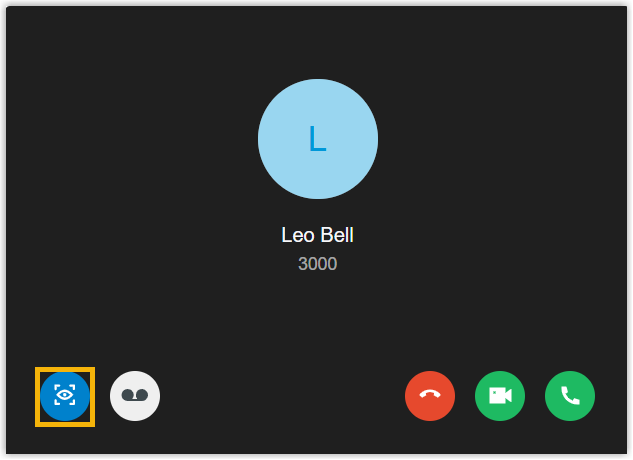 [
[ - During the call, the called extension user can open
the door by dialing a DTMF code
0via the Linkus clients.Note: You can customize the DTMF code on the Akuvox door phone's web interface (Path: ).